
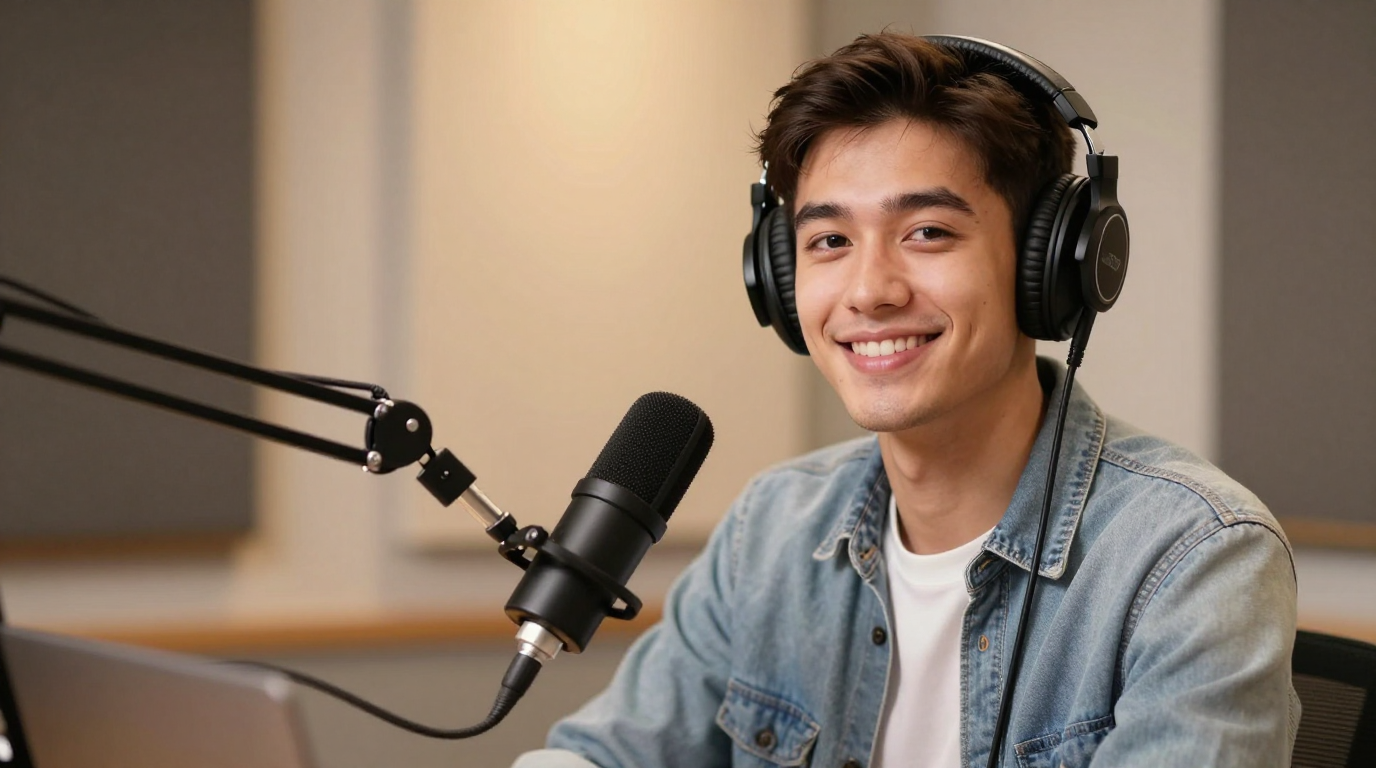
Pengesahan
Ubah satu gambar menjadi video berbicara dengan sinkronisasi bibir, suara, dan gerakan wajah alami. Buat foto berbicara untuk klip sosial, penjelasan produk, dan konten pembuat konten tanpa membuat film dari awal.
Langkah 1/3
Pilih wajah
Ikuti langkah berikutnya untuk terus membuat video Anda.
Dipercaya oleh tim
Generator foto berbicara AI mengubah potret diam menjadi video yang menampilkan wajah yang berbicara. Sebagian besar pengguna yang menelusuri istilah ini menginginkan jalur sederhana: unggah satu gambar, tambahkan teks atau audio, dan ekspor video berbicara.
Alur kerja foto berbicara yang baik harus memperjelas langkah berikutnya: memilih gambar, menambahkan suara, melihat pratinjau hasilnya, dan mengekspor video. Itu juga terhubung secara alami dengan Sinkronisasi bibir AI, membuat foto bernyanyi dan kloning suara.
Pameran foto berbicara
Ubah potret menjadi klip pembicaraan untuk para pendiri, dukungan, dan pengumuman.
Pengesahan
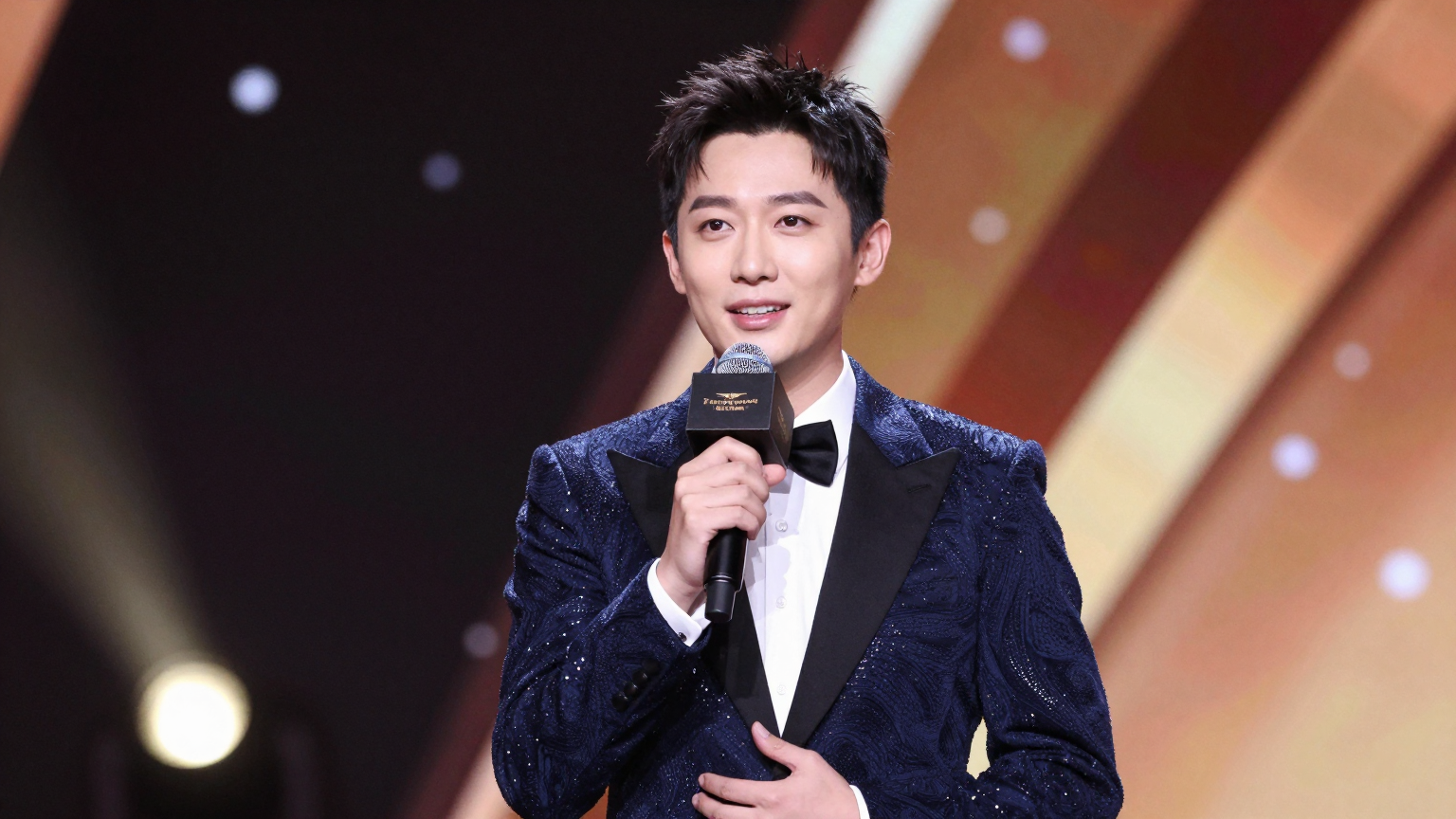
Seri
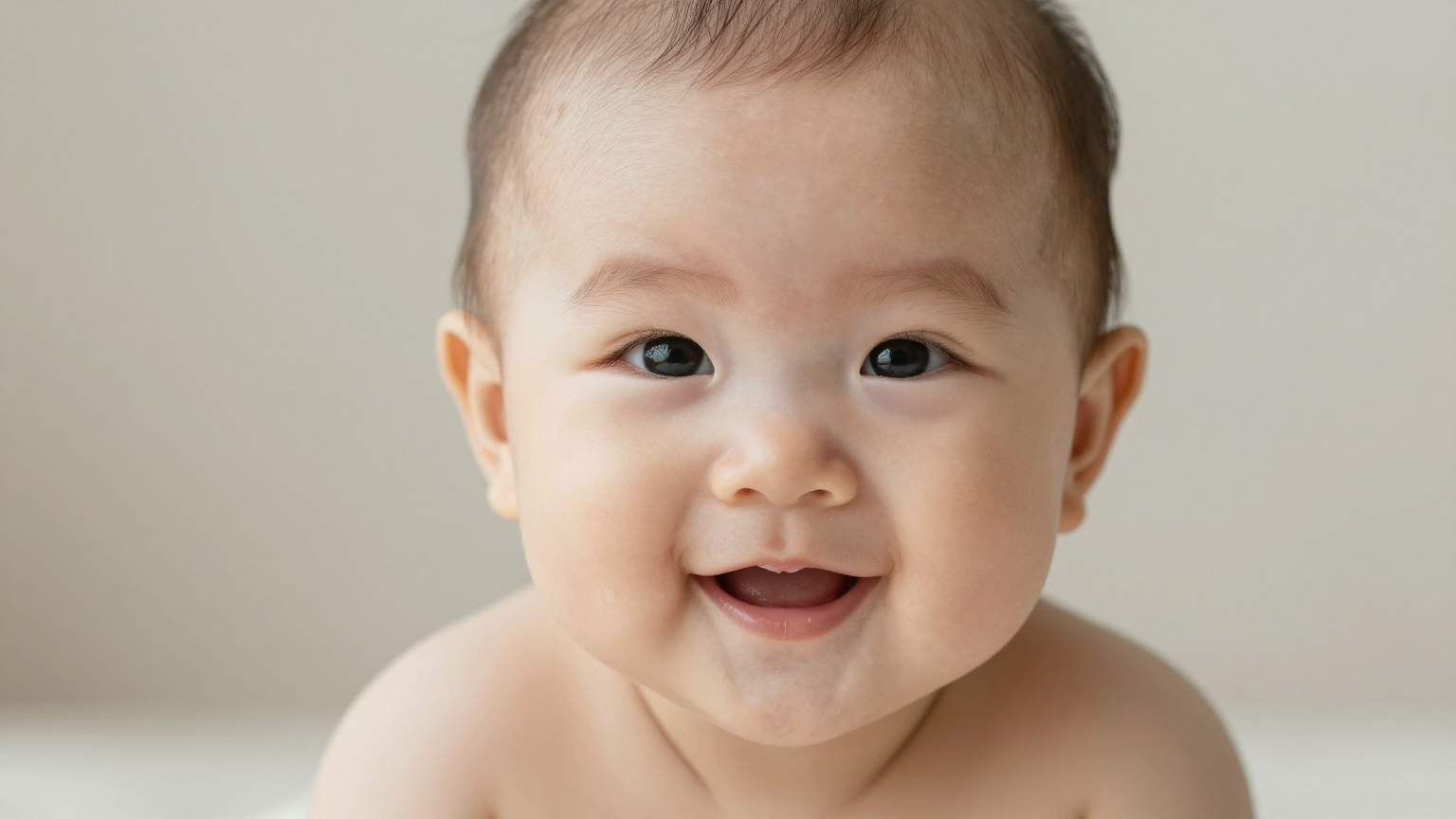
Tren
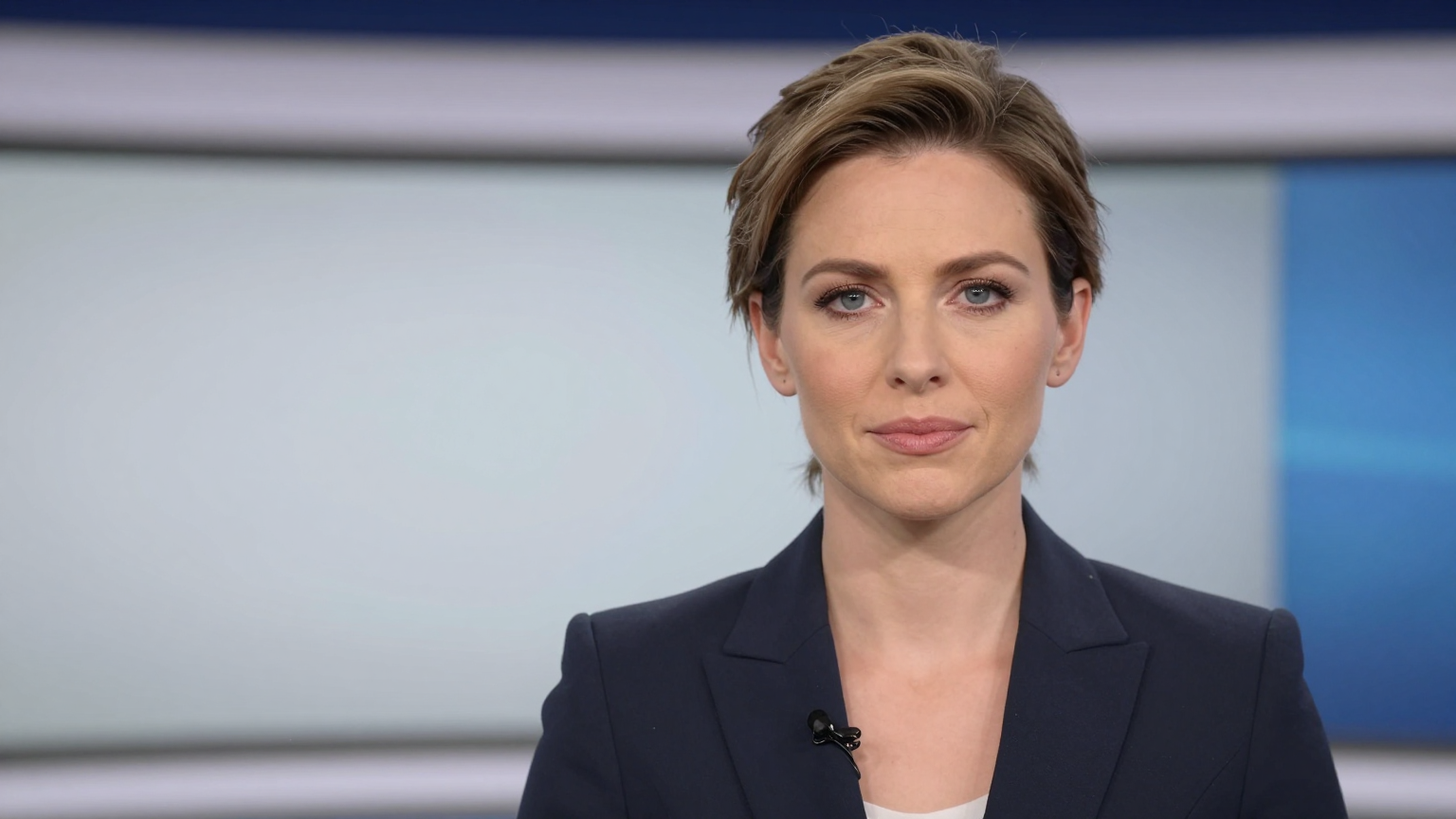
Berita
Demo
Dibuat untuk pengguna yang ingin menganimasikan satu gambar menjadi video berbicara tanpa pengambilan gambar penuh.
Mulai dari skrip, sulih suara, atau rekaman klip tergantung seberapa cepat Anda perlu mempublikasikannya.
Fokus pada hasil yang benar-benar diperhatikan pengguna: pengaturan waktu bicara yang jelas, gerakan mulut yang stabil, dan animasi wajah yang dapat dipercaya.
Ekspor video foto berbicara untuk media sosial, halaman produk, penjelasan, pelatihan internal, atau konten pembuat.
Pasangkan pembuatan foto berbicara dengan alur kloning atau sulih suara suara ketika kebutuhan visual yang sama dapat diterapkan di berbagai pasar.
Alur kerjanya sederhana: mulai dengan satu gambar, tambahkan teks atau audio, lalu buat video berbicara yang dapat Anda gunakan kembali.
Gunakan gambar headshot, selfie, avatar, atau karakter dengan wajah terlihat jelas.
Tempelkan teks untuk menghasilkan ucapan atau unggah narasi Anda sendiri untuk kontrol waktu langsung.
Pratinjau sinkronisasi bibir, ekspor foto berbicara, dan gunakan kembali di media sosial, halaman arahan, atau alur kerja produk.
Buat foto berbicara untuk konten TikTok, Reel, Shorts, dan meme
Ubah foto pendiri menjadi video pembaruan produk mingguan
Jadikan foto testimoni pelanggan berbicara di halaman arahan berbayar
Menganimasikan maskot, avatar, atau juru bicara virtual dari satu gambar
Lokalkan foto percakapan yang sama dengan suara baru untuk pasar berbeda
Buat penjelasan ringan saat Anda tidak ingin pengambilan gambar studio penuh
Foto berbicara sering kali berada di samping alur kerja sinkronisasi bibir, nyanyian foto, kloning suara, dan sulih suara. Gunakan alat terkait di bawah ini ketika proyek Anda memerlukan gaya masukan atau keluaran yang berbeda.
Sebelum membelanjakan kredit, periksa kualitas contoh, harga, dan apakah gambar sumber Anda memiliki tampilan yang jelas. Anda dapat meninjau pricing Dan studio.
Gunakan potret menghadap ke depan dengan bibir terlihat jelas, pencahayaan bagus, dan keburaman minimal. Avatar yang bergaya juga bisa digunakan, tetapi struktur wajah yang bersih biasanya memberikan gerakan yang lebih baik.
Generator foto berbicara AI mengubah gambar diam menjadi video berbicara dengan mencocokkan gerakan bibir, gerakan wajah, dan suara dengan skrip atau audio yang diunggah.
Ya. Anda dapat mengetikkan skrip, memilih suara, dan menghasilkan foto berbicara tanpa merekam audio terlebih dahulu.
Gunakan potret menghadap ke depan yang jernih dengan pencahayaan bagus, mulut terlihat jelas, dan keburaman gerakan minimal. Gambar sumber yang bersih biasanya menghasilkan sinkronisasi bibir yang lebih stabil.
Ya. Anda dapat mengunggah audio untuk sinkronisasi bibir langsung atau memulai dari teks dan menggunakan suara bawaan untuk iterasi yang lebih cepat.
Ya. Foto berbicara biasanya digunakan untuk penjelasan produk, klip sosial, pembaruan pendiri, video orientasi, dan konten promosi yang dilokalkan.
Foto berbicara biasanya dimulai dari satu gambar yang sudah ada, sedangkan video avatar AI mungkin menggunakan presenter yang dibuat sepenuhnya atau karakter bergaya studio yang dapat digunakan kembali.