Marketing
Talking Photo AI Lip Sync
Turn a single portrait into a realistic talking video with AI lip sync. Talking Photo AI Lip Sync is ideal for social clips, product explainers, and short-form storytelling.
Talking Photo AI Lip Sync keeps expressions natural while staying lightweight for fast publishing.
1. Upload photo
1. Scegli un volto
2. Choose Model
3. Add Script
Instant script templates
One-click copy for greetings, celebrations, and announcements.
10
Unità di fatturazione5 credits / 5s
Unità di fatturazione2
Durata stimata9s
Totale stimato10 credits
Utilizza la durata audio reale quando disponibile.
105 / 1000
10
Passo 1/4
Scegli un volto
Segui il passo successivo per continuare a creare il tuo video.
10
Tempo medio di rendering
7 min
Lingue supportate
50+
Creatori a bordo
3.200+
Utilizzato da team
StudioBlendAudioNovaCourseWaveMintlyVisionSpark
Talking photo showcase
Photo-to-video transformations
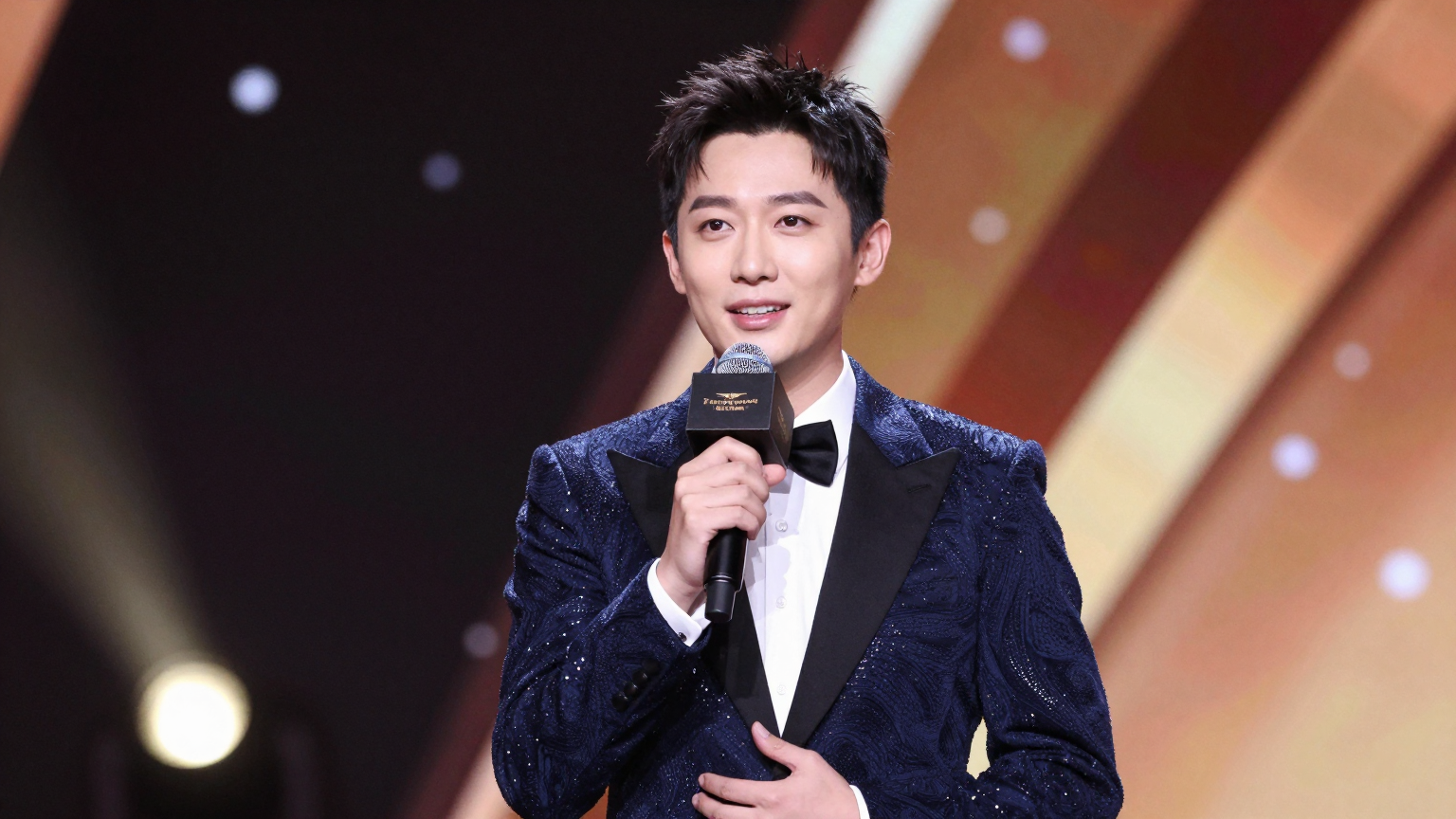
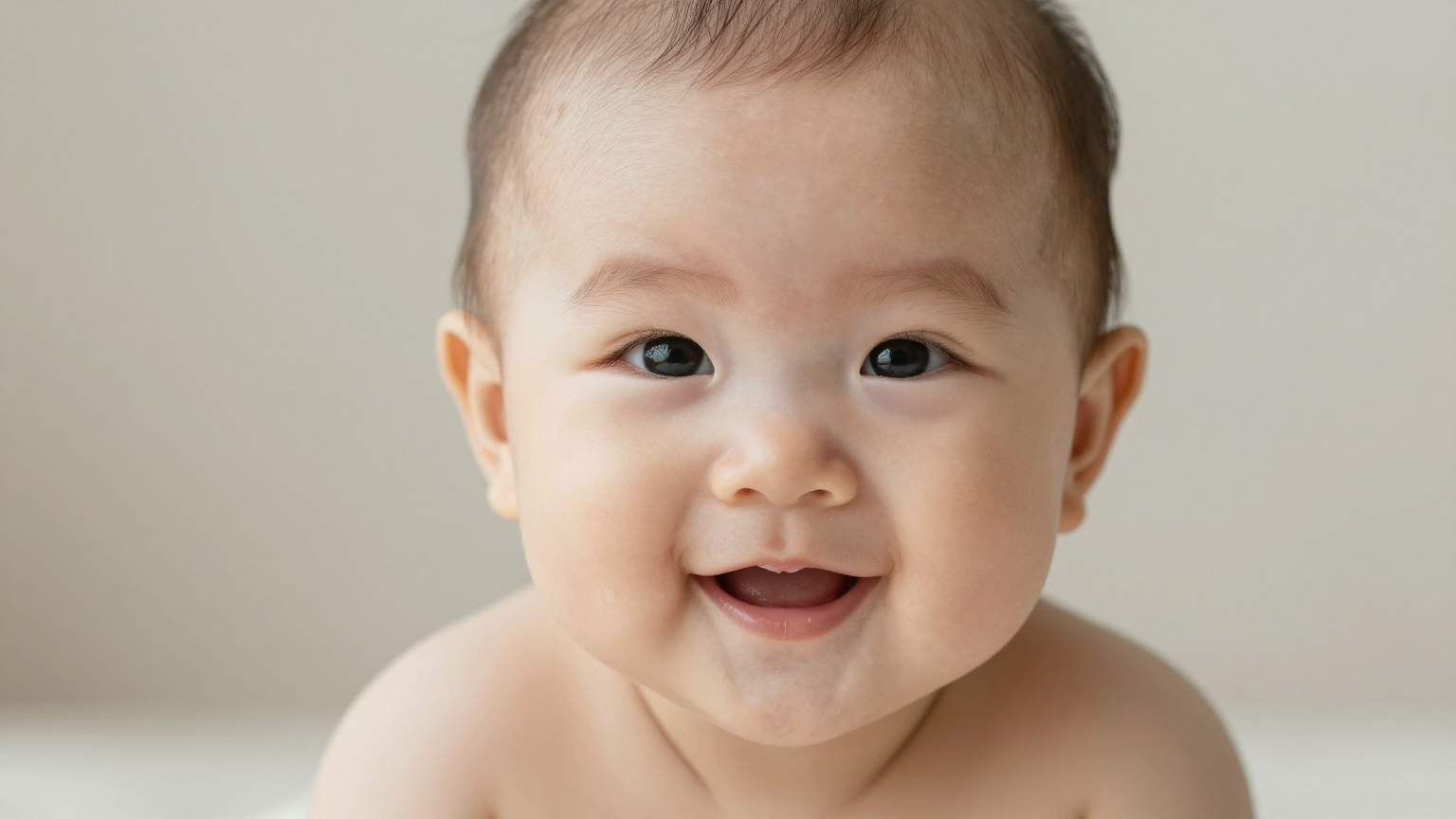
Turn portraits into talking clips for founders, support, and announcements.
Series
Website
Localization
Trends
Talking Photo AI Lip Sync keeps portraits expressive with minimal setup time. Talking Photo AI Lip Sync is ideal for creators who need fast iteration without complex editing.
Related creative workflows
Talking photo intent often overlaps with motion-led content. If the search is really about turning a portrait into a dance-style social clip, the stronger supporting pages are AI Dance Video, AI Dance Generator, Photo Dance AI, and Image to Dance Video.
Use Cases
Built for quick, lightweight videos when you only have a photo.
Founder Updates
Turn a headshot into short product or company updates.
Product Explain‑It Clips
Explain a feature with a single image and a tight script.
Event Announcements
Promote webinars or launches without scheduling a shoot.
Customer Stories
Pair a testimonial photo with a clear voiceover.
Frequently asked questions
What is Talking Photo AI Lip Sync?
It turns a single portrait into a talking video by syncing a script or audio to the mouth.
What kind of photos work best?
Use clear, front-facing portraits with visible mouths and good lighting for the best results.
Can I use my own audio?
Yes. You can upload audio or type a script and choose a voice.
How long can the clip be?
Short-form clips render quickly, and longer clips are supported depending on plan limits.
Do you support multiple languages?
Yes. You can generate talking photo videos in 50+ languages.
Can I change the aspect ratio?
Yes. You can choose vertical or horizontal output depending on your use case.
What file formats are supported?
Common image formats like JPG and PNG are supported for upload.
Do I own the output video?
You retain rights to your uploads and outputs, provided you have rights to the source image.
Is there an API for automation?
Yes. API access is available for teams that want to automate generation.
How does pricing work?
Pricing is typically per second of generated video. See the pricing page for current rates.