
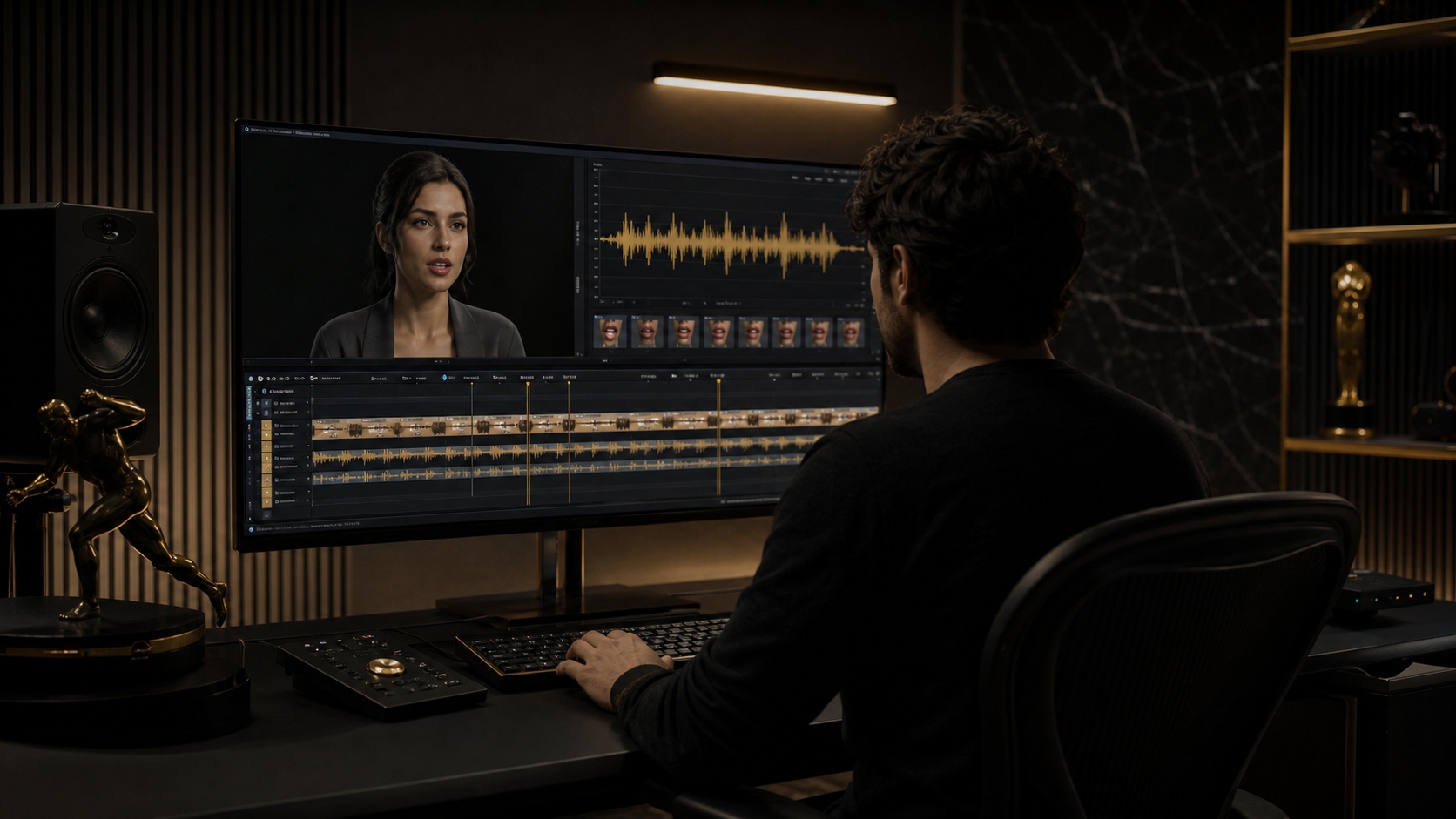
AI Lip Sync for YouTube: A Practical Localization Workflow for 2026
Highlights
- AI lip sync for YouTube is most useful when you already have a strong video and want the dubbed version to feel watchable, not obviously repurposed.
- As of May 19, 2026, YouTube supports multi-language audio tracks for eligible creators, which means you can attach extra spoken tracks to one video instead of re-uploading the same edit again and again.
- YouTube also offers automatic dubbing for some creators, but the practical decision is still the same: review pronunciation, pacing, and emotional fit before you publish.
- Lip sync matters most on talking-head videos, tutorials, interviews, explainers, and sales demos where the audience is staring at a speaker's face for most of the runtime.
- A clean localization workflow usually beats a “translate and hope” workflow. Better script timing, better audio, and one review pass can protect retention.
If your YouTube dubbing workflow stops at translation, the final video often feels off within the first ten seconds. The words may be correct, but the mouth, pauses, and pacing tell viewers it was repurposed. That mismatch is exactly where AI lip sync starts to matter.
For YouTube creators in 2026, the real opportunity is no longer “Can I reach another language?” It is “Can I localize fast enough without making the dubbed version feel cheap?” YouTube now documents support for multi-language audio tracks and has expanded automatic dubbing, but those tools do not remove the need for editorial review.
This guide focuses on the practical layer between translation and publishing: when AI lip sync helps, where it breaks, and how to build a workflow that still feels like your channel.
Why YouTube creators care about lip sync now
Adding another language used to mean a second channel, a second upload pipeline, and a lot of manual coordination. Multi-language audio changes that. If you are eligible, one YouTube upload can now carry multiple spoken tracks, which makes localization operationally easier.
That shift raises the quality bar. Once viewers can switch tracks inside one video, they compare the dubbed experience more directly with the original. If the translated audio sounds flat or the mouth movement feels disconnected, watch time suffers faster because the viewer did not opt into “experimental localization.” They expected a usable version of the same content.
AI lip sync helps most when:
- the speaker stays on screen for long stretches
- the original video is framed clearly enough for mouth movement to matter
- the dubbed language has different sentence length or cadence from the source
- you want to keep the original edit, thumbnails, and analytics surface intact
It matters less when your video is mostly screen capture, B-roll, slides, gameplay, or motion graphics with only brief face time.
What AI lip sync improves compared with plain dubbing
The main win is not novelty. It is friction reduction for the viewer.
Plain dubbed audio often creates three problems:
| Approach | What works | What usually breaks |
|---|---|---|
| Subtitle-only localization | Fast, cheap, easy to test | Many viewers still prefer native audio |
| Dubbed audio without lip sync | Faster production than studio dubbing | Mouth mismatch is obvious on close-up shots |
| AI lip sync plus dubbed audio | Better visual cohesion and more natural delivery | Still needs review for timing and pronunciation |
When the speaker says a short sentence in English and the Spanish, German, or Japanese version runs longer, AI lip sync gives you a way to make the visible delivery feel less mechanical. It does not magically fix a bad translation or weak audio. It makes a good dubbed track look more believable on screen.
That distinction matters. AI lip sync is a finishing layer, not a substitute for script judgment.
A practical YouTube workflow that holds up
The most reliable workflow is simple:
- Start with a clean source video where the speaker's face is visible and well lit.
- Rewrite the translated script for spoken timing, not literal sentence matching.
- Generate or record clean dubbed audio with natural pauses.
- Run lip sync on the final approved audio, not on an early draft.
- Review the rendered result before attaching it to YouTube or exporting a separate version.
The part most creators skip is step two. Literal translations often become longer, stiffer, and harder to speak. If you shorten awkward clauses before lip sync, the final video usually looks better without touching the edit.
For channels producing tutorials, product demos, or education content, it also helps to keep a lightweight localization checklist in the same place you manage publishing. Inside LipSyncX Studio, that usually means locking the source cut first, then handling dubbed audio and lip sync as one downstream task instead of mixing translation decisions into editing revisions.
Use YouTube multi-language audio when the core video is the same
YouTube's multi-language audio feature is the cleanest option when the picture edit stays the same and only the spoken track changes. It keeps comments, watch history, and the core video entity together instead of fragmenting them across duplicate uploads.
That usually works well for:
- talking-head tutorials
- product walkthroughs
- founder videos
- online course lessons
- webinar clips
- channel explainers
It works less well when the localized version needs a different hook, different on-screen text, different pacing, or region-specific examples. In those cases, a separate localized upload can still make sense.
If your primary challenge is spoken delivery rather than full editorial re-cutting, AI lip sync is often the faster fix. If your challenge is market positioning, you may need a truly localized edit, not only a dubbed one.
Review the dubbed version like an editor, not a buyer
Before you publish, review the dubbed version on mute and with audio. Each pass catches a different failure.
On mute, check:
- does the mouth movement feel late or early?
- do pauses look natural?
- does the face stay consistent during emphasis?
With audio, check:
- are names pronounced correctly?
- does the emotional tone match the channel?
- do sentence endings land naturally, or feel cut off?
This is also where automatic dubbing needs adult supervision. YouTube's own dubbing rollout is important, but creator-side review is still what protects brand quality. The platform can help generate output; it cannot decide whether the final delivery sounds like your channel.
When LipSyncX is the right fit
If you need a browser-based workflow for dubbed talking videos, LipSyncX's AI video dubbing flow is strongest when you already know the job to be done:
- localize a creator video into another language
- make a product demo more watchable in dubbed form
- clean up a translated talking-head clip
- test multilingual YouTube distribution without building a second edit pipeline
The product bridge is straightforward: translation alone gets you a new script, but synchronized visual delivery is what makes that script feel intentional. If you are already planning a localization pass, it is worth comparing the viewer experience before and after lip sync instead of treating dubbing quality as “good enough.”
If you are still evaluating whether localization volume justifies the workflow, the faster decision path is not another abstract comparison table. It is one sample render. Take one existing talking-head video, one target language, one cleaned-up dubbed script, and test the output.
A better way to think about YouTube localization
The strongest YouTube localization strategy is not “translate everything into every language.” It is “localize the videos that already earn attention, then improve the dubbed experience enough that viewers keep watching.”
That is why AI lip sync for YouTube matters now. Multi-language audio made distribution cleaner. Automatic dubbing made the category more accessible. But retention still depends on how believable the finished video feels once the viewer presses play.
If you want to test that workflow on a real creator clip, start with one tutorial, demo, or talking-head video inside LipSyncX, review the dubbed version carefully, and decide from the output, not the hype.