
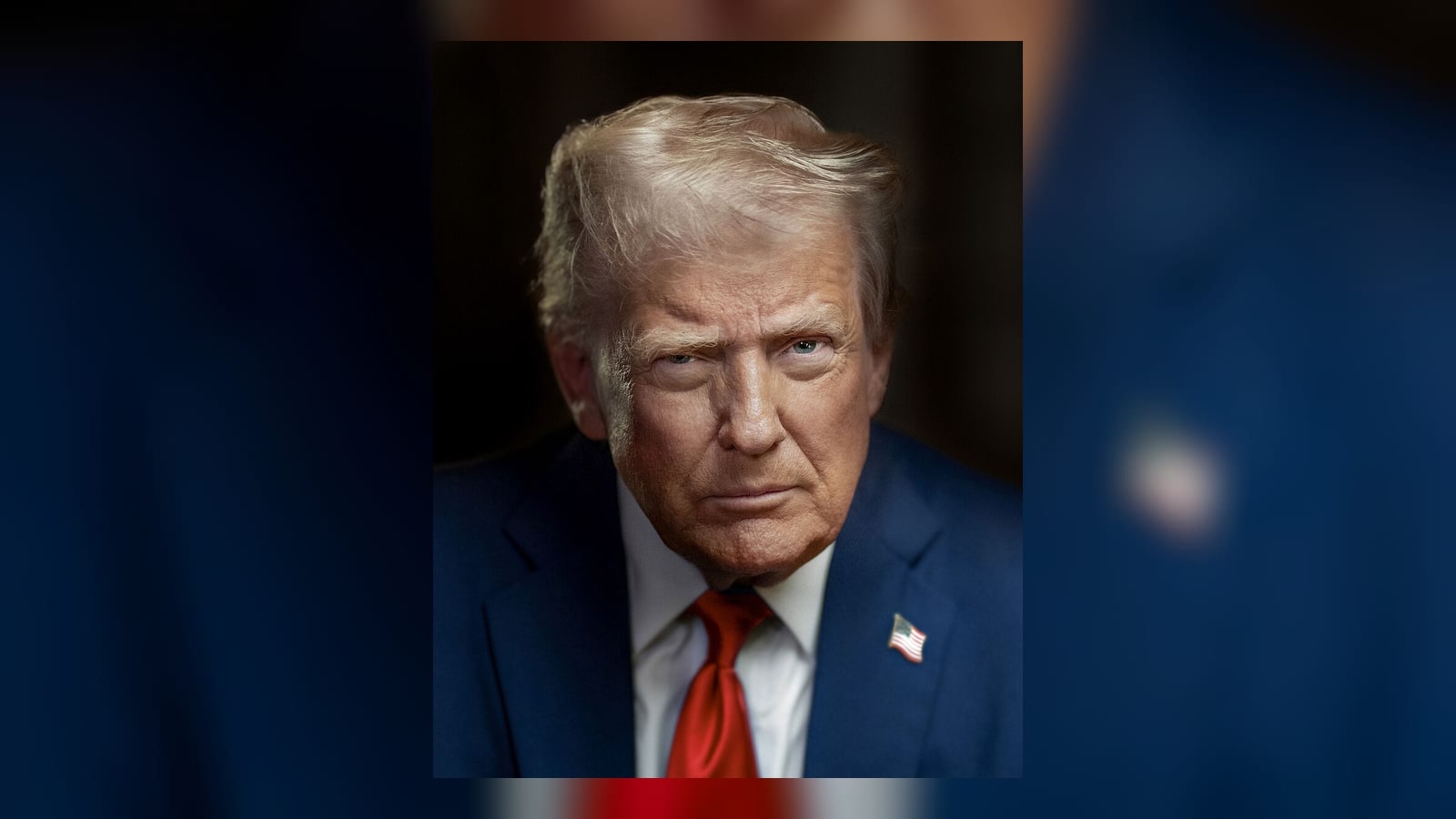
Birthday
Start from text instead of pre-recorded footage. Turn scripts into talking videos with generated voice, lip sync, and reusable presenter workflows for marketing, product, and creator content.
1. Choose a face
2. Model
3. Add your audio
Step 1/3
Choose a face
Follow the next step to keep building your video.
Trusted by teams
Showcase
See how Lip Sync AI turns photos, voices, and scripts into talking avatars, dubbed videos, singing clips, greetings, explainers, and localized ads.
Birthday
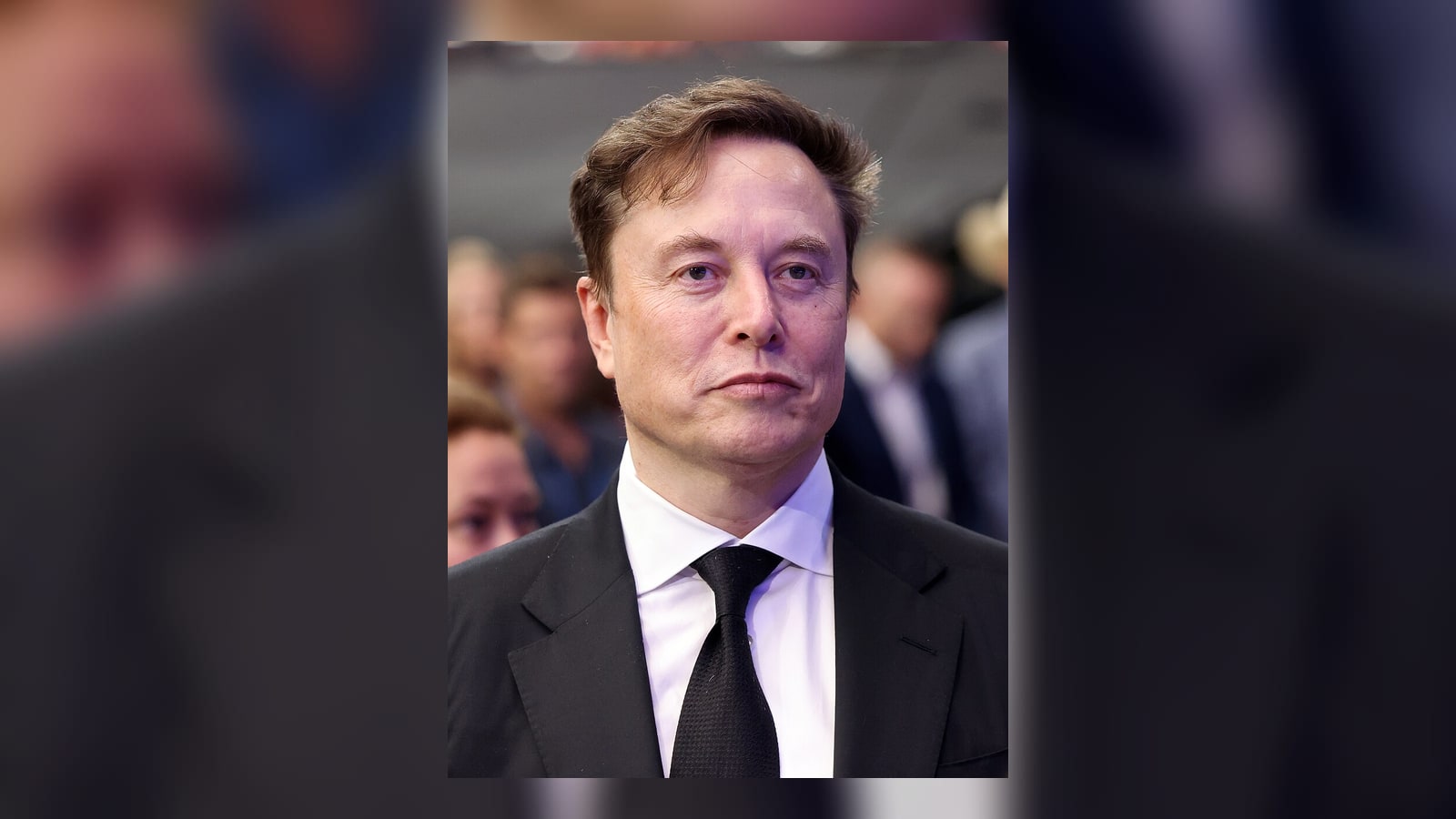
Launch
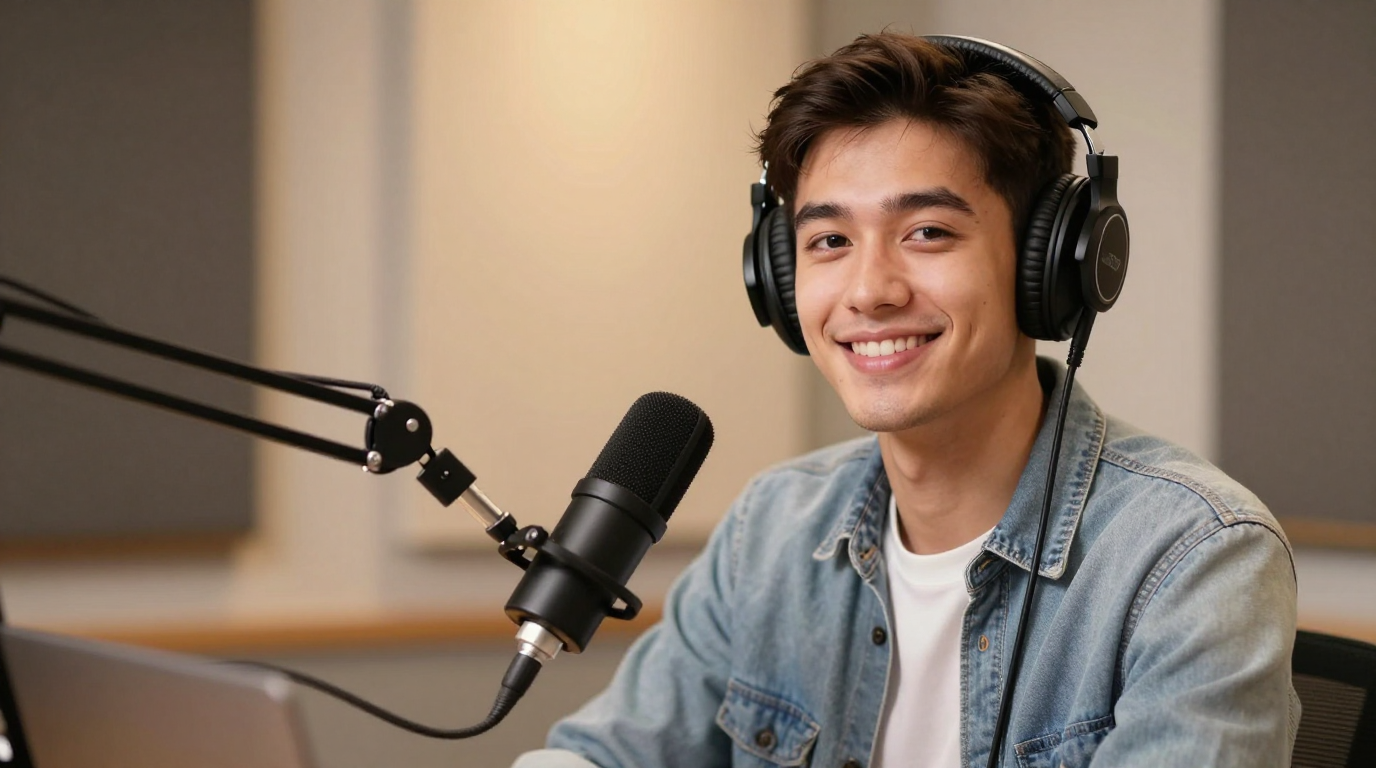
Endorsement
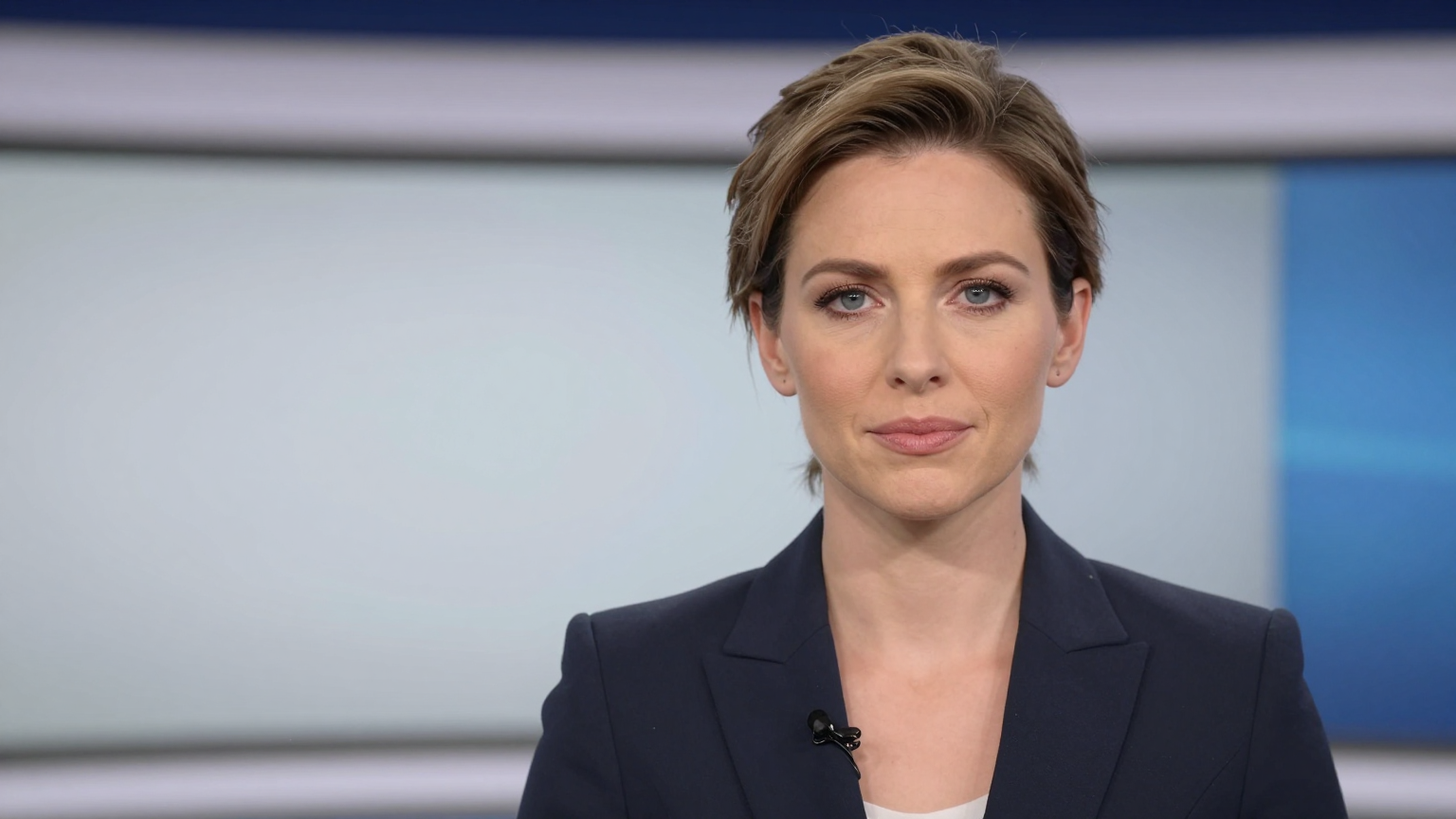
News

Celebration

Wedding
Useful when the script is the asset and you want to publish without filming.
Pair text with generated speech or later swap in your own audio for tighter control.
Script changes are easier than reshoots, so you can test hooks, offers, and messages before rendering the final video.
Script-first users often continue into AI talking photo generator, AI talking photo generator, and AI lip sync.
Script to video AI takes written text and turns it into a voiced video workflow, usually with generated speech, timing, and a visual presenter or talking image.
Creators, marketers, founders, educators, and SaaS teams often search this term when they want fast content without recording on camera.
Yes. A script can be paired with a talking photo, avatar, or other reusable visual format to turn text into a speaking video.
Yes. Script-driven workflows are useful because you can refine messaging quickly before generating the final voice and video output.