Best Free AI Lip Sync Tools in 2026: What Is Actually Free?
As of May 20, 2026, “free AI lip sync” still means at least four different things: open-source code, capped browser demos, subtitle-first translators, and limited free tiers inside paid products. That matters because most creators are not looking for ideology. They are looking for one honest test path that exports a usable clip before they spend money.
- Best free AI lip sync tools are easiest to compare when you ask what the free path can actually export.
- Wav2Lip is still the clearest open-source reference point for real lip sync, but it is not a plug-and-play choice for non-technical teams.
- Descript, HeyGen, VEED, and CapCut all have useful free entry points, but those entry points solve different jobs.
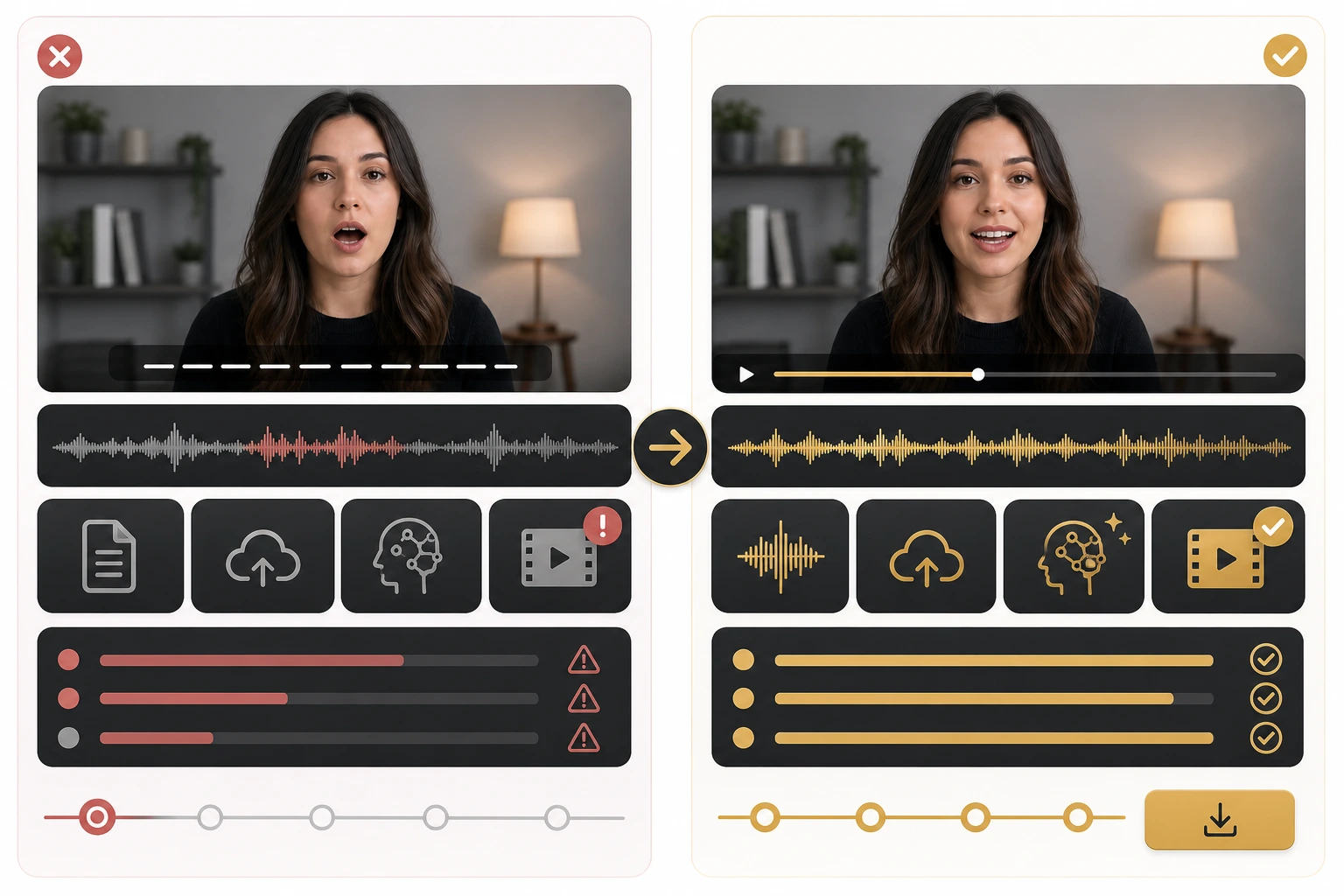
- The practical boundary is usually not “free or paid.” It is “caption translation, dubbed speech, or face-aligned lip sync?”
- If you need repeatable publishing instead of one experiment, the better comparison is between a free test and a workflow you can actually review, queue, and budget.
What “free AI lip sync” usually covers
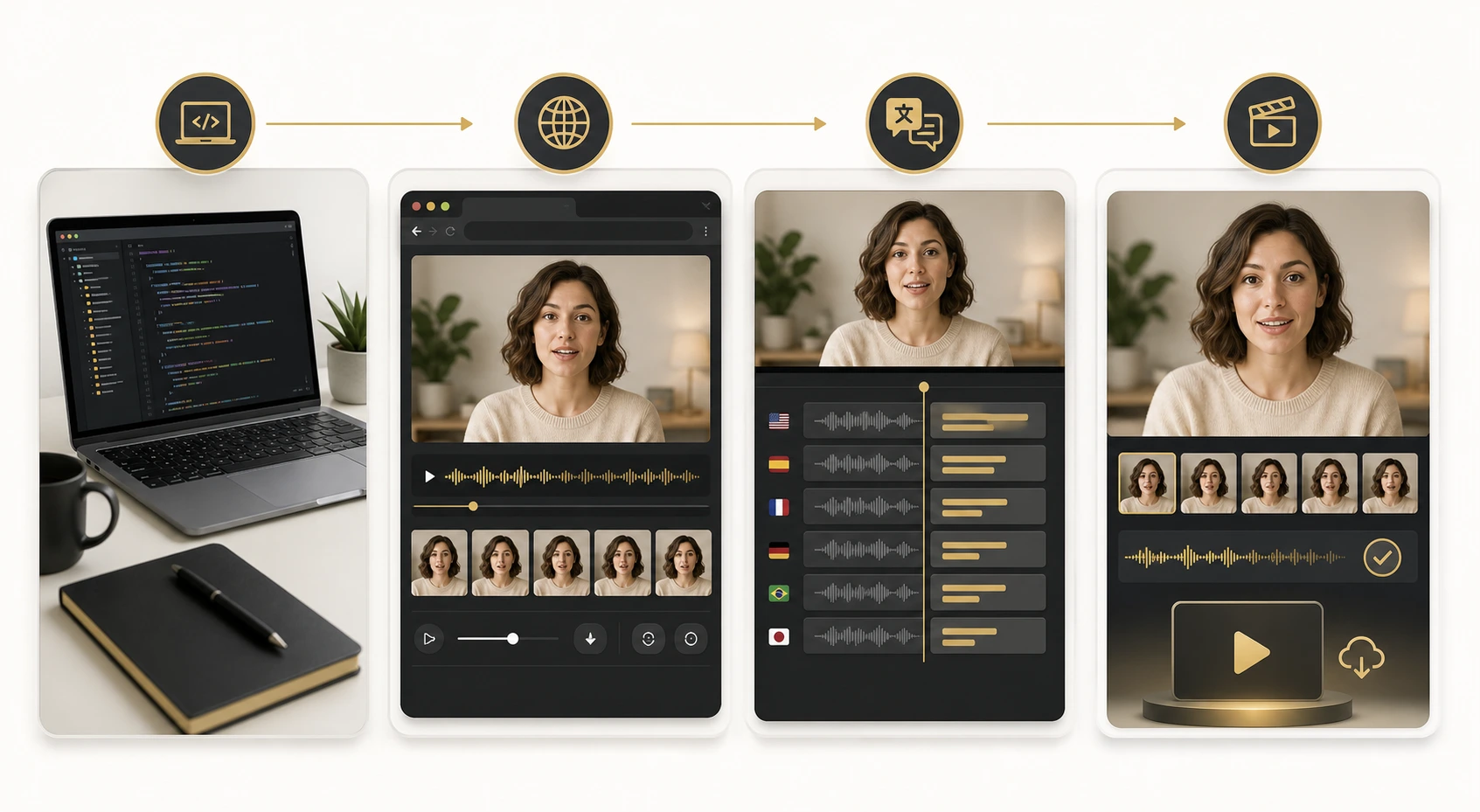
Before comparing tools, separate the category into the four free models that show up most often.
| Free access style | What you really get | Best for |
|---|---|---|
| Open-source project | Source code and model access, but you handle setup | Developers and technical teams |
| Free trial or browser demo | One short evaluation path inside a paid platform | Fast product testing |
| Limited free plan | Ongoing access with caps on export, quality, or usage | Creators exploring a workflow |
| Subtitle-first translator | Free translation help without guaranteed lip-synced output | Accessibility and caption localization |
This distinction saves a lot of wasted time. A subtitle tool is not automatically a lip sync tool. A video dubbing tool is not automatically free to export. And an open-source project may be free in licensing terms while still costing real setup time, GPU access, and engineering effort.
That is why the most useful question is not “Which homepage says free?” It is “Which part of the workflow is free enough for my next test?”
The tools worth testing first
Wav2Lip for developer-led evaluation
Wav2Lip is still one of the best-known open-source lip sync projects. It remains relevant because it gives technical users direct access to a real lip sync pipeline instead of a marketing wrapper around caption translation.
Wav2Lip is a strong option when:
- you are comfortable working from GitHub
- you want to inspect the pipeline directly
- you need a technical baseline before choosing a commercial tool
It is a weak option when you need non-technical review, browser collaboration, or quick localization handoff to a marketing team.
Descript when editing is the center of the workflow
Descript's official translate and dub overview is useful because it separates translate captions, dub speech, and lip sync instead of pretending they are the same step. It also makes clear that lip sync availability depends on plan level.
That makes Descript a good “evaluate the workflow first, then pay if it sticks” choice. If you already edit from transcript, the product may be a better fit than a pure lip sync tool because the translation pass happens after your edit is already stable.
HeyGen for a fast browser-first test
HeyGen's video translate page is one of the clearest examples of a modern browser-first localization pitch. It explicitly combines translated speech and lip sync inside one flow, which is exactly what many creators think they are searching for.
The important part is not whether HeyGen can do lip sync. It can. The useful part is understanding how much of that workflow remains free before you hit export or plan boundaries.
VEED when subtitles or dubbing may already be enough
VEED's AI video localization and video translator pages are a good reminder that some creators do not actually need face-aligned output first. They need subtitle translation, voice replacement, and a fast editor.
If your audience mostly watches screen recordings, demos, or caption-heavy short clips, VEED may solve the real problem before a dedicated lip sync workflow becomes necessary.
CapCut when the free layer is really caption accessibility
CapCut's video translator page emphasizes free subtitle translation and multilingual accessibility. That can be genuinely valuable, but it is better understood as a free caption-localization workflow than as a guaranteed free lip sync studio.
That difference matters because plenty of teams only discover the boundary after they finish the edit. CapCut can still be a smart choice if your audience is comfortable watching caption-led content and you mainly want fast multilingual testing.
A 15-minute screening workflow before you sign up
The fastest way to compare free AI lip sync tools is to run the same five checks every time.
- Confirm whether the product supports lip-synced video, not only subtitle translation.
- Check whether the free path allows a real export, not only a preview.
- Look for watermark, one-time, or duration limits before you upload footage.
- Test one speaker-led clip where the face stays visible long enough for mouth mismatch to matter.
- Decide whether your real need is captions, dubbed speech, or face-aligned localization.
This is where a practical benchmark helps. Inside LipSyncX Studio, the honest test is not abstract feature comparison. It is whether you can run a short preview, understand the credit tradeoff, and decide if the review loop is usable before a long queue wastes your time. That is a better evaluation habit than trusting a “free” badge by itself.
If you want a second benchmark after the preview, compare the result against the product's AI video dubbing workflow and then check whether the publishing cost still makes sense on the pricing page.
When free is enough, and when it stops being enough
Free tools are usually enough when:
- you are testing one short speaker clip
- you want to compare subtitle-first and lip-sync-first workflows
- you need a proof of concept for one stakeholder
- you are deciding whether localization is worth pursuing at all
Free tools usually stop being enough when:
- you need multiple review rounds
- you need predictable export volume
- you need team members to approve results quickly
- you need a workflow you can repeat without guessing what the queue or plan cap will do next
That transition point is the real buying moment. A creator testing one clip should not overbuy. A team localizing tutorials every week should also not pretend that “free” is still free once delay, credits, and reviewer time are part of the cost.
Where LipSyncX fits in a fair comparison
If you are evaluating tools from the perspective of a real production task, LipSyncX is most useful after you already know the visible face matters more than subtitles alone.
The product bridge is practical:
- subtitle tools help you localize text
- dubbing tools help you replace spoken audio
- lip sync tools help the translated version feel intentional on screen
That is why a fair comparison is not “free tool versus paid tool” in the abstract. It is “free test versus repeatable workflow.” If a free tool gets you a believable result quickly, keep using it. If it forces you into hidden caps, a vague queue, or a review loop nobody on the team trusts, you have already learned something useful.
For teams making that call, the cleanest next step is to test the same clip in LipSyncX Studio and compare it against a full AI video dubbing workflow. If the output quality is close but the approval process is much cleaner, the “free” tool was never the cheaper system.
Common mistakes when comparing free tools
Mistake 1: treating caption translation as lip sync
Plenty of products are honest about this, but readers still blur the categories together. If the speaker's face fills the frame, subtitle translation does not solve the same problem as synchronized mouth movement.
Mistake 2: judging only the first render
One attractive first render does not tell you whether the workflow survives revision. The better comparison is whether you can change the script, rerun the result, and get back to review without friction.
Mistake 3: ignoring the approval cost
The cheapest tool on paper is not always the cheapest system. If teammates do not trust the result, you pay for that in review time, retries, and stalled publishing.
FAQ
Is Wav2Lip actually free?
Yes in the open-source sense. You can access the project on GitHub, but you still pay in setup effort, infrastructure, and technical maintenance.
Are free video translators the same as free lip sync tools?
No. Some free translators focus on captions or dubbed audio and do not guarantee face-aligned output. Always check whether the product explicitly supports lip sync.
What should I test before paying?
Use one short talking-head clip, check whether free export is available, and see whether the result holds up after one revision. That tells you more than a feature grid.
When is a paid workflow worth it?
It is worth it when your team needs predictable review, faster turnarounds, or repeated localization jobs that break the limits of one-off free testing.
The more useful question
The best free AI lip sync tool is rarely the one with the loudest promise. It is the one whose free boundary matches your actual next step.
If you are technical, Wav2Lip is still a serious reference point. If you want browser-first evaluation, Descript and HeyGen are worth testing. If you mainly need subtitle accessibility, VEED and CapCut may be enough.
The better question is simple: which part of this workflow can I honestly complete for free today, and what breaks when I try to do it again tomorrow? That question leads to better tool choices than any “top 10” list.