Best VEED.IO Alternatives in 2026: Which Video Workflow Fits Better?
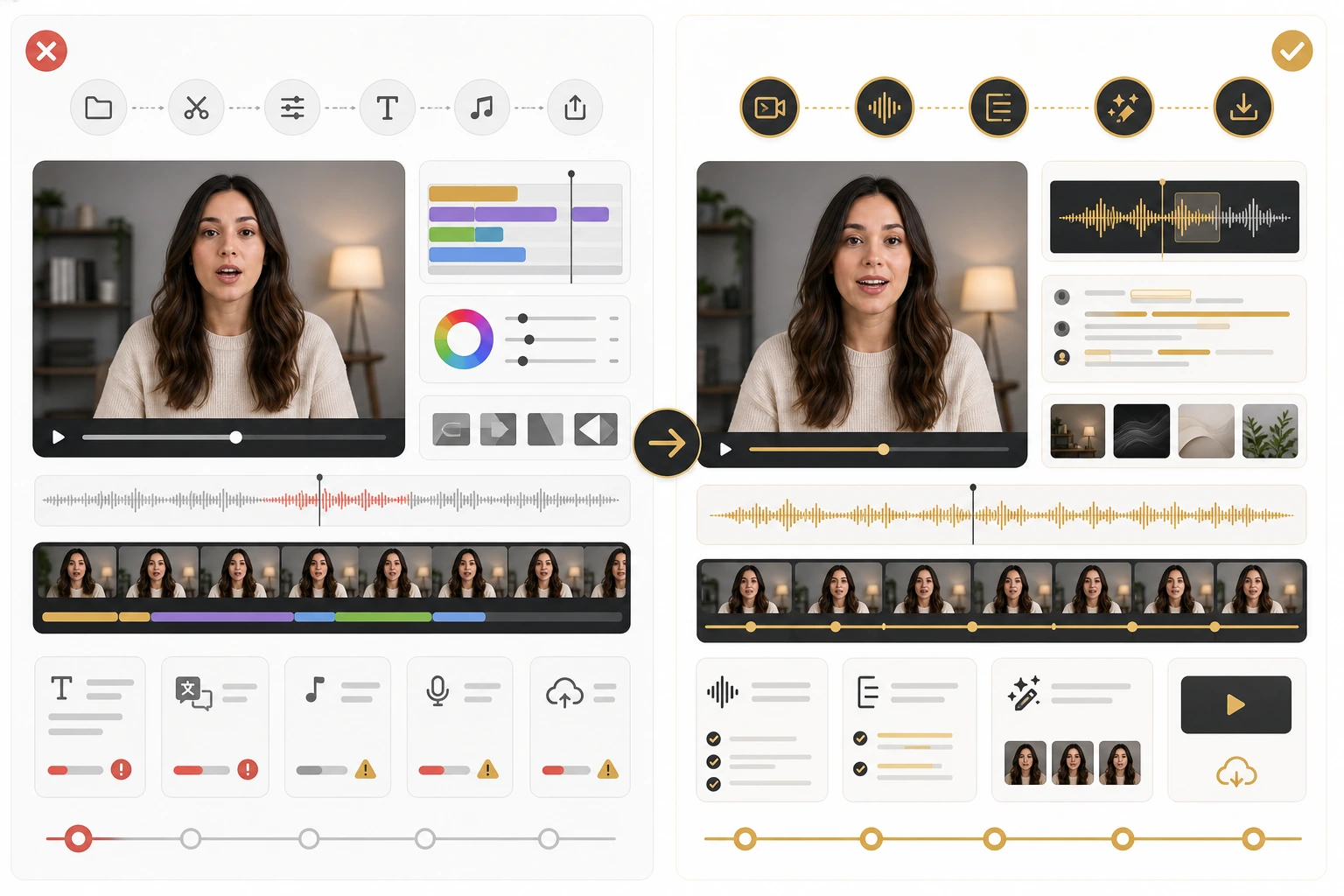
As of May 20, 2026, VEED.IO is no longer just “the browser editor with subtitles.” It now pushes AI video localization, dubbing, avatars, and broader AI creation workflows. That is exactly why choosing a VEED alternative has become harder. You are not replacing one simple tool. You are deciding which part of the workflow matters most: lip sync, text-to-video, transcript editing, or fast caption-first publishing.
- The best VEED.IO alternatives win by being more focused, not by trying to copy every feature.
- LipSyncX is the better fit when visible-speaker localization and reviewable lip sync matter most.
- Runway is strongest when your workflow starts with generation, scene design, or AI-first video creation.
- HeyGen is strongest for browser-first avatar and translation flows.
- Descript and CapCut remain smart picks when your bottleneck is spoken editing or subtitle-heavy output, not full visual lip sync.
Why people leave VEED in the first place
VEED is still useful, especially for browser editing, captioning, and broad accessibility workflows. Its official AI video localization page makes that positioning clear.
But most teams do not look for alternatives because VEED is unusable. They look because their main job becomes more specific.
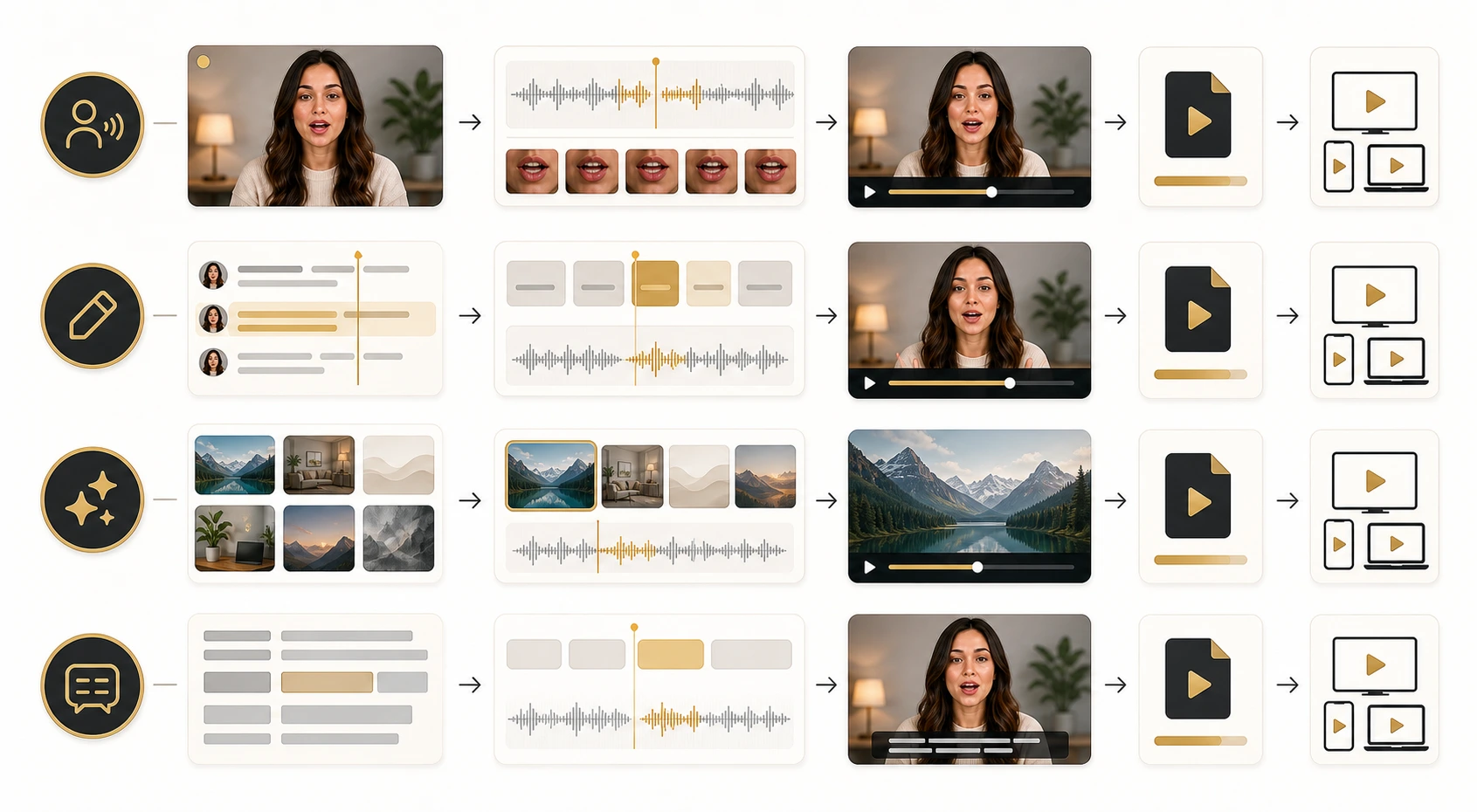
That usually happens in one of four scenarios:
- They need stronger lip sync on visible faces.
- They need AI-generated scenes, not only editing.
- They want transcript-first editing for spoken content.
- They mainly need free or lightweight subtitle localization.
Once the job becomes that specific, “best all-around editor” stops being the right category.
The five alternatives worth comparing first
| Tool | Best for | Why it beats VEED for that job |
|---|---|---|
| LipSyncX | Speaker-led localization and lip sync | Tighter workflow for visible-face dubbing and review |
| Runway | AI-generated video creation | Stronger generation-first workflow |
| HeyGen | Browser avatar and translated video output | Clear translation plus lip-sync positioning |
| Descript | Transcript-first video editing | Better when words and audio edits drive the process |
| CapCut | Fast caption-first editing and free experimentation | Lighter path for subtitle-led output |
This table is the decision shortcut. You do not need to compare every feature on every page. You need to compare the workflow your team actually repeats.
Pick LipSyncX when the face is the product
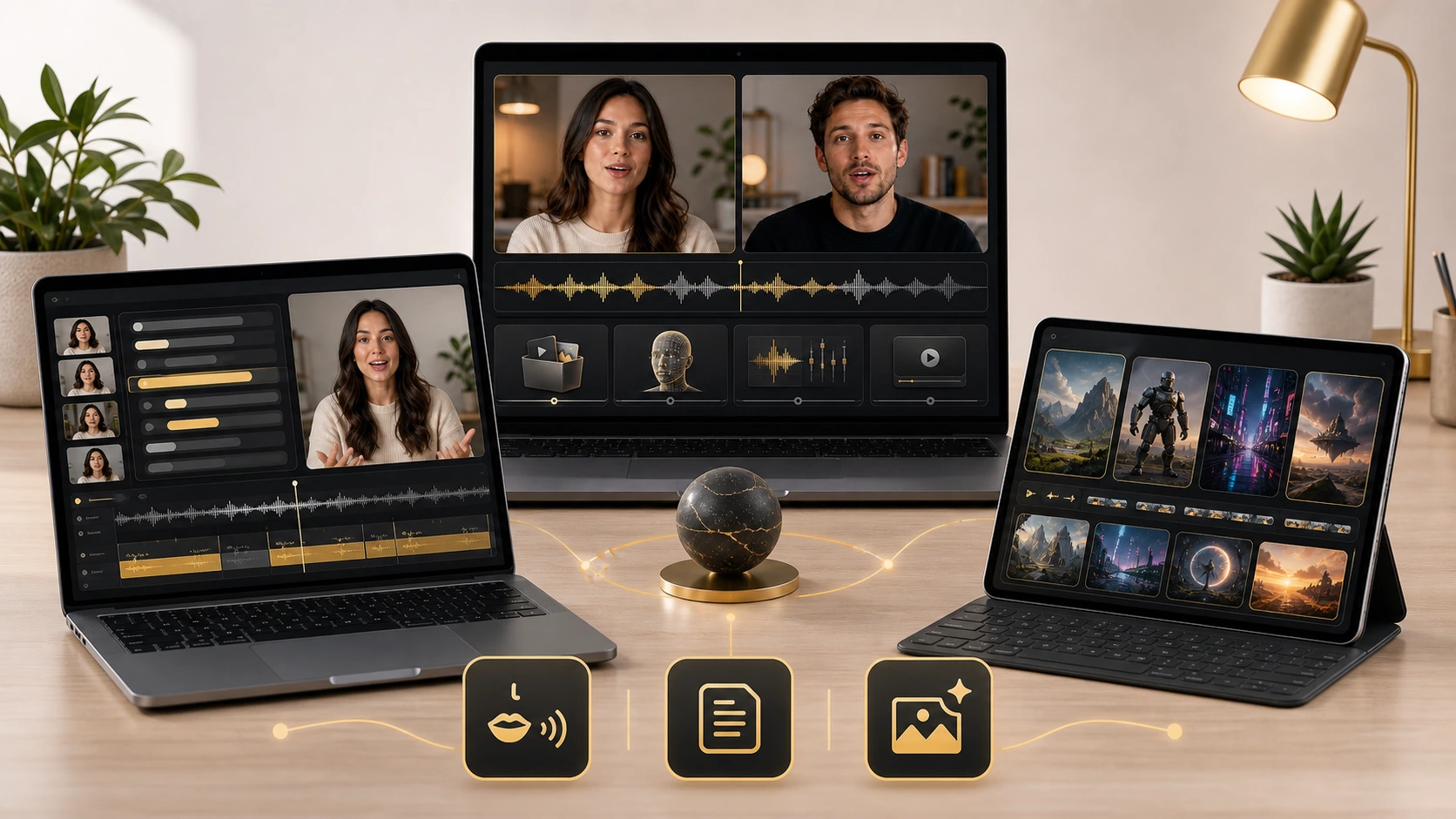
If your content depends on a visible speaker staying believable on screen, LipSyncX is the better VEED alternative.
That includes:
- talking-head explainers
- founder videos
- tutorials with long camera-facing segments
- multilingual product demos
- localized creator videos where the face stays central
The key difference is workflow fit. A subtitle-first or broad editor can help you localize the message, but it does not always make the translated version feel intentional on screen.
Inside LipSyncX Studio, the useful test is simple: run a short preview, look at the credit tradeoff, and decide whether the review pass is clean enough before you commit the full job. That matters more than a feature checklist because a messy queue and unclear rerender path will slow a real team down fast.
If your current VEED workflow already gets the job done and the face is usually small in frame, you may not need to switch. If the face is the main object the viewer watches, the gap becomes much more obvious.
Pick Runway when creation matters more than localization
Runway is the strongest alternative when the workflow starts from generative video, not from a finished talking-head clip.
Its official Gen-4 announcement focuses on more consistent world generation and controllable visual storytelling. That makes Runway a better match when you need:
- scene generation from prompts or references
- concepting and storyboarding
- AI-first video experimentation
- stylized visual outputs beyond standard talking-head localization
This is the wrong tool if your main problem is “I already have the clip, now I need believable translated speech on the speaker's face.” It is the right tool if your main problem is “I need to generate or reshape the video itself.”
That distinction matters because many teams compare Runway and VEED as if they solve the same problem. They do not.
Pick HeyGen when you want browser-first translation and avatars
HeyGen's video translate page is still one of the clearest browser-first pitches in this category. It combines translated voice and lip sync inside an accessible workflow, which makes it a natural VEED alternative for teams that want fast multilingual output without moving into a heavier production stack.
Choose HeyGen when:
- you prefer browser tools over technical setup
- avatar-style or presenter-style videos fit the brand
- you want one service to handle translation plus visible delivery
Choose something else when you need a more specialized production flow, heavier editorial control, or a workflow anchored around your own speaker footage rather than avatar-first output.
Pick Descript when transcripts drive the whole edit
Descript remains one of the best alternatives when the real center of the workflow is the spoken script itself.
Its official translate and dub overview treats translation as part of a broader transcript-driven editing flow. That makes Descript especially strong for:
- podcasts with video
- interviews
- voiceover-led explainers
- tutorial edits where script revisions happen constantly
If your team spends more time changing words than changing visuals, Descript often fits better than VEED. If your team cares most about the speaker's mouth matching translated audio on screen, Descript may be a step in the workflow rather than the final destination.
Pick CapCut when the free layer is enough
CapCut's video translator page positions the tool around subtitle translation and accessible multilingual editing. That makes it a smarter VEED alternative than many people expect when:
- you need fast social editing
- subtitles matter more than visible mouth precision
- you want lightweight experimentation before paying for a deeper workflow
CapCut is not the best choice when believable lip sync on a large visible face is the core requirement. It is a strong choice when your real need is speed, subtitle coverage, and low-friction iteration.
The better way to choose
If you are still comparing feature grids, use this decision tree instead.
Choose by the job:
- pick LipSyncX for speaker-led localization and face-aligned review
- pick Runway for generation-first creative workflows
- pick HeyGen for browser-first translated presenter videos
- pick Descript for transcript-led spoken editing
- pick CapCut for subtitle-first speed and free testing
Then run one clip through the strongest candidate. That is the part people skip. One real workflow test tells you more than ten landing pages.
If you want to compare against a dedicated localization path, use AI video dubbing workflows and then check the expected operating cost on the pricing page. That gives you a fairer benchmark than “which homepage sounds more complete.”
When VEED is still the right answer
This is the part many comparison articles avoid. VEED can still be the correct tool.
Keep VEED when:
- you need one broad browser editor for mixed tasks
- subtitles and accessibility are more important than lip sync
- the visible speaker is not the center of attention
- the team values convenience over specialized output
Switch when:
- localized talking-head quality becomes a growth bottleneck
- you need AI generation, not only editing
- transcript-heavy spoken editing dominates the process
- free testing has to turn into a repeatable workflow
The reason this matters is simple: the right alternative is not always “better.” It is better matched.
Common mistakes when comparing VEED alternatives
Mistake 1: comparing every feature instead of the bottleneck
If your bottleneck is lip sync, broad editing features will distract you from the real choice.
Mistake 2: treating subtitle translation and lip sync as the same job
They are related, but not identical. Subtitle-first tools can solve distribution without solving visual realism.
Mistake 3: ignoring review cost
The cheapest-looking tool can become the most expensive if approvals, rerenders, and queue delays pile up.
Where LipSyncX wins most clearly
If your current VEED workflow fails at the moment a viewer watches the speaker's face, LipSyncX is the cleanest upgrade path.
The product question is practical:
- can you preview fast enough to trust the test
- can you understand the credits before scaling
- can you review without rebuilding the same project in multiple tools
- can you publish a result that still feels intentional on screen
That is why the best test is one representative clip in LipSyncX Studio. Compare that against your current browser workflow and a dedicated AI video dubbing workflow. If approval gets faster and the face looks more believable, the decision becomes obvious.
FAQ
What is the best VEED.IO alternative for lip sync?
For visible-speaker localization, LipSyncX is the strongest fit because the workflow is centered on believable face-aligned output rather than only broad editing features.
Which VEED alternative is best for AI-generated scenes?
Runway is the stronger choice when scene generation and creative AI video production matter more than localization.
Is CapCut a real VEED alternative?
Yes, especially if your workflow is subtitle-first, social-first, or budget-sensitive. It just solves a different problem than dedicated lip sync tools.
Should I move from VEED to Descript or to a lip sync tool?
Pick Descript if transcript editing is the bottleneck. Pick a lip sync workflow if visible-speaker realism is the bottleneck.
The real decision
The best VEED.IO alternative is the one that handles the job VEED is no longer handling well enough.
If that job is speaker-led localization, choose the workflow that makes the face believable. If it is scene generation, choose the tool built for generation. If it is transcript editing or subtitle speed, choose the tool that keeps those loops short.
That is the useful lens for 2026. Not “Which tool has more features?” but “Which workflow makes this exact video easier to finish well?”