
Sync Lipsync 2.0
Balanced quality and speed for general lip‑sync dubbing.
Zero‑shot video‑to‑video lip sync that preserves a speaker’s style while matching new audio. Built for editing dialogue or dubbing across live‑action, animation, and AI‑generated humans without retraining.
What this model is best at
Short answer: Zero‑shot video‑to‑video lip sync that preserves a speaker’s style while matching new audio. Built for editing dialogue or dubbing across live‑action, animation, and AI‑generated humans without retraining.
Use this workspace to preview the model, compare example output, and start creating with the recommended workflow for this model.
Highlight 1
Zero‑shot editing with no actor training required.
Highlight 2
Preserves unique speaking style and cadence.
Highlight 3
Works with live‑action, animation, and AI‑generated characters.
Video-to-Video
Sync Lipsync 2.0 workspace
Start from the built-in workflow below, then tune the model inside the standard LipsyncX creation surface.
1. Upload photo
2. Choose Model
3. Add Script
Instant script templates
One-click copy for greetings, celebrations, and announcements.
Step 1/4
Choose a face
Follow the next step to keep building your video.
Trusted by teams
UGC ad re‑dub
Swap a new hook while preserving the original footage.
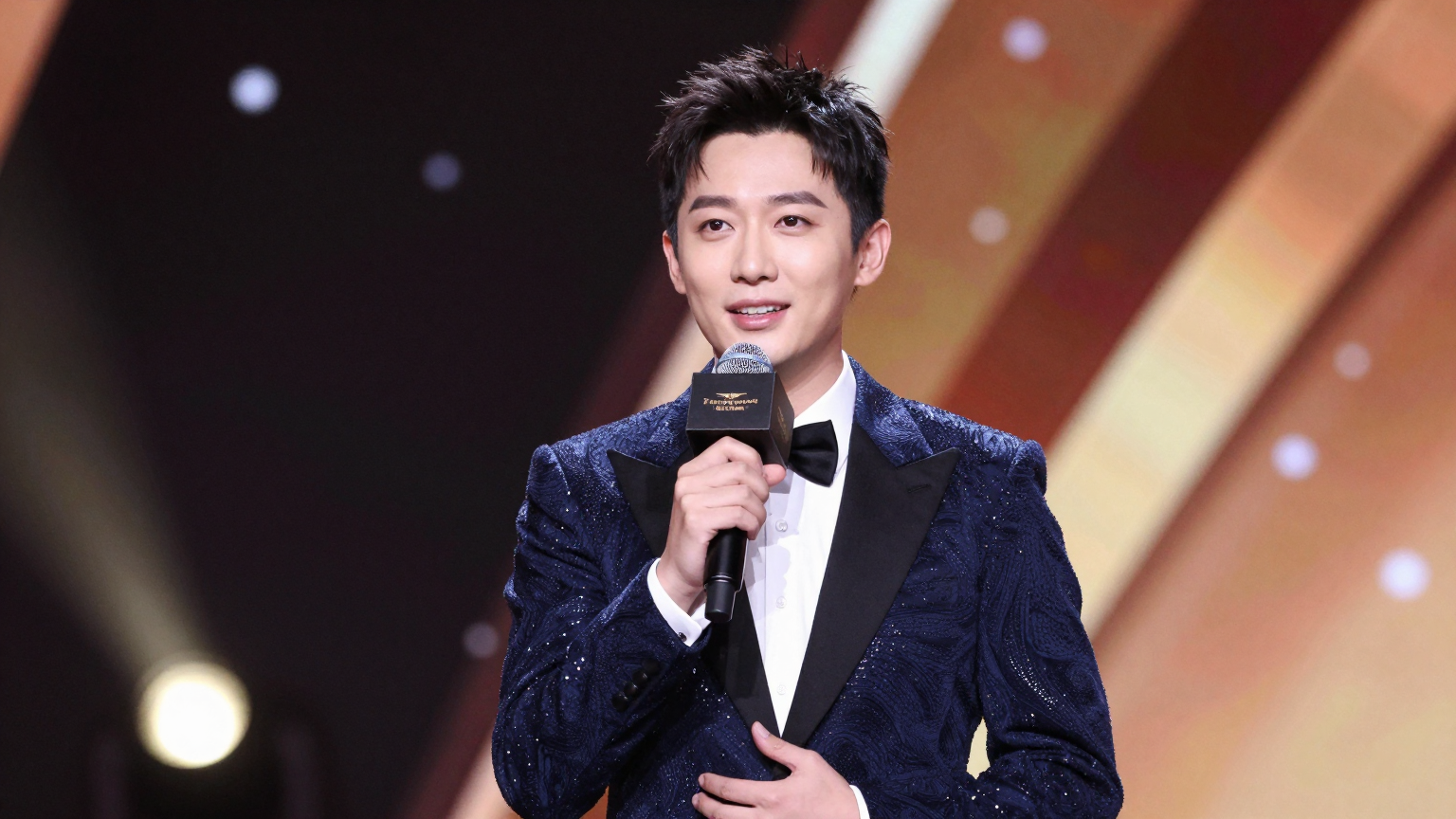
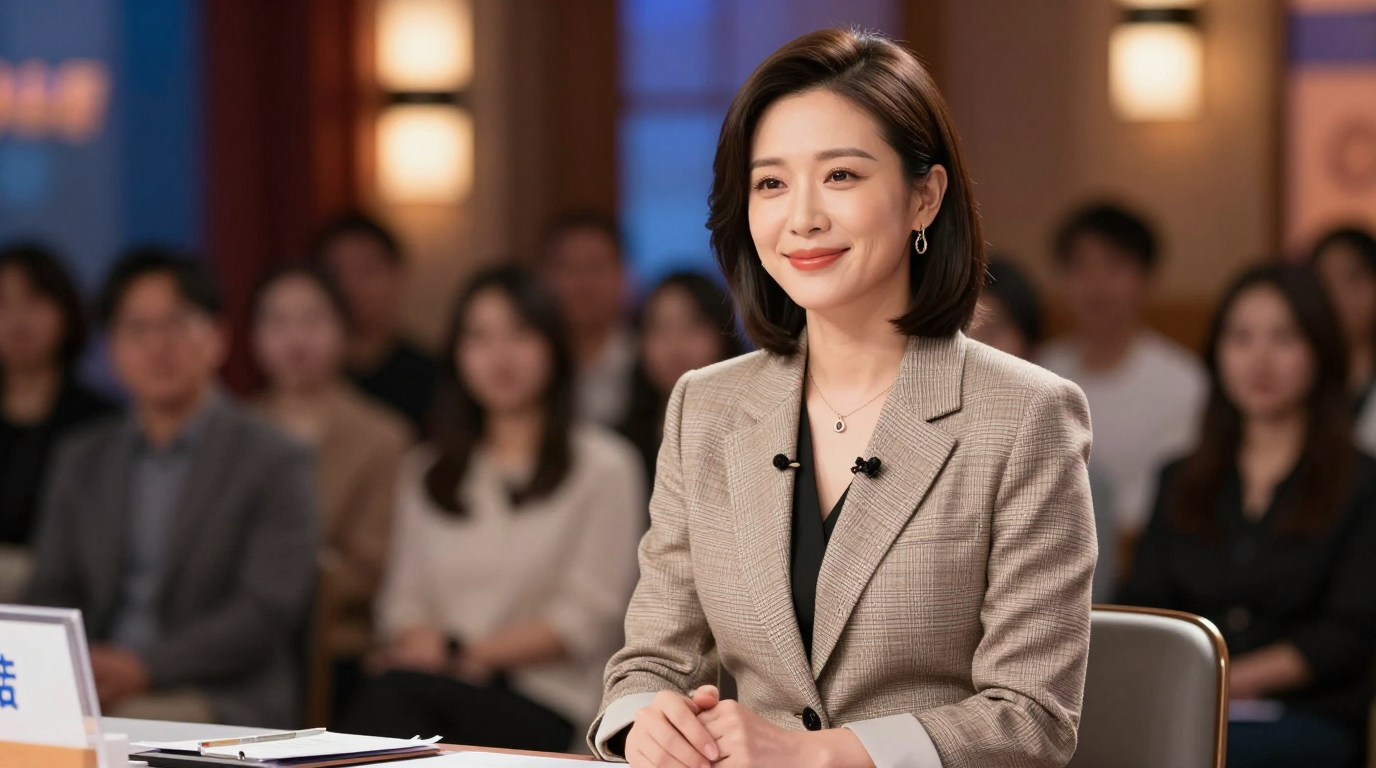
Popular use cases
UGC variations
Rotate new scripts without reshoots.
Explainers
Keep visuals, change narration fast.
Creator content
Ship updates with the same host.
Quick specs
Best practices
FAQ
Do I need to train on the speaker first?
No. Lipsync‑2 is zero‑shot, so it can edit any speaker without training.
What kinds of footage does it support?
It works on live‑action video, animation, and AI‑generated humans.
What inputs are required?
Provide a source video plus target audio (or a script + voice) via the API.