
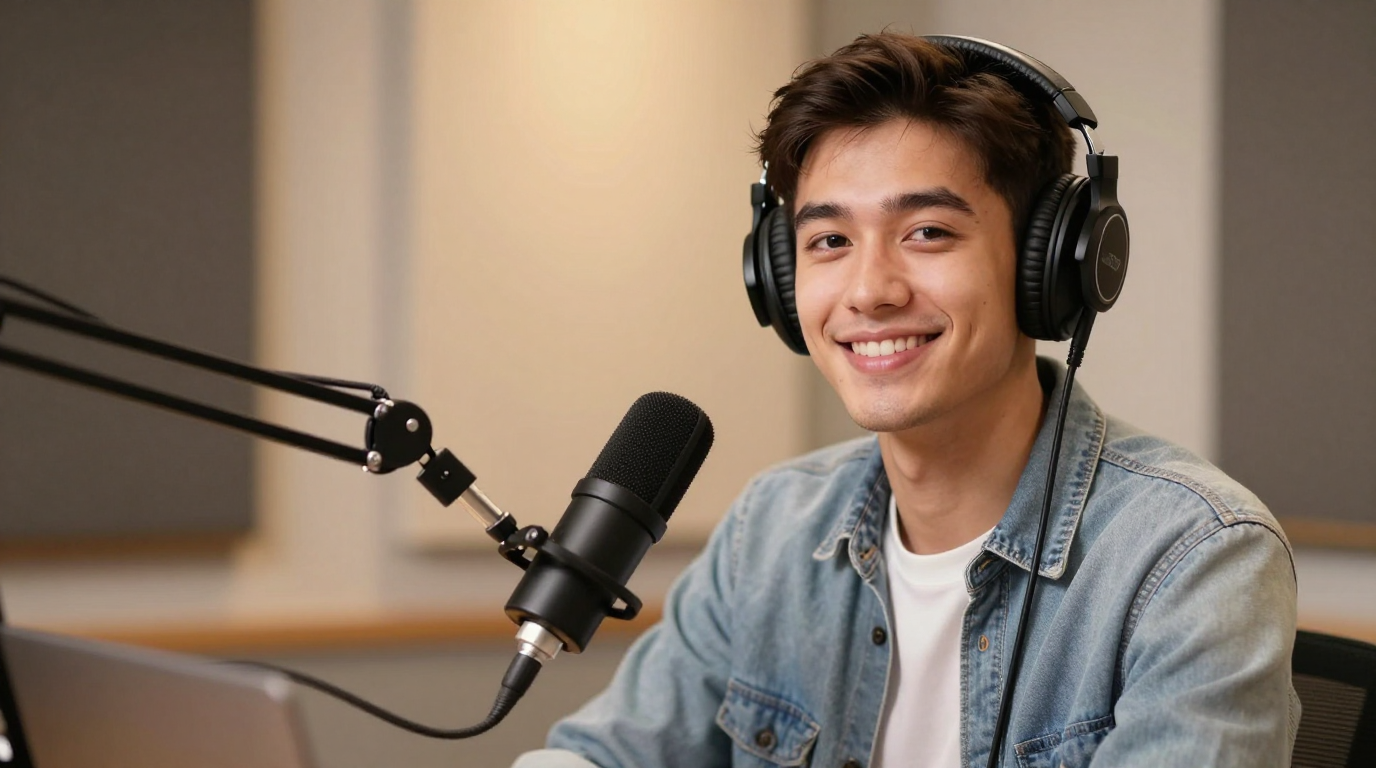
Pengendorsan
Tukar satu imej kepada video bercakap dengan penyegerakan bibir, suara dan gerakan muka semula jadi. Buat foto bercakap untuk klip sosial, penerangan produk dan kandungan pencipta tanpa merakam dari awal.
Langkah 1/3
Pilih muka
Ikuti langkah seterusnya untuk terus membina video anda.
Dipercayai oleh pasukan
Penjana foto bercakap AI menukar potret pegun menjadi video di mana wajah kelihatan bercakap. Kebanyakan pengguna yang mencari istilah ini mahukan laluan mudah: muat naik satu imej, tambah teks atau audio dan eksport video bercakap.
Aliran kerja foto bercakap yang baik harus menjadikan langkah seterusnya jelas: pilih imej, tambah suara, pratonton hasil dan eksport video. Ia juga berhubung secara semula jadi dengan penyegerakan bibir AI, membuat foto menyanyi dan pengklonan suara.
Pameran foto bercakap
Tukar potret menjadi klip bercakap untuk pengasas, sokongan dan pengumuman.
Pengendorsan
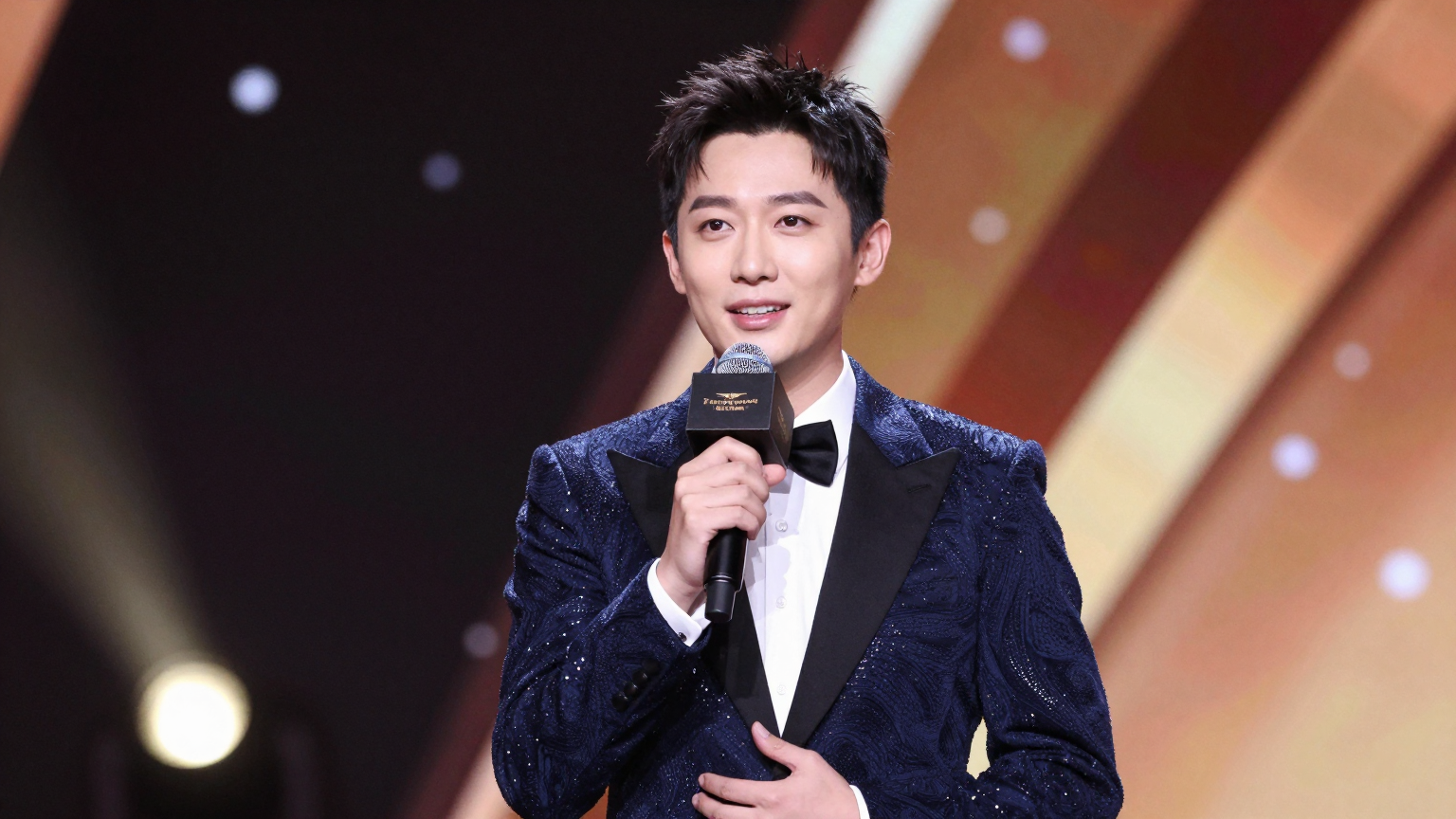
Siri
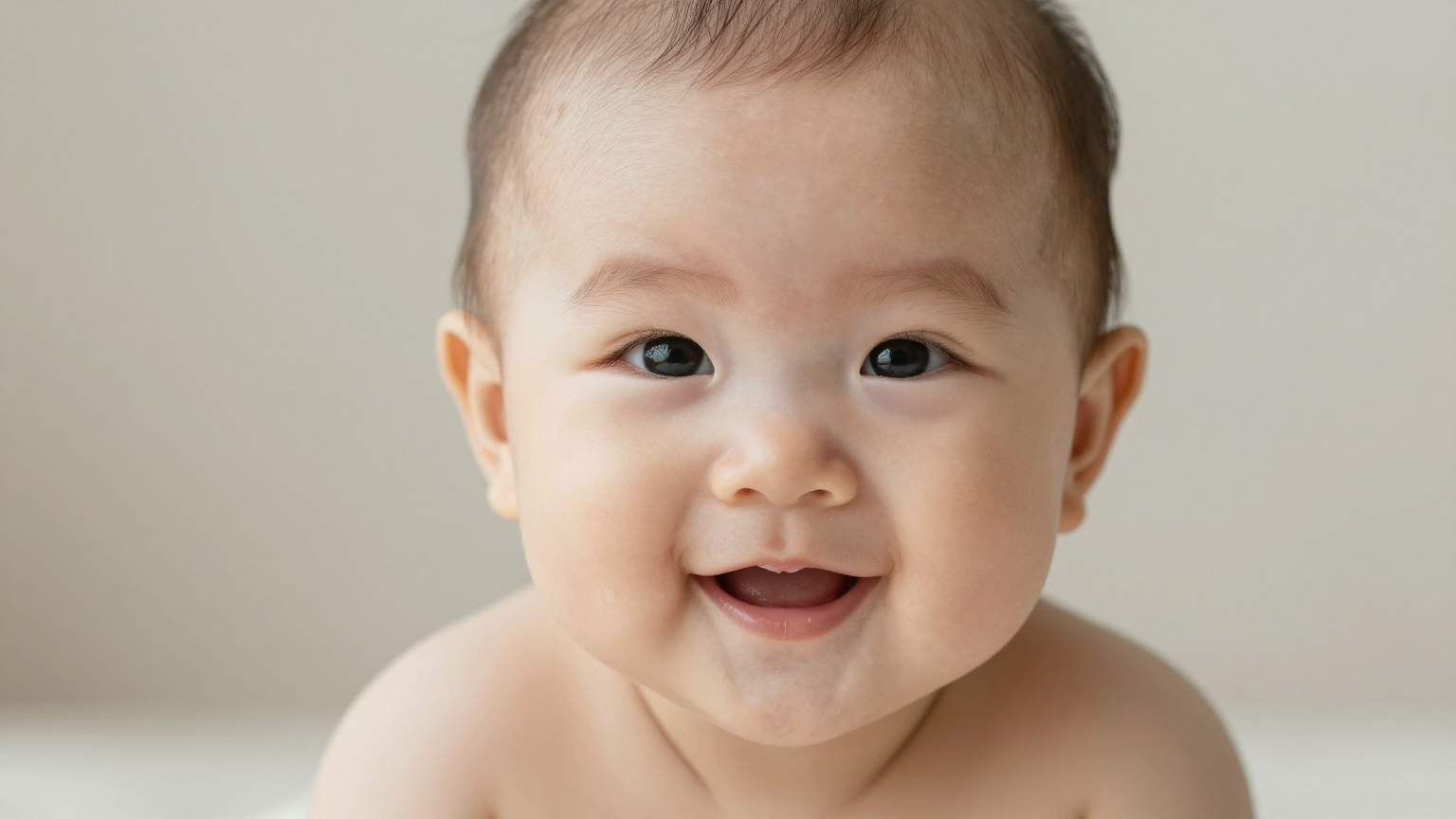
Trend
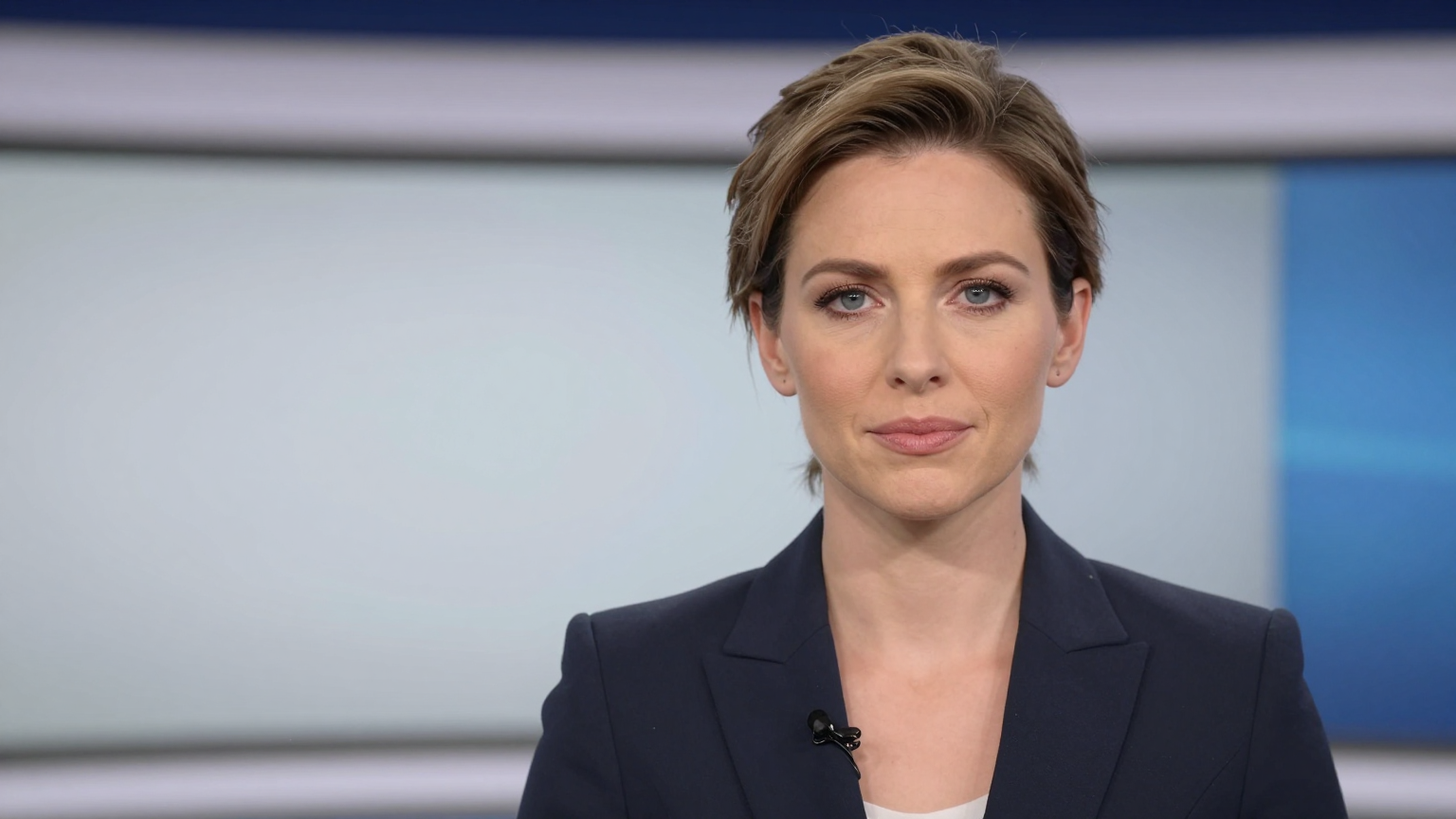
Berita
Demo
Dibina untuk pengguna yang ingin menghidupkan satu imej ke dalam video bercakap tanpa rakaman penuh.
Mulakan daripada skrip, ganti suara atau klip yang dirakam bergantung pada seberapa cepat anda perlu menerbitkan.
Fokus pada hasil yang sebenarnya diperhatikan oleh pengguna: pemasaan pertuturan yang bersih, gerakan mulut yang stabil dan animasi muka yang boleh dipercayai.
Eksport video foto bercakap untuk media sosial, halaman produk, penerangan, latihan dalaman atau kandungan pencipta.
Gandingkan penjanaan foto bercakap dengan pengklonan suara atau aliran alih suara apabila visual yang sama perlu berfungsi merentas pasaran.
Aliran kerjanya mudah: mulakan dengan satu imej, tambah teks atau audio, kemudian jana video pertuturan yang boleh anda gunakan semula.
Gunakan tangkapan kepala, swafoto, avatar atau imej watak dengan wajah boleh dilihat dengan jelas.
Tampal teks untuk menjana pertuturan atau muat naik narasi anda sendiri untuk kawalan masa langsung.
Pratonton segerak bibir, eksport foto bercakap dan gunakan semula dalam sosial, halaman pendaratan atau aliran kerja produk.
Buat foto bercakap untuk TikTok, Kekili, Seluar pendek dan kandungan meme
Tukar tangkapan kepala pengasas kepada video kemas kini produk mingguan
Jadikan foto testimoni pelanggan bercakap dalam halaman pendaratan berbayar
Animasikan maskot, avatar atau jurucakap maya daripada satu imej
Setempatkan foto bercakap yang sama dengan suara baharu untuk pasaran berbeza
Bina penerangan ringan apabila anda tidak mahu penggambaran studio penuh
Foto bercakap selalunya terletak di sebelah penyegerakan bibir, nyanyian foto, pengklonan suara dan aliran kerja alih suara. Gunakan alatan berkaitan di bawah apabila projek anda memerlukan gaya input atau output yang berbeza.
Sebelum membelanjakan kredit, semak kualiti contoh, harga dan sama ada imej sumber anda mempunyai wajah yang jelas. Anda boleh menyemak pricing dan studio itu.
Gunakan potret menghadap ke hadapan dengan bibir yang boleh dilihat, pencahayaan yang baik dan kekaburan yang minimum. Avatar yang digayakan juga boleh berfungsi, tetapi struktur muka yang bersih biasanya memberikan gerakan yang lebih baik.
Penjana foto bercakap AI menukar imej pegun menjadi video bercakap dengan memadankan pergerakan bibir, gerakan muka dan suara dengan skrip atau audio yang dimuat naik.
ya. Anda boleh menaip skrip, memilih suara dan menjana foto bercakap tanpa merakam audio terlebih dahulu.
Gunakan potret menghadap hadapan yang jelas dengan pencahayaan yang baik, mulut yang boleh dilihat dan gerakan kabur yang minimum. Imej sumber bersih biasanya menghasilkan penyegerakan bibir yang lebih stabil.
ya. Anda boleh memuat naik audio untuk penyegerakan bibir langsung atau bermula daripada teks dan menggunakan suara terbina dalam untuk lelaran yang lebih pantas.
ya. Foto bercakap biasanya digunakan untuk penerangan produk, klip sosial, kemas kini pengasas, video onboarding dan kandungan promosi setempat.
Foto bercakap biasanya bermula daripada satu imej sedia ada, manakala video avatar AI mungkin menggunakan penyampai yang dijana sepenuhnya atau watak gaya studio yang boleh digunakan semula.