
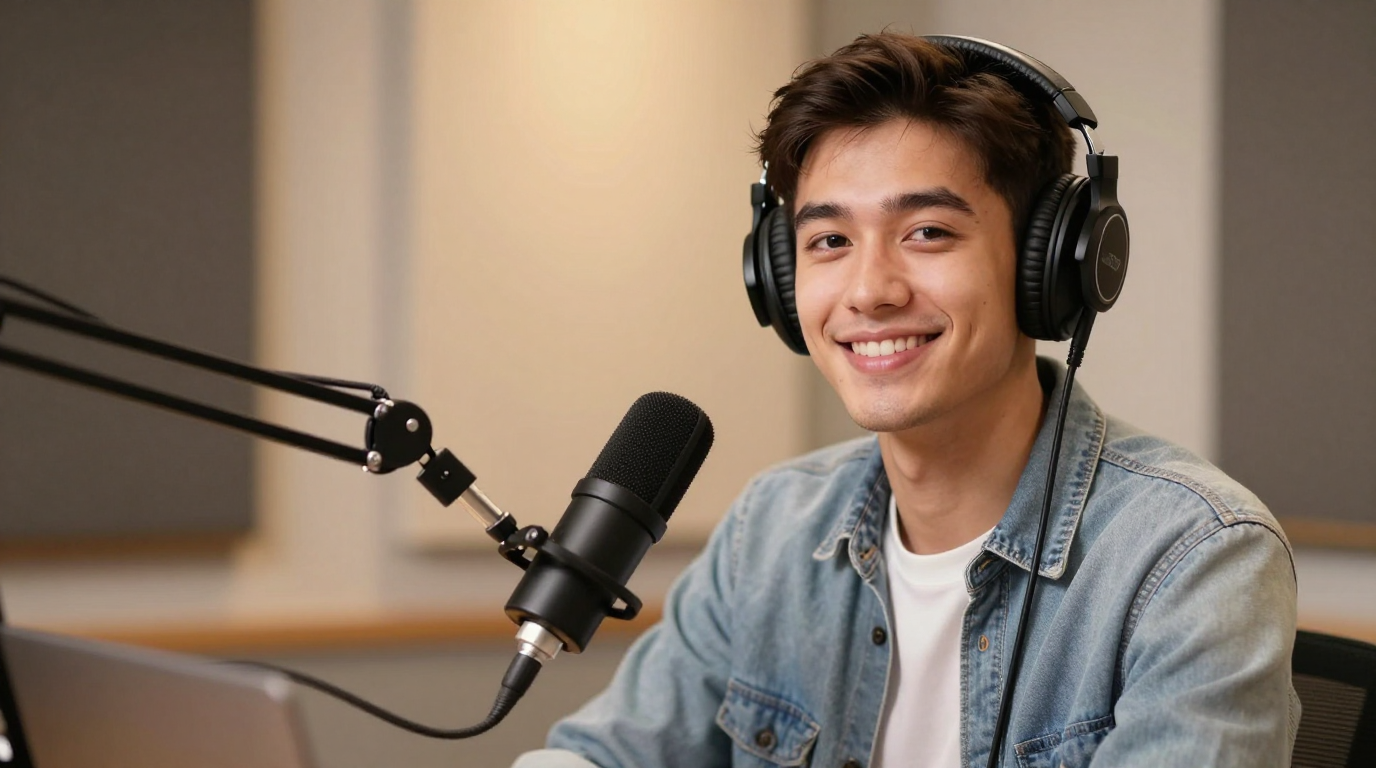
Pengendorsan
Mulakan daripada teks dan bukannya rakaman prarakaman. Tukar skrip kepada video bercakap dengan suara yang dijana, penyegerakan bibir dan aliran kerja penyampai boleh guna semula untuk pemasaran, produk dan kandungan pencipta.
Langkah 1/3
Pilih muka
Ikuti langkah seterusnya untuk terus membina video anda.
Dipercayai oleh pasukan
Showcase
See how Lip Sync AI turns photos, voices, and scripts into talking avatars, dubbed videos, singing clips, greetings, explainers, and localized ads.
Pengendorsan
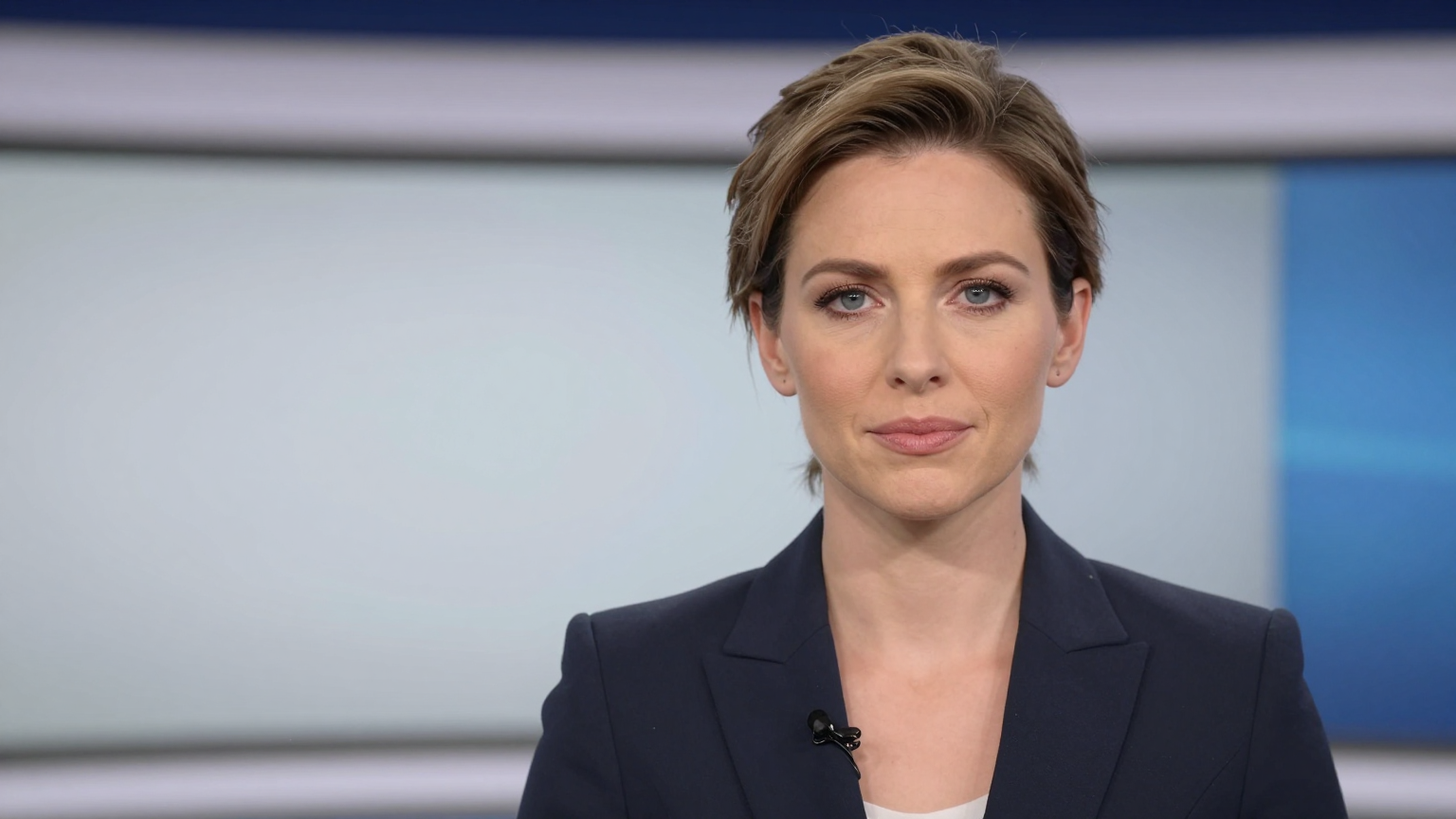
Berita
Demo
Berguna apabila skrip adalah aset dan anda mahu menerbitkan tanpa penggambaran.
Gandingkan teks dengan pertuturan yang dijana atau tukar kemudian dalam audio anda sendiri untuk kawalan yang lebih ketat.
Perubahan skrip lebih mudah daripada penggambaran semula, jadi anda boleh menguji cangkuk, tawaran dan mesej sebelum memaparkan video terakhir.
Pengguna yang mengutamakan skrip selalunya meneruskan ke Penjana foto bercakap AI, Penjana foto bercakap AI dan penyegerakan bibir AI.
Skrip ke video AI mengambil teks bertulis dan mengubahnya menjadi aliran kerja video bersuara, biasanya dengan pertuturan yang dijana, pemasaan dan penyampai visual atau imej bercakap.
Pencipta, pemasar, pengasas, pendidik dan pasukan SaaS sering mencari istilah ini apabila mereka mahukan kandungan pantas tanpa merakam pada kamera.
ya. Skrip boleh digandingkan dengan foto bercakap, avatar atau format visual lain yang boleh digunakan semula untuk menukar teks menjadi video bercakap.
ya. Aliran kerja dipacu skrip berguna kerana anda boleh memperhalusi pemesejan dengan cepat sebelum menjana output suara dan video terakhir.