
Lip sync demo0:07
Make your photo sing
Turn a portrait and your song into a singing clip for a chorus, cover, or music post.
Create lip sync AI videos from a photo, existing video, script, or voice. Generate talking photos, video dubbing, singing clips, and multilingual avatar videos with LipsyncX.
Made for your next video
A song, a character’s next line, or a fresh voiceover. Start with the audio you already have and bring it to life.
Turn a portrait and your song into a singing clip for a chorus, cover, or music post.
Bring a character or avatar to life with your recorded lines, narration, or text-to-speech.
Use existing footage with a new voice track and sync the lips for your next dubbed video.
How to use
Start from the same page: choose a face, add speech, then generate a synced video without opening a separate editor.
Start with a clear portrait, avatar, or talking-head video that will become the speaking source.
Type a script, upload a voice track, or record speech directly in the browser.
Create the lip sync video, check the result, and reopen finished videos from your creations.
How it works
LipsyncX matches speech audio to face landmarks, mouth shapes, and timing so one source video can become a synced talking photo, dubbed clip, or multilingual video.
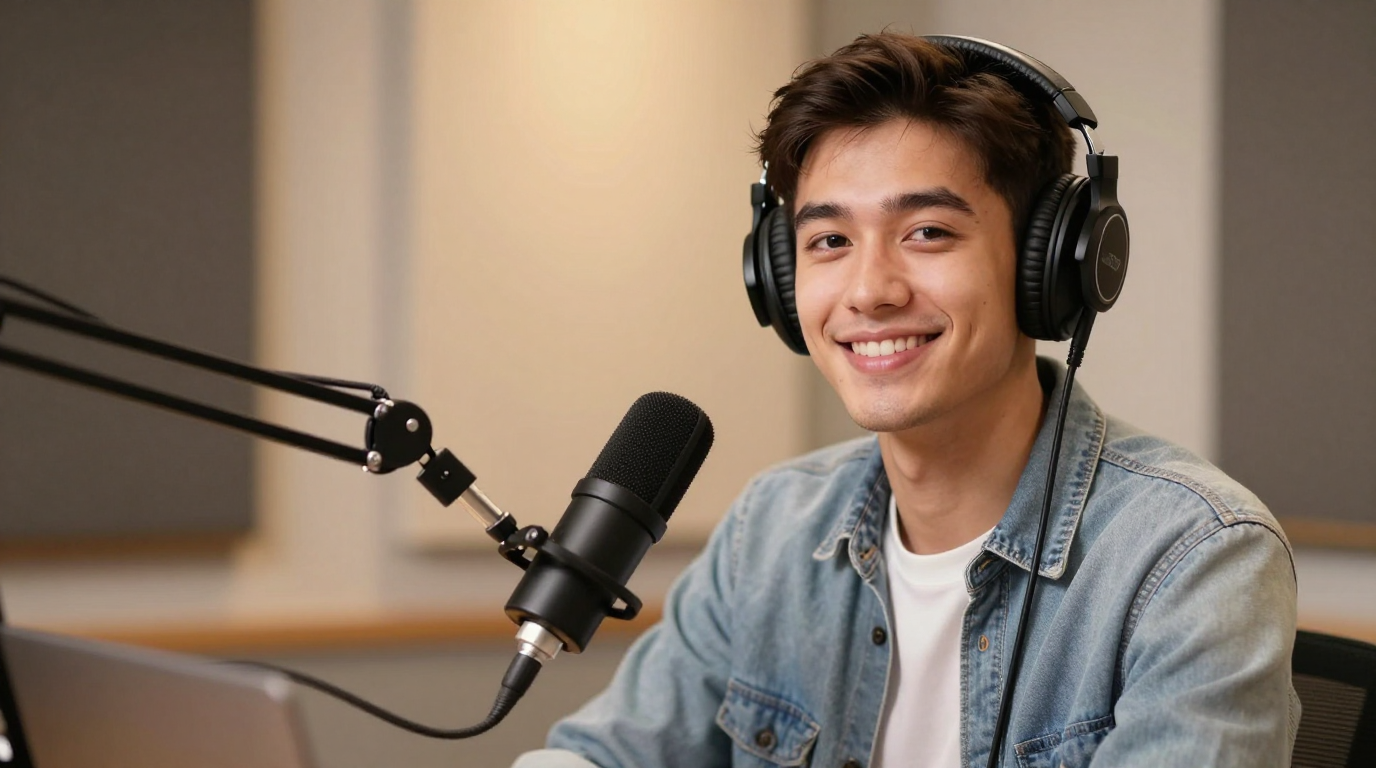
English subtitle preview
Build trust with native-sounding product explainers that convert cold traffic faster.
Supported Inputs
Start with your own media or a template, then use text-to-speech, uploaded audio, recording, translation, or voice cloning to build the lip sync track.
Write a script, translate it, and preview natural speech before rendering the final lip sync video.
Use an existing voiceover, record in the browser, or clone a voice for cleaner mouth timing.
Create localized versions with synced lips, translated captions, and region-ready video files.
Turn one source video into multiple language versions without re-editing every cut manually.
Solutions
Use Lip Sync AI for creator videos, localized explainers, product ads, podcasts, e-learning, pet clips, and anime characters.
RSS import & batch processing
Faceless channel optimized
50+ languages
UGC ads at scale
Testimonials
Creators, marketers, educators, and entertainment teams use LipsyncX to generate high-volume lip sync videos without sacrificing quality.
“We replaced a three-day video pipeline with a same-day workflow. The lip-sync quality is unreal.”
Alicia Gomez
Growth Lead, Brightwave
“Our localization went from 4 to 28 languages without adding editors. The dashboard is effortless.”
Jun Park
Head of Content, Learnify
“LipsyncX made our YouTube automation channel feel human. View time jumped 34% in a week.”
Marcus Hale
Creator, LoopSignals
One-time top-ups
Create two 5-second 1080p videos without a watermark for $2.99, or save per credit with a larger pack. One-time payment, no recurring fees.
Create two 5-second 1080p lip-sync videos without a watermark. Buy this pack again whenever you need it.
More credits than two $9.99 packs for just $0.01 extra. Ideal for regular video creation.
More credits than two $19.99 packs plus one $9.99 pack for just $0.02 extra. Ideal for batch production.
Video cost depends on the model, resolution, and audio length. The tool shows the credit cost before generation.
AI Lip Sync
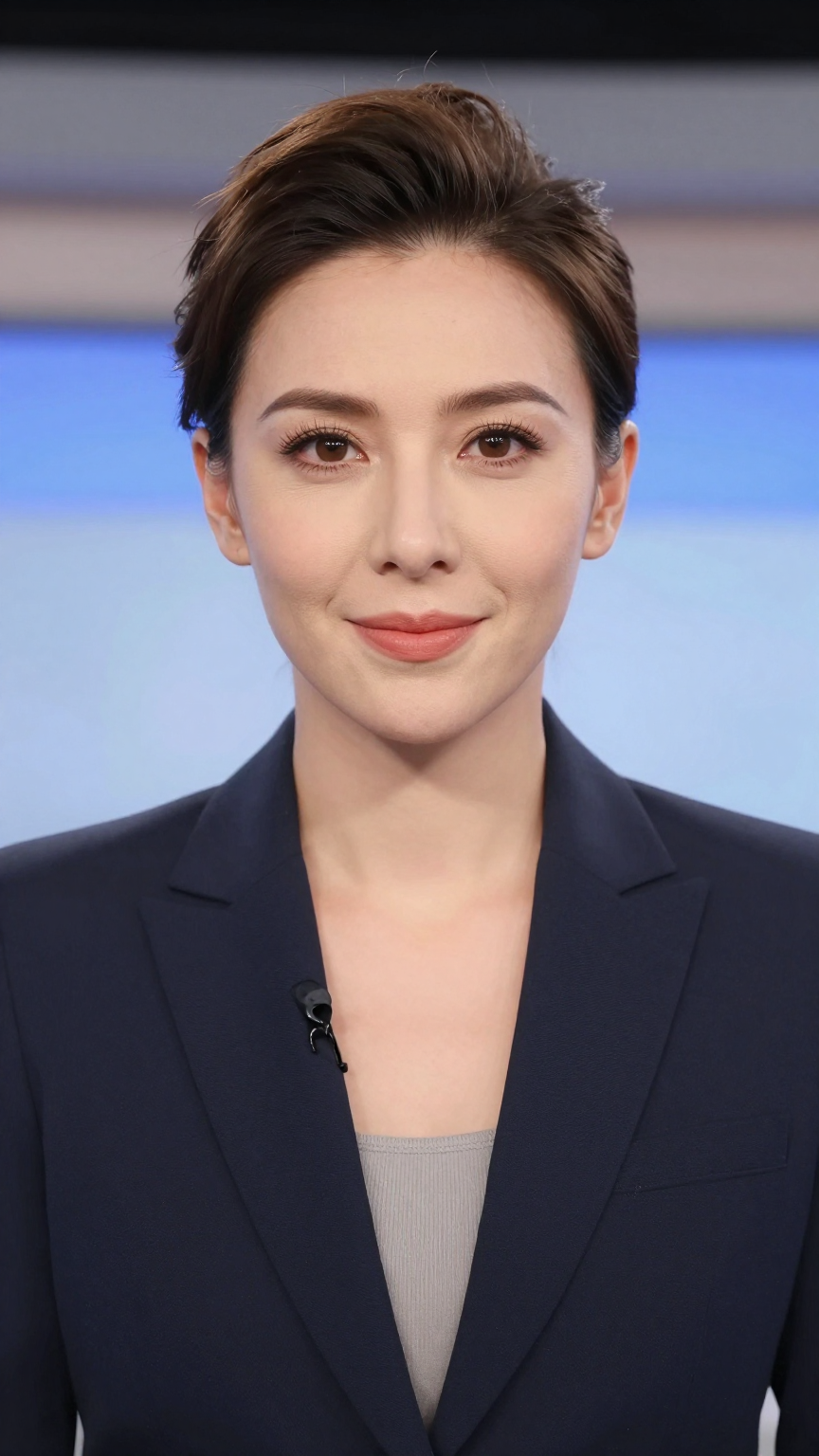
Compare the original image with the AI-generated talking video to judge mouth movement, timing, and realism.
Results
Hover each card to see how AI lip sync turns a still photo into a synchronized talking or singing video.
Breaking News Clip
Hover to see result
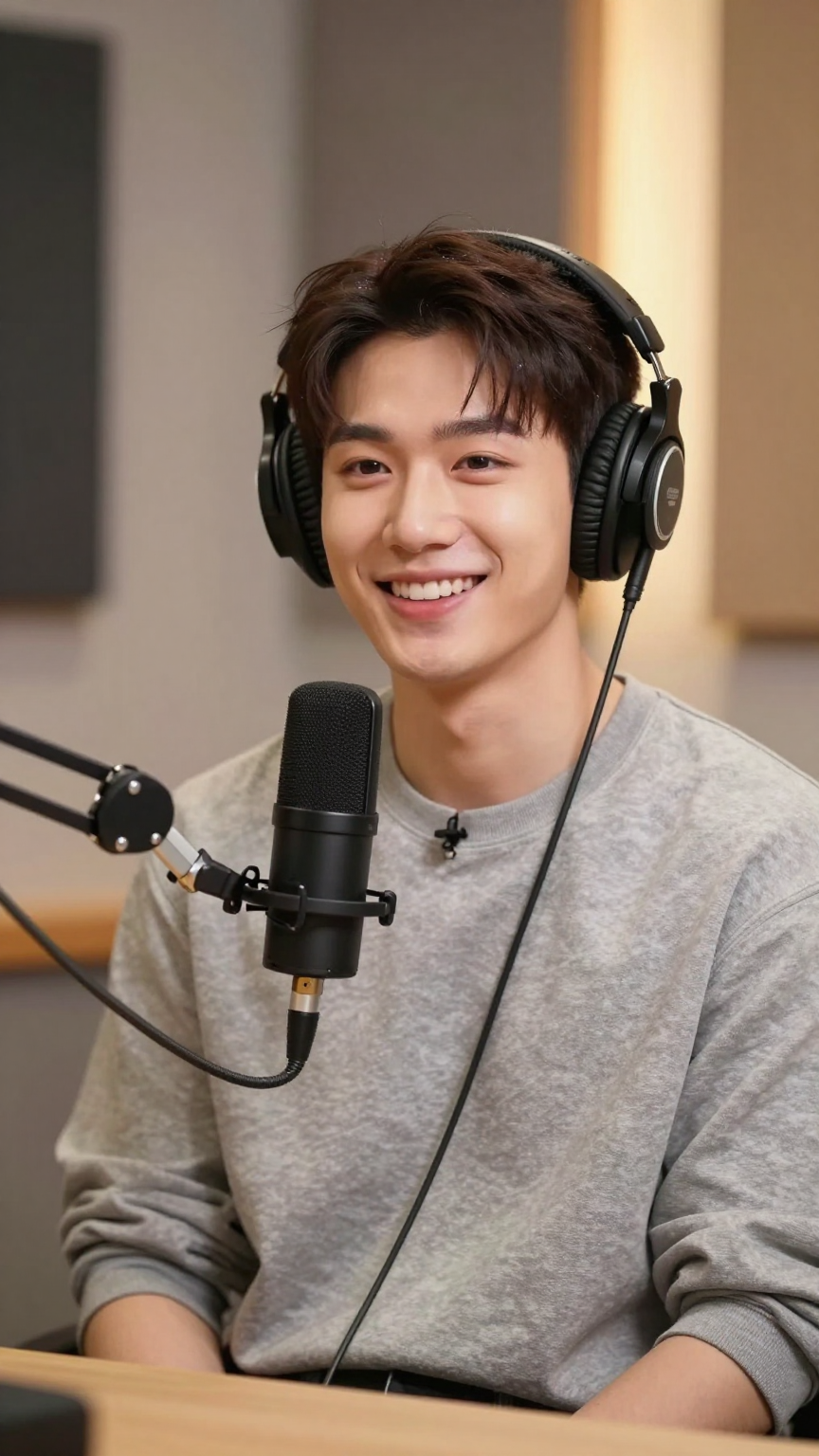
Product Endorsement
Hover to see result
Offer Hook Test
Hover to see result
Answers to common questions about free lip sync AI, image-to-video lip sync, video dubbing, pricing, languages, and API access.
Lip Sync AI uses artificial intelligence to match speech, music, or uploaded audio to realistic mouth movement in a photo, avatar, or video. LipsyncX turns scripts, voices, images, and existing footage into ready-to-publish talking videos.
Yes. LipsyncX lets you preview audio for free and test a short anonymous lip sync video before choosing a paid credit package. You can start with a small balance instead of a forced subscription.
You can test one anonymous short video on the device you are using. Sign in when you want to save projects permanently, reopen previous results, or continue generating across devices.
Yes. Upload a portrait or avatar, add an audio file, record a voice, or generate speech from text. LipsyncX animates the mouth movement so the image becomes a talking or singing video.
You can start with a photo, an existing video, a template avatar, a script, uploaded audio, recorded audio, translated text, or a cloned voice. Different workflows support talking photos, video dubbing, two-speaker dialogue, singing clips, pets, anime, and long videos.
LipsyncX supports lip sync and video dubbing in 50+ languages, including English, Spanish, Portuguese, Chinese, Japanese, Korean, French, German, Arabic, Hindi, Indonesian, and more. The translation workflow can create localized videos with synchronized lip movement and subtitle-ready exports.
LipsyncX uses credit-based pay-as-you-go pricing. Cost depends on workflow, model, resolution, and duration, so you pay for the videos you generate instead of being locked into a rigid subscription.
Yes. LipsyncX provides a REST API for developers and enterprises that need to integrate lip sync video generation into their own apps, platforms, or production workflows. API docs are available at lipsyncx.com/developers.