
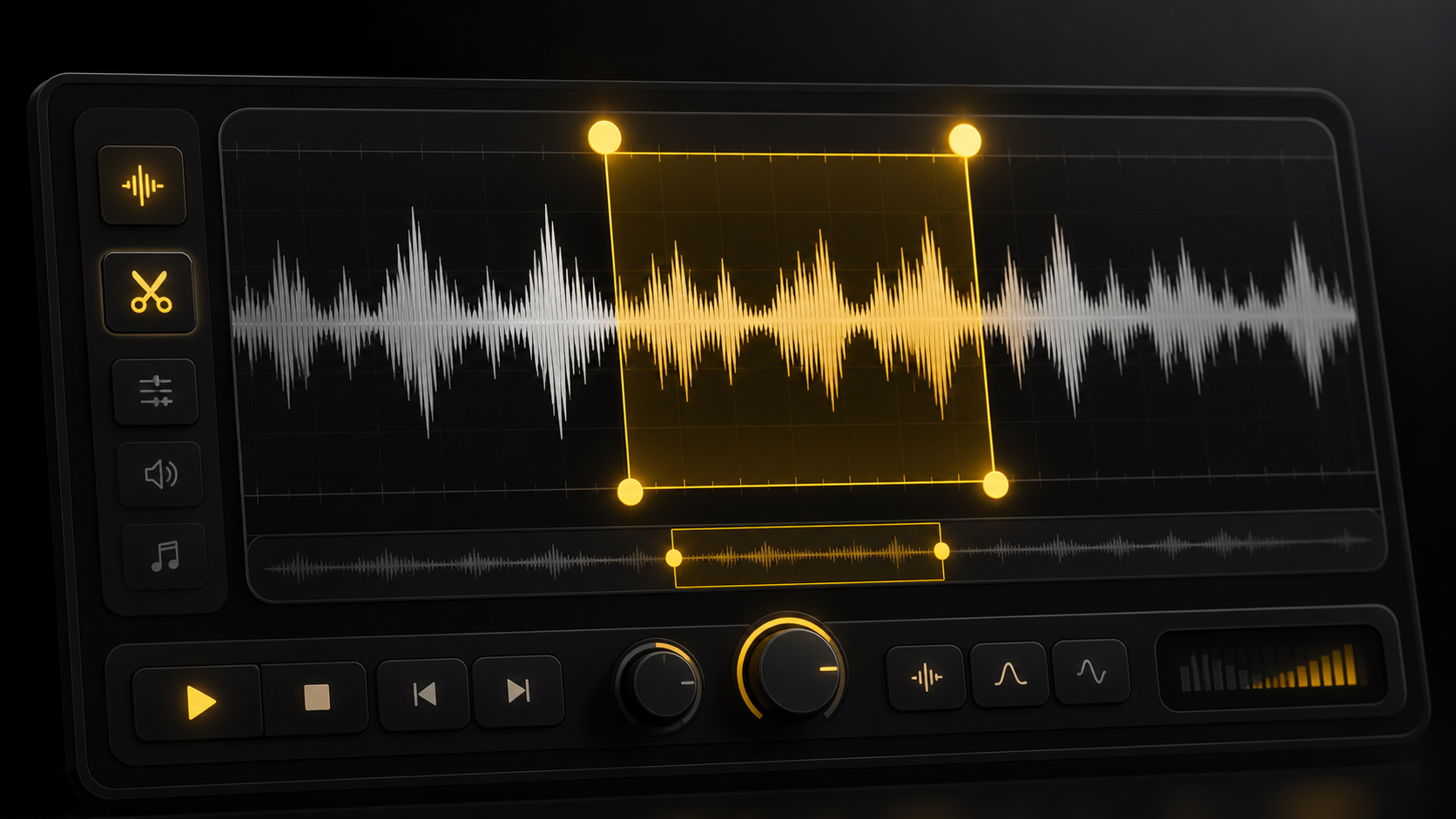
Precise trim handles
Move the start and end handles on the waveform, then use time inputs for 0.1 second adjustments.
Use LipsyncX Audio Trimmer to cut voice notes, podcast clips, music snippets, and lip sync audio without installing desktop software. The edit happens locally in your browser and exports as WAV.
LipsyncX Audio
Audio trimmer
The workbench combines the two jobs creators usually need: cutting a clean clip and changing its speed before sending it into a video, podcast, subtitle, or lip sync workflow.
Move the start and end handles on the waveform, then use time inputs for 0.1 second adjustments.
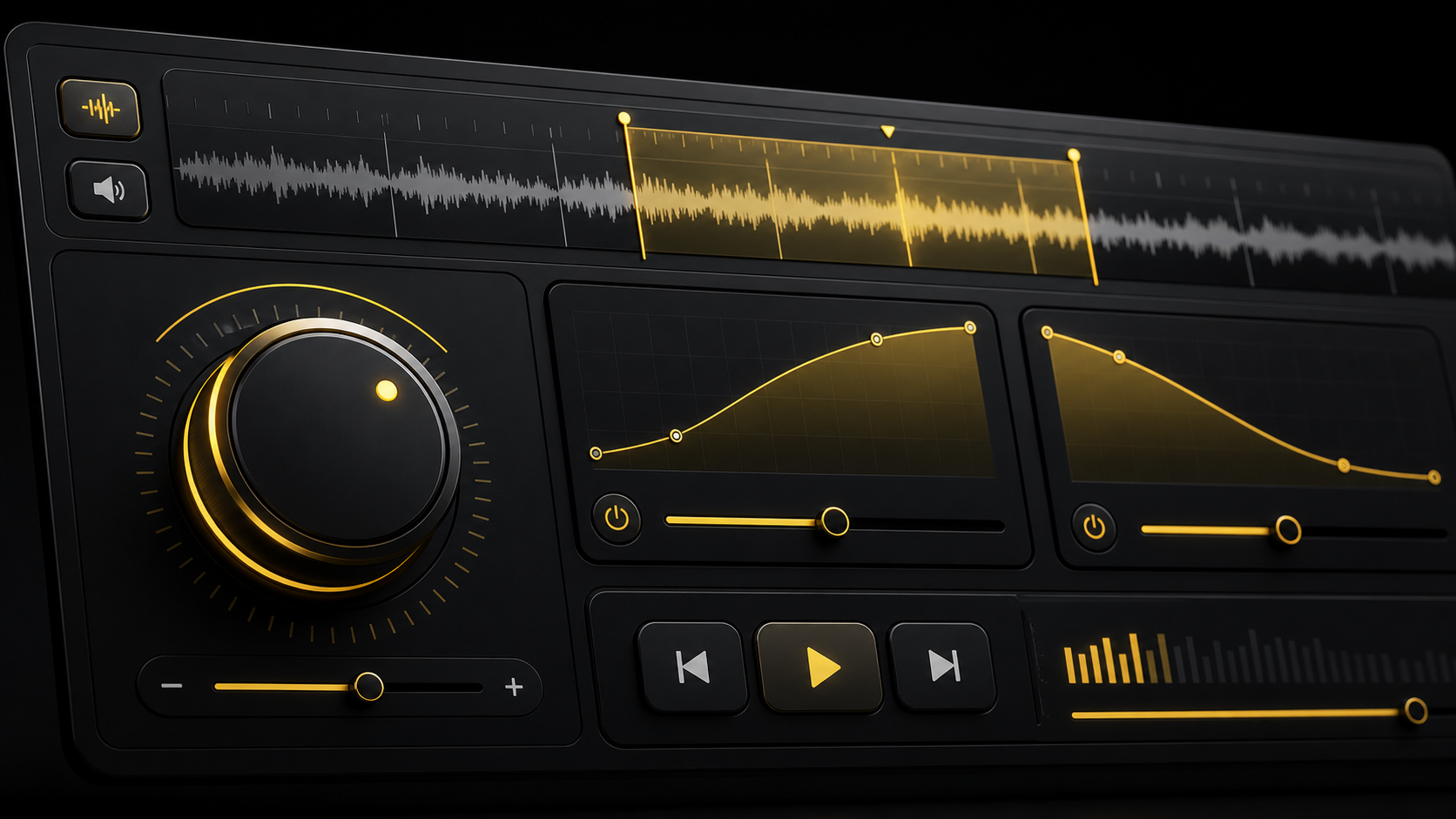
Slow down or speed up the selected clip from 0.5x to 2x before exporting the result.
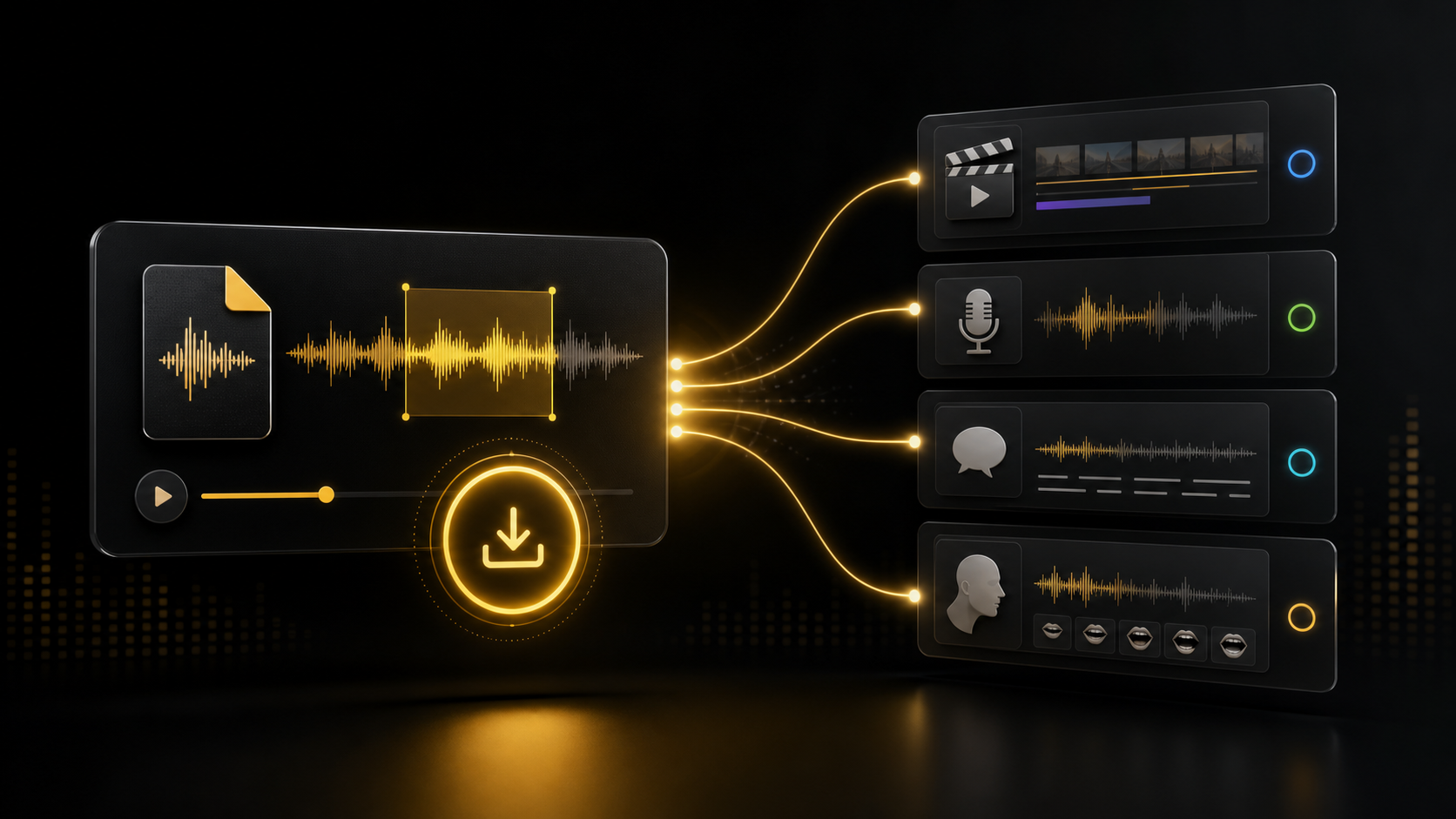
Export a clean WAV file that can be reused in video editors, podcasts, dubbing tools, and LipsyncX Studio.
The edit runs in the browser with Web Audio, so quick cuts do not need a server-side render job.
Upload an audio file, set the start and end handles, adjust speed if needed, preview the selection, and export a WAV file.
Start with a voice note, song snippet, podcast recording, sound effect, or any common audio format.
Select the section to keep with waveform handles, then play the selection before exporting.
Choose the playback speed, optional fades, and download a WAV file for your next workflow.
The tool is designed for quick edits that happen before video generation, dubbing, podcast cleanup, or social publishing.
Use the trimmed audio in StudioCut a clean voice clip before uploading it as driving audio for a talking photo or lip sync video.
Remove long intros and keep only the section that needs subtitles, highlights, or video repurposing.
Trim a short hook, sound bite, or background audio segment before using it in social content.
Adjust pacing when a narration track is slightly too slow or too fast for the visual cut.
It is a browser tool that lets you upload audio, choose the section to keep, preview it, and download the edited file.
Yes. You can adjust speed from 0.5x to 2x before exporting the selected clip.
The browser can usually read MP3, WAV, M4A, WebM, and other common formats, depending on device support.
The current browser editor exports WAV so the result is easy to reuse in video editors and LipsyncX workflows.
The trimming and speed change run locally in the browser. You only download the edited result when you are ready.