
Choose a face
Describe an original character, upload a clear portrait, or choose a ready-made presenter.
From character to talking video
Create your character. Give it a voice.
Design an avatar with GPT Image 2.5, bring your own photo, or start with a presenter. Then make your character speak from a script or audio, right here.
AI portraits, photos, and templates
Text, uploaded audio, or recording
Preview and download on this page
Choose a portrait below to load it into the creator. These are source portraits; video motion depends on your audio and selected model.
An AI avatar generator creates a digital person or character from a written description or reference photo. LipSyncX connects that character to speech and lip sync, so you can create a portrait and a talking video in one workflow.
Describe an original character, upload a clear portrait, or choose a ready-made presenter.
Type your script and choose a voice, upload narration, or record your own audio.
Preview the lip sync video, download it, and reuse the same portrait for your next script.
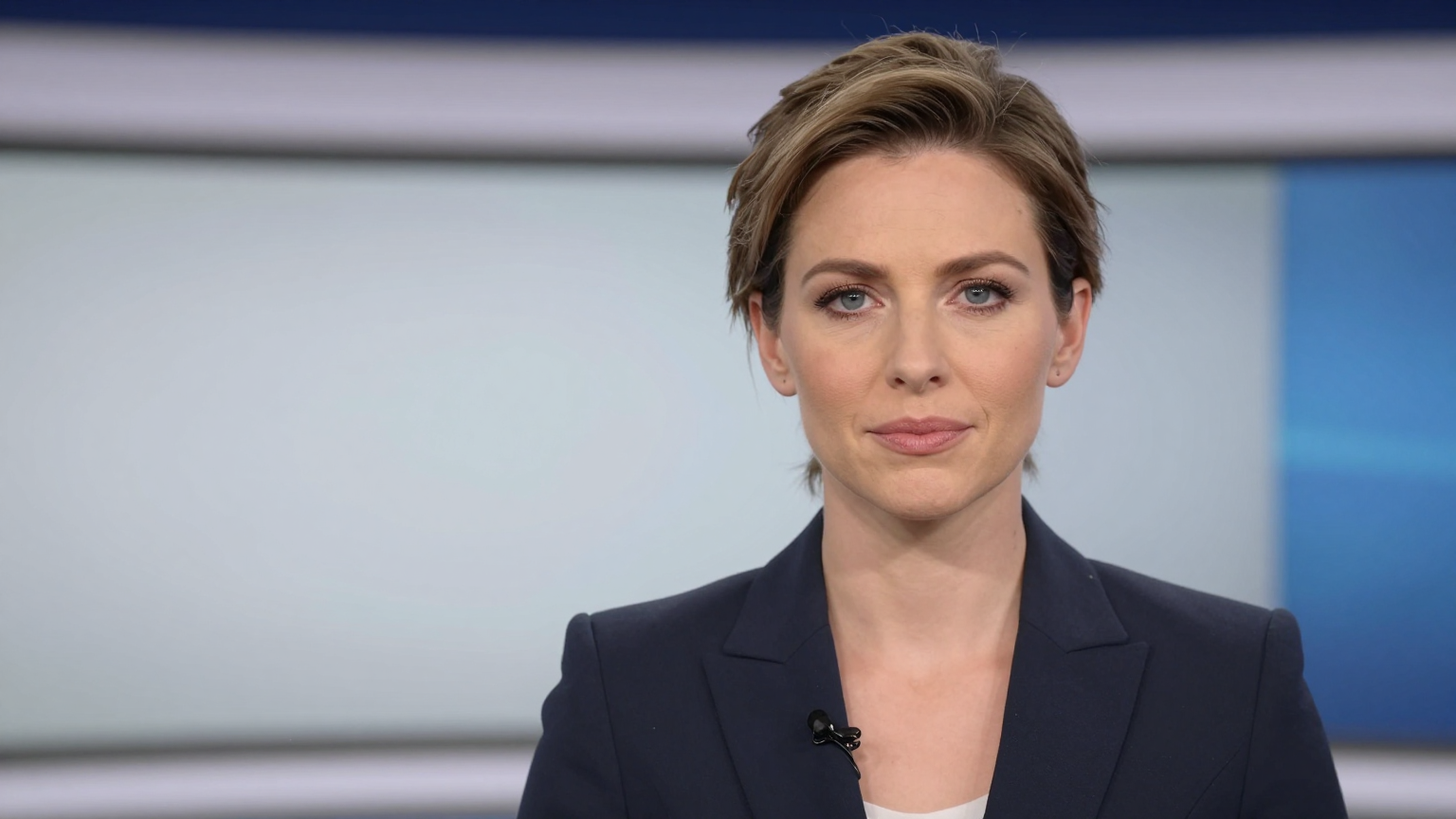
Give feature launches and product introductions a recognizable presenter.
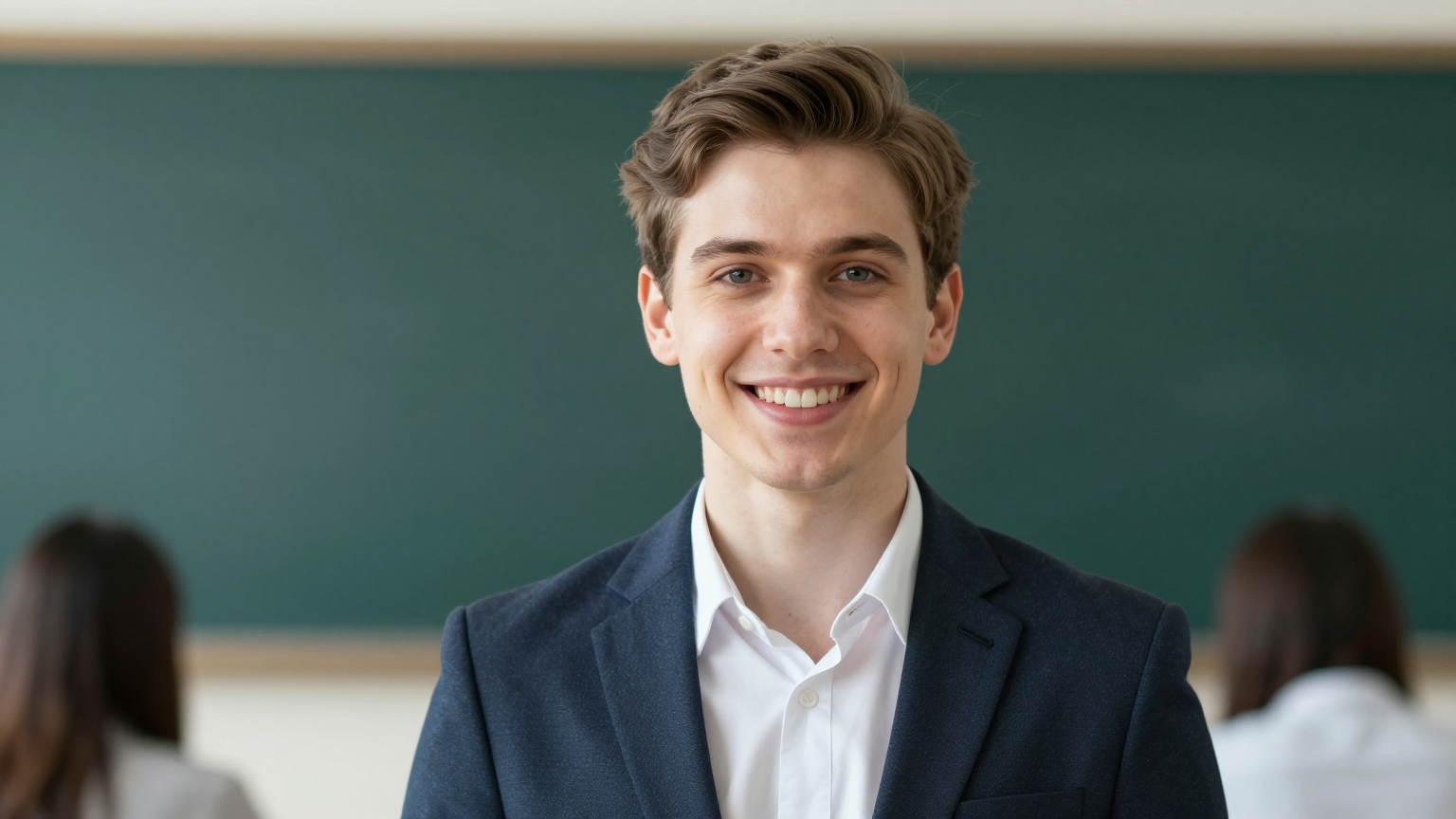
Update a lesson by changing the script while keeping the same instructor portrait.
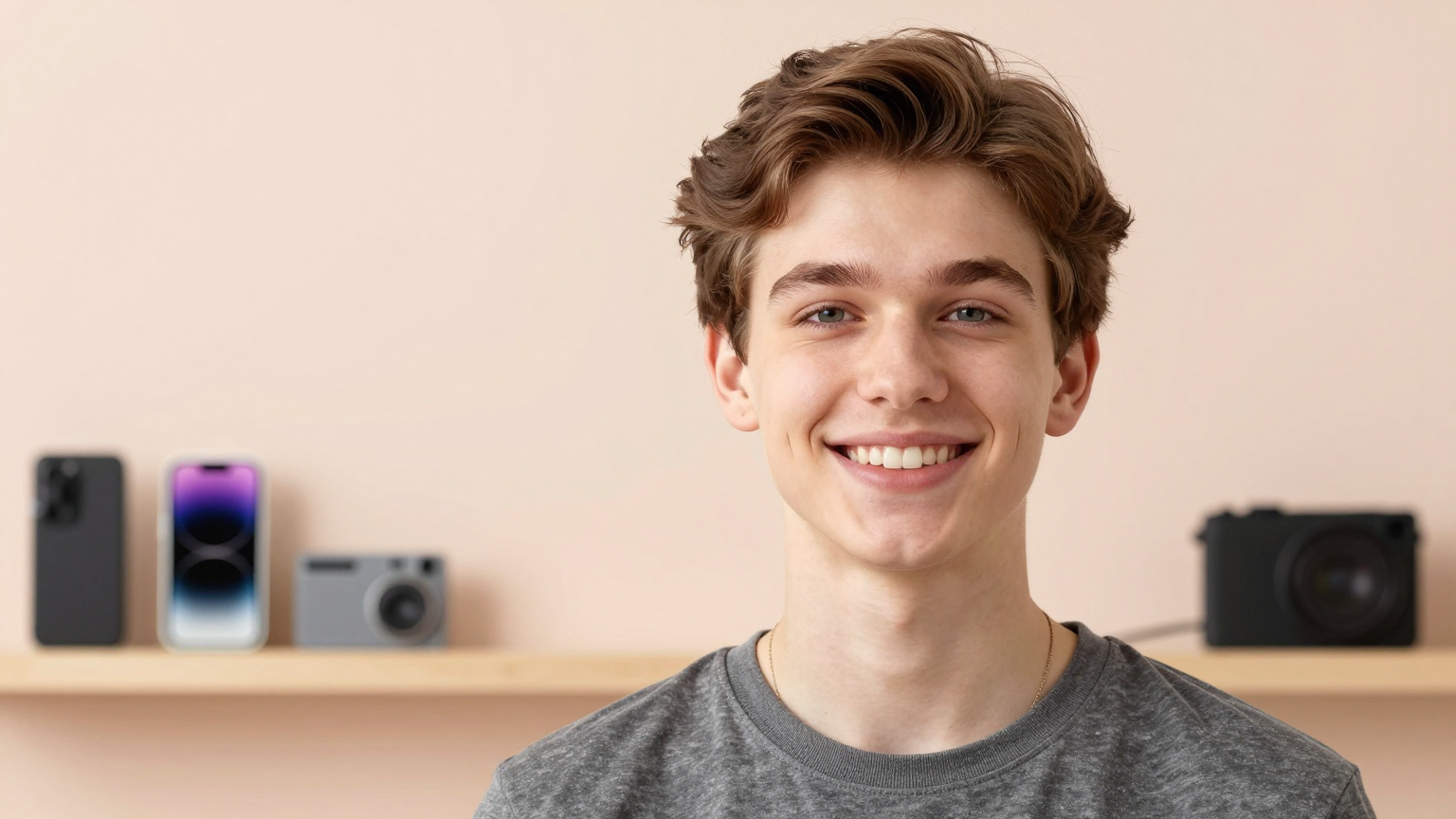
Build recurring short-form commentary and channel updates with your own character.
AI avatar image creation costs 4 credits per image. Uploaded portraits and template selection do not incur an image-generation charge. Video cost depends on the selected model, resolution, and audio length, and is shown in the video tool.
View credit pricingYes. Create a character with AI, upload a portrait, or choose a presenter. The selected image is passed directly to the lip sync tool on this page.
AI-created portraits use GPT Image 2.5 Flare. The talking video is generated separately using the lip sync model selected in the video tool.
Yes. Upload a portrait as a reference for AI image creation, or use the photo directly for a talking video. AI image generation may change some facial details.
Yes. Upload narration or record audio in the video tool. You can also type a script and choose an available text-to-speech voice.
Yes. Save the avatar in this browser or download its image, then use the same portrait with a new script. This reuses the source image; it does not guarantee identical appearance when generating new outfits or scenes.
You can select a template without an image-generation charge. AI image creation and video rendering use credits. Sign in to see your available balance and check the displayed cost before generating.