

Endorsement
Turn a dog, cat, mascot, or illustrated animal photo into a talking video with AI lip sync. Add a script, choose an AI voice, or upload audio to create funny animal clips, greetings, and social videos.
1. Choose a face
2. Model
3. Add your audio
Step 1/3
Choose a face
Follow the next step to keep building your video.
Trusted by teams
Talking animals AI turns an animal photo into a speaking video by matching mouth and facial movement to a voice track. Start with a clear dog, cat, mascot, or illustrated animal face, then add text or recorded audio.
Create a talking dog joke, a cat birthday message, or an animal mascot explainer from one image. LipsyncX combines AI voices and lip sync in one workflow, so you can create a short clip without filming your animal again.
Character showcase
Preserve stylized art while adding natural lip movement.
Endorsement
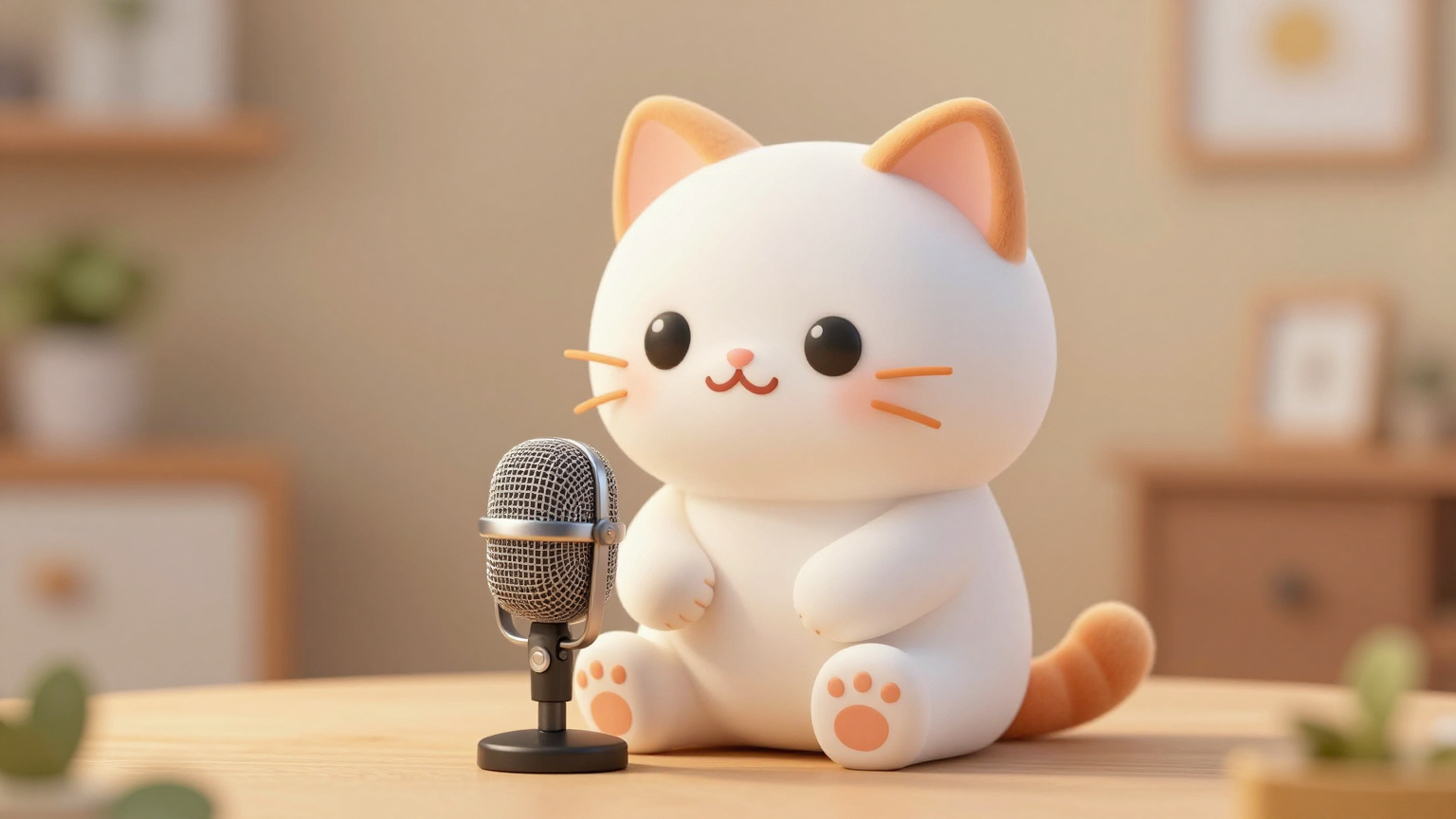
Social
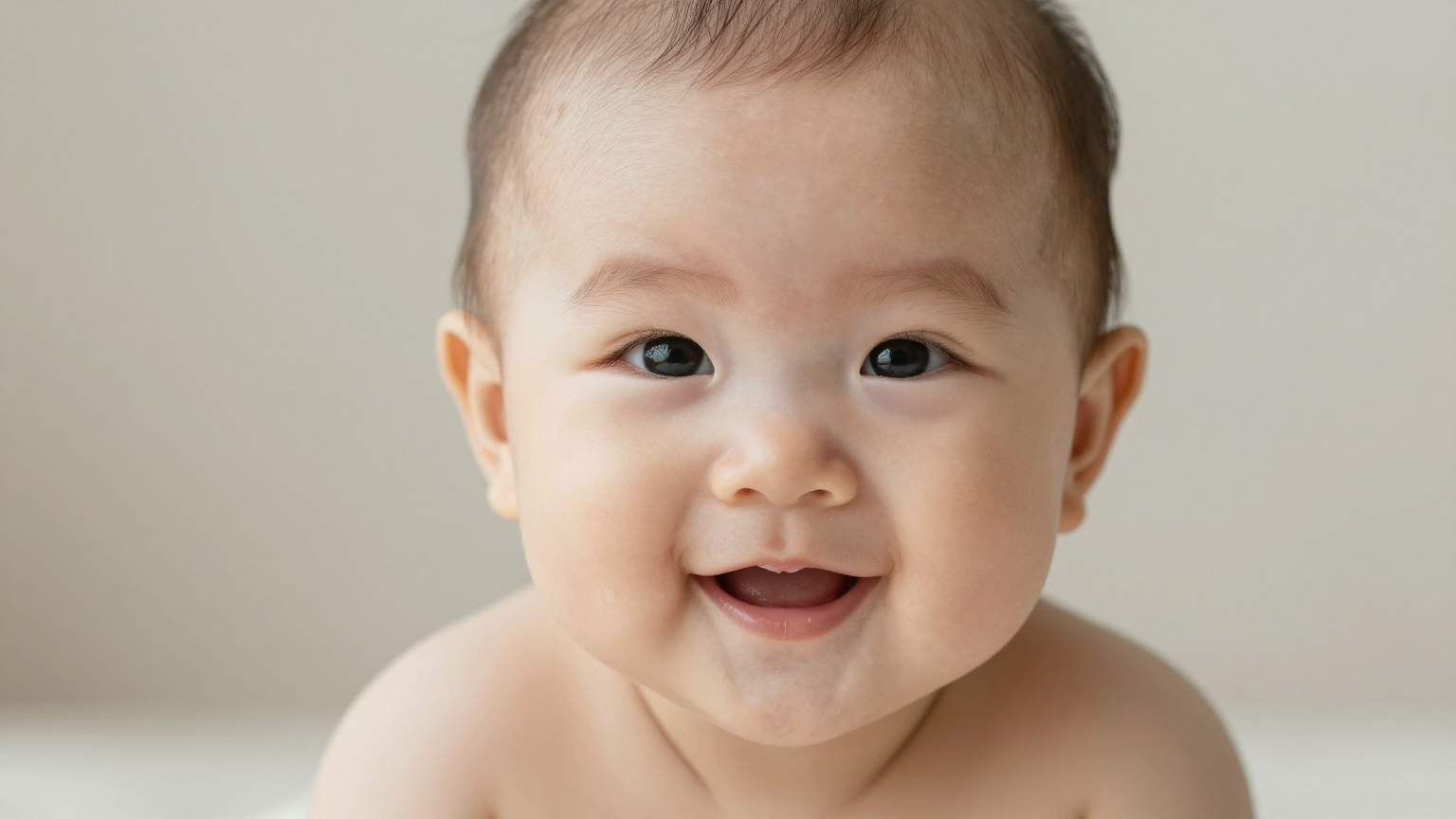
Trends

Series
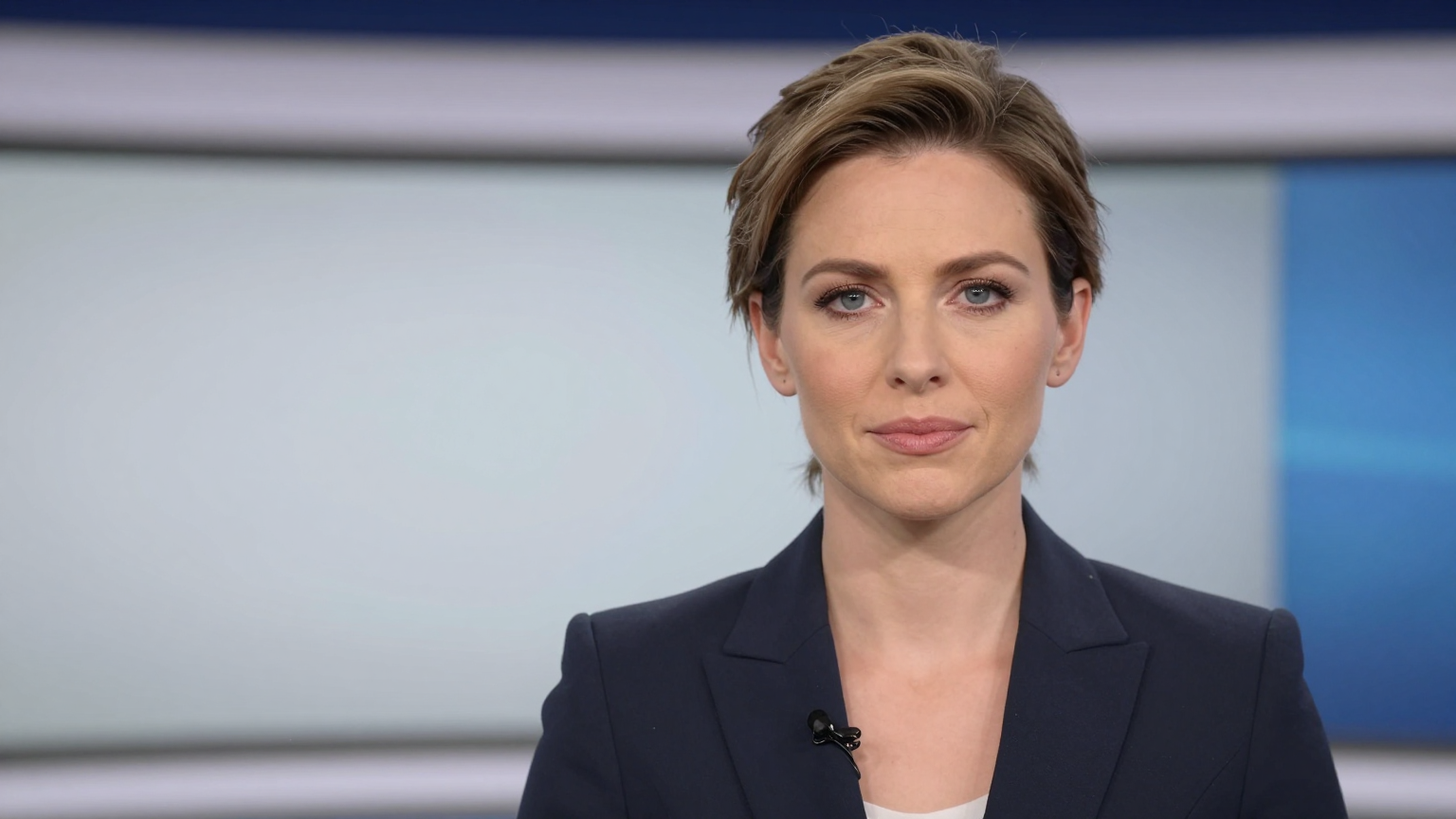
News
Demo
Choose a joke, greeting, or mascot script to turn an animal photo into a short video for your audience.
Make a dog tell a joke, react to a trend, or deliver a punchline for TikTok, Reels, or Shorts.
Turn a cat photo into a birthday greeting, apology, daily update, or playful family message.
Create sci-fi jokes, “incoming transmission” moments, or strange voiceover clips with a pet as the character.
Use a mascot, plush toy, or animal character as a lightweight spokesperson for products and campaigns.
Go from an animal image to a voice-driven video in one workflow.
Use a clear dog, cat, mascot, or animal character image with the face visible.
Type a script and choose a voice, or upload your own voice track for tighter control.
The AI aligns mouth movement and facial motion to the speech so the animal appears to talk.
Use the result for pet memes, creator content, funny ads, birthday clips, and short-form videos.
Use the same photo-to-video workflow for a pet meme, a greeting, or an animal character series.
Front-facing photos with visible eyes and mouth area usually produce the most stable talking result.
Funny, direct lines work best. You can also upload recorded audio or a prepared voiceover.
Render the talking animal video, review the mouth movement, then download the clip for your channel or campaign.
Make a dog talk from a photo for social media jokes.
Create a talking pet birthday greeting or family message.
Turn a pet into a narrator for YouTube Shorts or TikTok series.
Make a mascot explain a product in a friendlier voice.
Create alien, sci-fi, or comedy pet meme videos.
Test pet influencer content without filming a new clip.
Talking animal videos work best when the source image gives the model a clear face shape to animate.
Use a pet photo where the head is not turned too far sideways and the mouth area is visible.
Clear eyes, muzzle, and jaw lines make the generated movement easier to read.
Short jokes, one-liners, and quick reactions usually feel more natural than long monologues.
Turn a dog photo into a funny sci-fi message with a short voiceover. Use this starter script for a talking animal meme, then change the lines to match your character.
Dog: “Wait... I am getting an incoming message.” Dog: “It is all static.” Dog: “Oh! That did it. It is an alien trying to talk to me.” Dog: “Why do aliens avoid Earth?” Dog: “They read the reviews. Only one star.”
Explore talking photos, pet and anime lip sync, singing photos, and other ways to animate animal characters.
Yes. Upload a dog photo, add text or audio, and generate a talking dog video with AI lip sync.
Yes. A single clear photo is enough to start. Front-facing images with a visible mouth area usually work best.
Yes. Dogs and cats are common, and mascot-style animals or illustrated animal characters can also work when the face is clear.
Yes. You can upload your own audio or use text-to-speech for faster drafting.
Yes. Talking pet clips are naturally suited to short jokes, reactions, birthday messages, meme formats, and social posts.
Free outputs can include a LipsyncX watermark. Every successful top-up, including the starter pack, unlocks downloads without the LipsyncX watermark for your existing and future videos. Generating new videos still uses credits.