
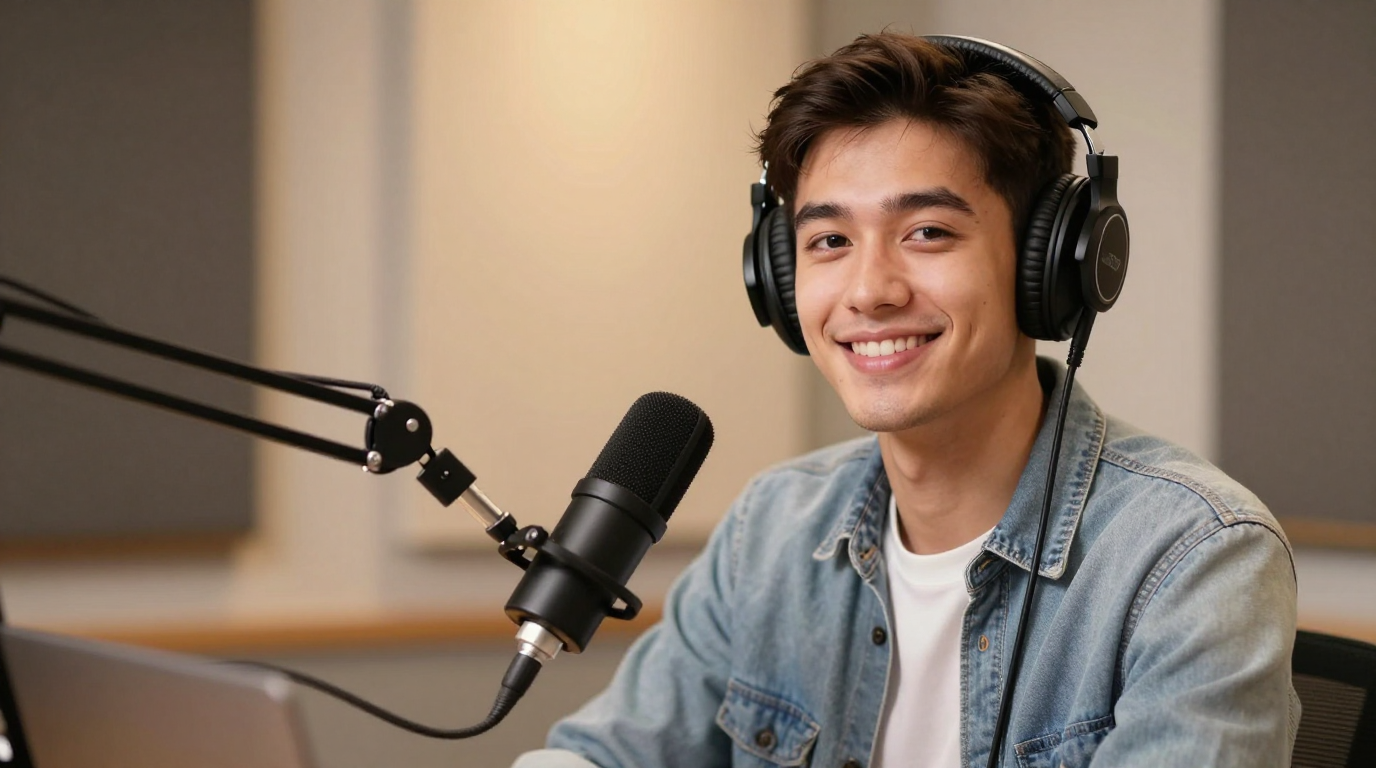
Endorsement
Turn a single image into a speaking video with lip sync, voice, and natural facial motion. Create talking photos for social clips, product explainers, and creator content without filming from scratch.
Step 1/3
Choose a face
Follow the next step to keep building your video.
Trusted by teams
An AI talking photo generator converts a still portrait into a video where the face appears to speak. Most users searching this term want a simple path: upload one image, add text or audio, and export a talking video.
A good talking photo workflow should make the next step obvious: choose an image, add a voice, preview the result, and export a video. It also connects naturally with AI lip sync, make photo sing, and voice cloning.
Talking photo showcase
Turn portraits into talking clips for founders, support, and announcements.
Endorsement
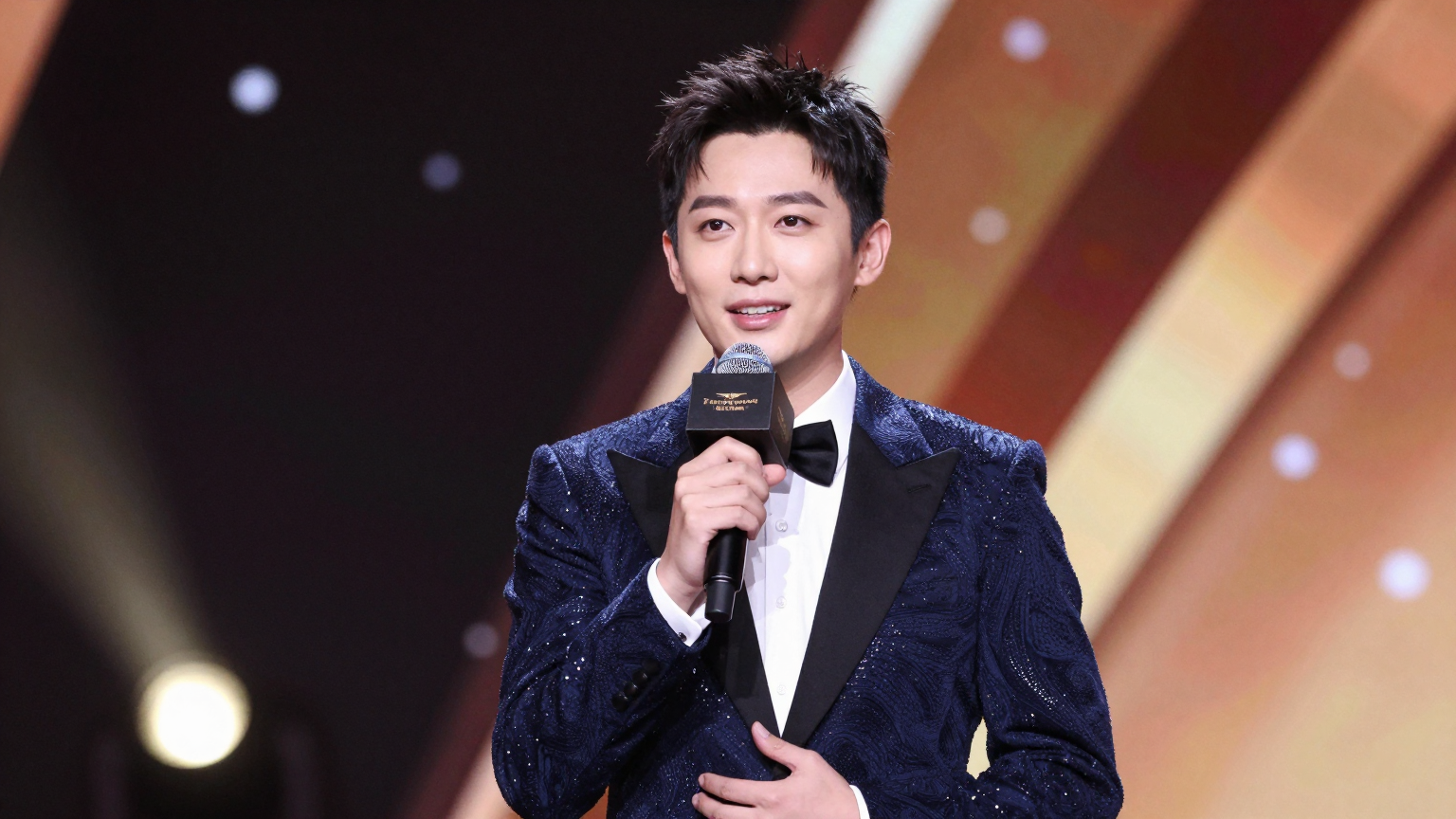
Series
Trends
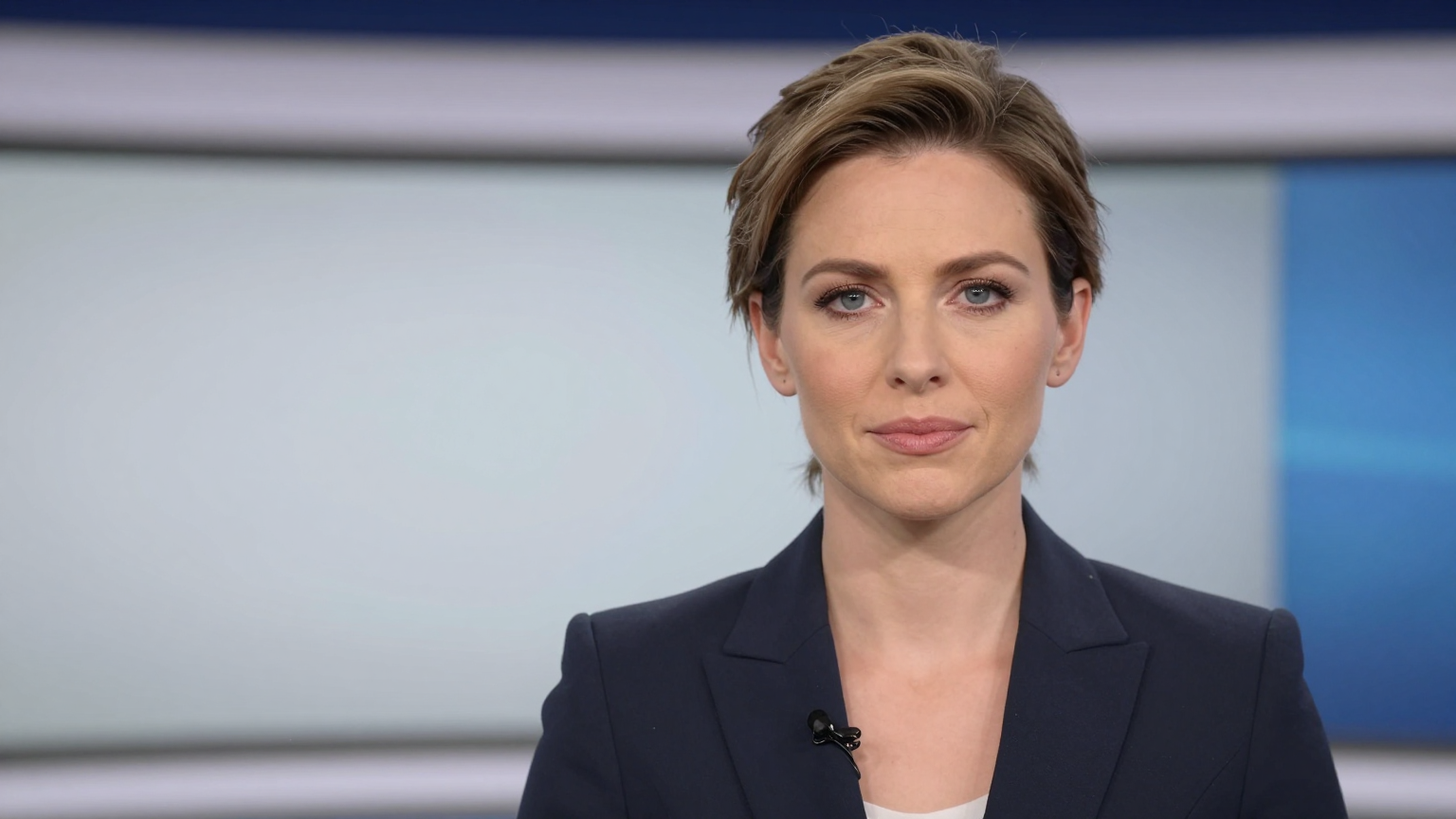
News
Demo
Built for users who want to animate one image into a speaking video without a full shoot.
Start from a script, a voiceover, or a recorded clip depending on how quickly you need to publish.
Focus on the outcome users actually notice: clean speech timing, stable mouth motion, and believable facial animation.
Export talking photo videos for social media, product pages, explainers, internal training, or creator content.
Pair talking photo generation with voice cloning or dubbing flows when the same visual needs to work across markets.
The workflow is simple: start with one image, add text or audio, then generate a speaking video you can reuse.
Use a headshot, selfie, avatar, or character image with the face clearly visible.
Paste text to generate speech or upload your own narration for direct timing control.
Preview lip sync, export the talking photo, and reuse it in social, landing page, or product workflows.
Create a talking photo for TikTok, Reels, Shorts, and meme content
Turn a founder headshot into a weekly product update video
Make customer testimonial photos speak in paid landing pages
Animate a mascot, avatar, or virtual spokesperson from one image
Localize the same talking photo with new voices for different markets
Build lightweight explainers when you do not want a full studio shoot
Talking photos often sit next to lip sync, photo singing, voice cloning, and dubbing workflows. Use the related tools below when your project needs a different input or output style.
Before spending credits, check the example quality, pricing, and whether your source image has a clear face. You can review pricing and the studio.
Use a front-facing portrait with visible lips, good lighting, and minimal blur. Stylized avatars can work too, but clean facial structure usually gives better motion.
An AI talking photo generator turns a still image into a speaking video by matching lip movement, facial motion, and voice to a script or uploaded audio.
Yes. You can type a script, choose a voice, and generate a talking photo without recording audio first.
Use a clear front-facing portrait with good lighting, a visible mouth, and minimal motion blur. Clean source images usually produce more stable lip sync.
Yes. You can upload audio for direct lip sync or start from text and use built-in voices for faster iteration.
Yes. Talking photos are commonly used for product explainers, social clips, founder updates, onboarding videos, and localized promotional content.
A talking photo usually starts from one existing image, while an AI avatar video may use a fully generated presenter or a reusable studio-style character.