
Cartoon Lip Sync AI: Make Your Characters Talk
Turn your drawing, cartoon avatar, or original character into a talking video. Upload an image, add a script or voice recording, and review the result.
Create a Talking Cartoon from Your Image
Review the estimated credits before generating. Cost depends on the model, resolution, and audio length.
Cartoon Characters You Can Make Talk
Choose an original character image to load into the tool, then add your own words. These are input images, not generated video results.
 Input image
2D Cartoon Character
Try a short joke, greeting, or spoken line with this original illustrated character.
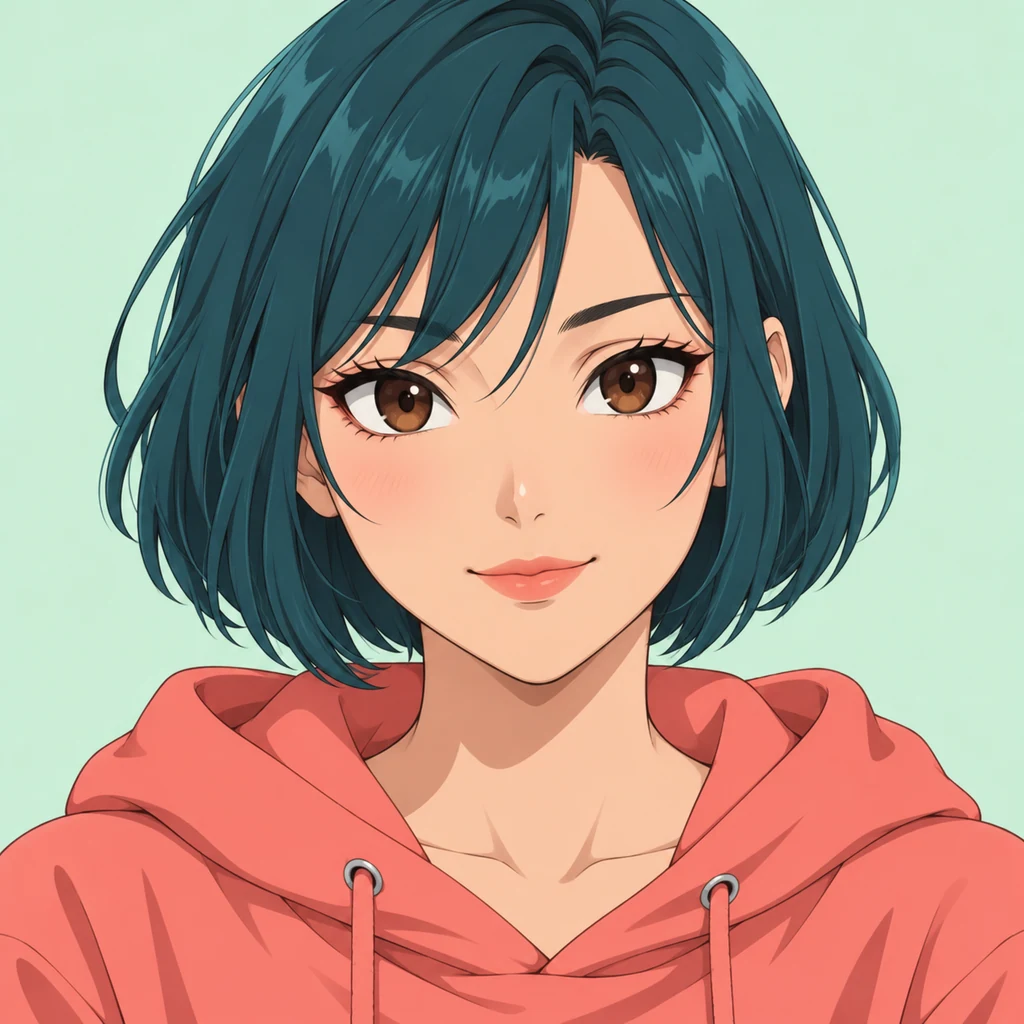 Input image
Teal-Haired Anime Character
Try a short joke, greeting, or spoken line with this original illustrated character.
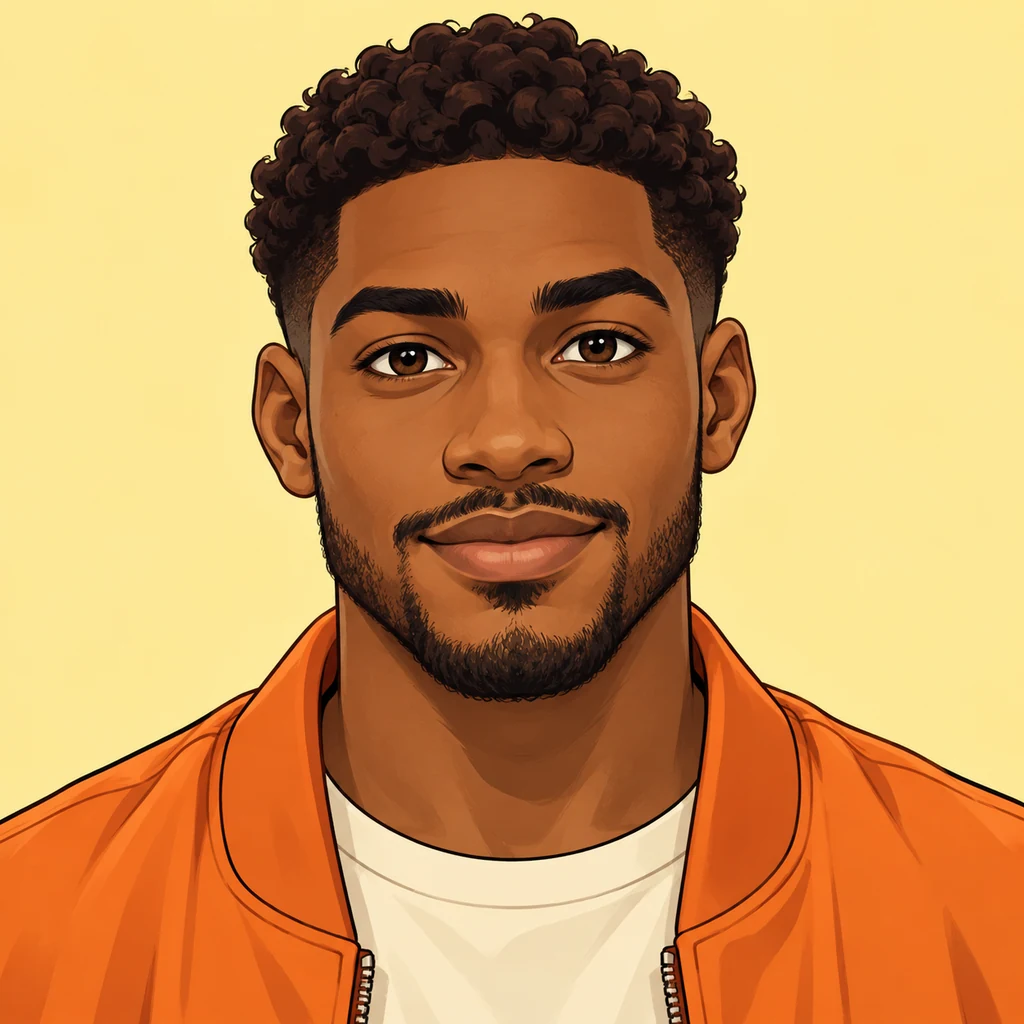 Input image
Comic Character
Try a short joke, greeting, or spoken line with this original illustrated character.
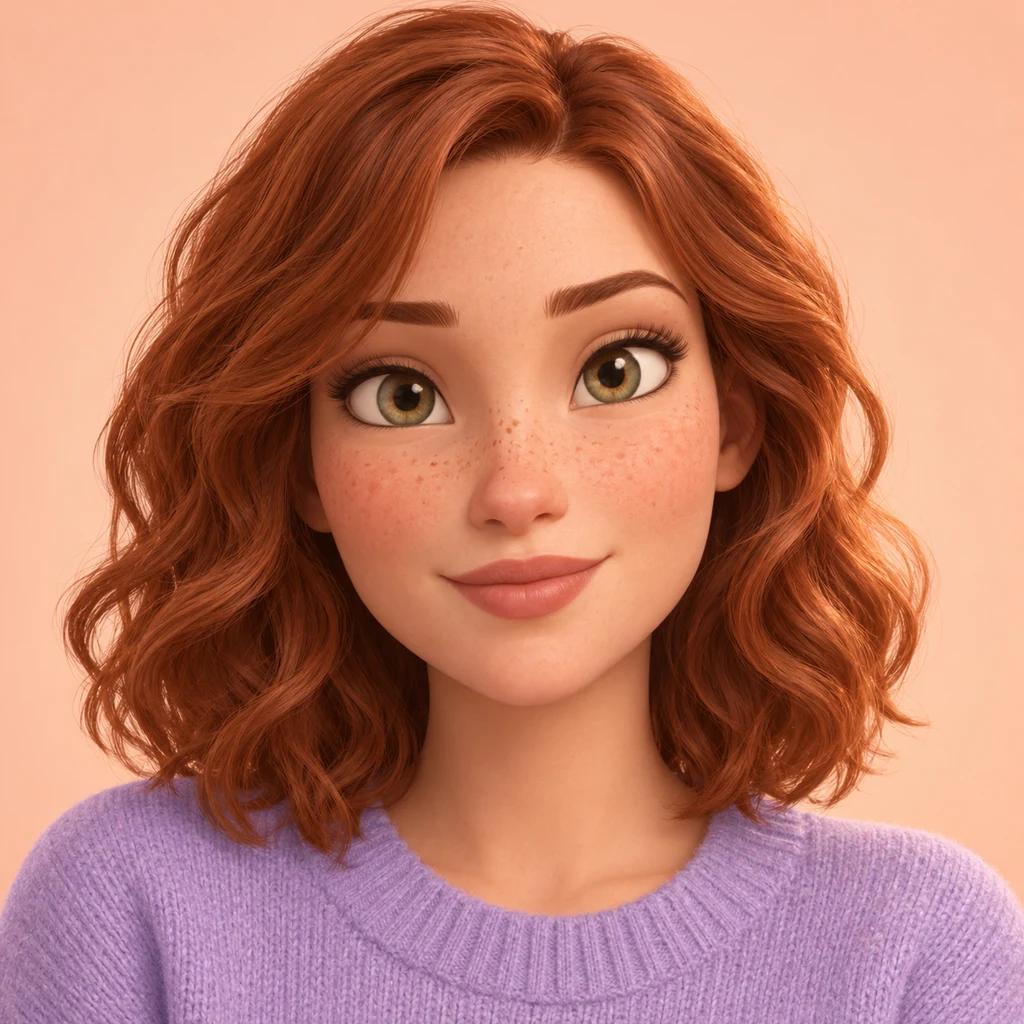 Input image
3D Animated Character
Try a short joke, greeting, or spoken line with this original illustrated character.
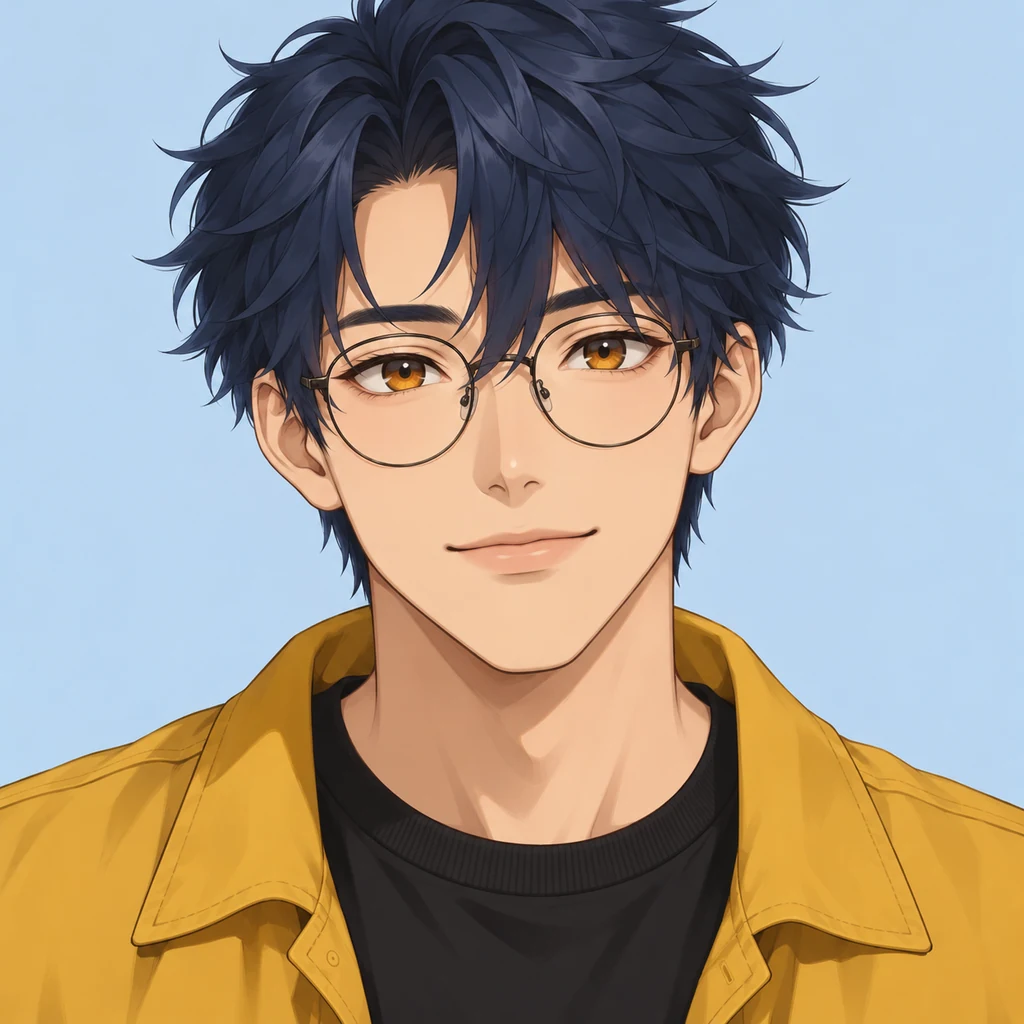 Input image
Anime Character with Glasses
Try a short joke, greeting, or spoken line with this original illustrated character.
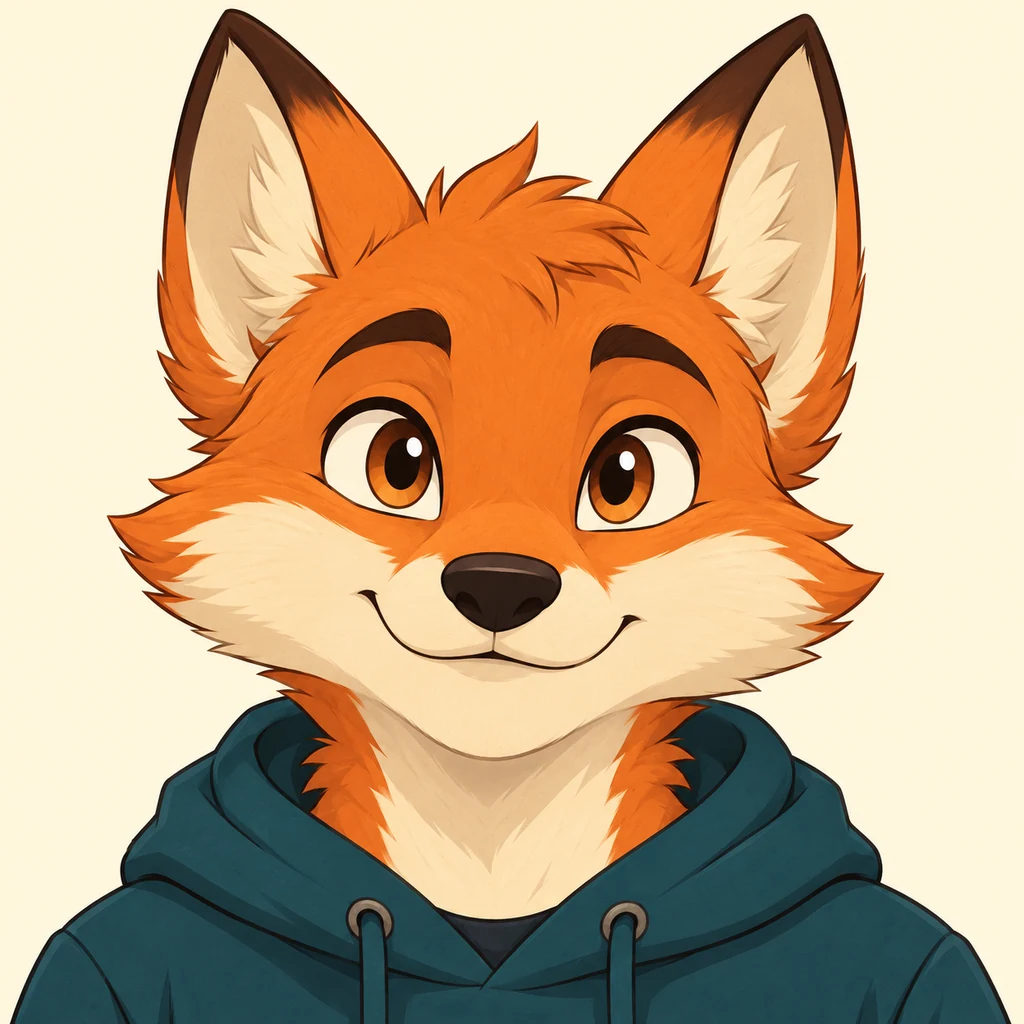 Input image
Fox Mascot
Give this original mascot a greeting or a short introduction in your own voice.
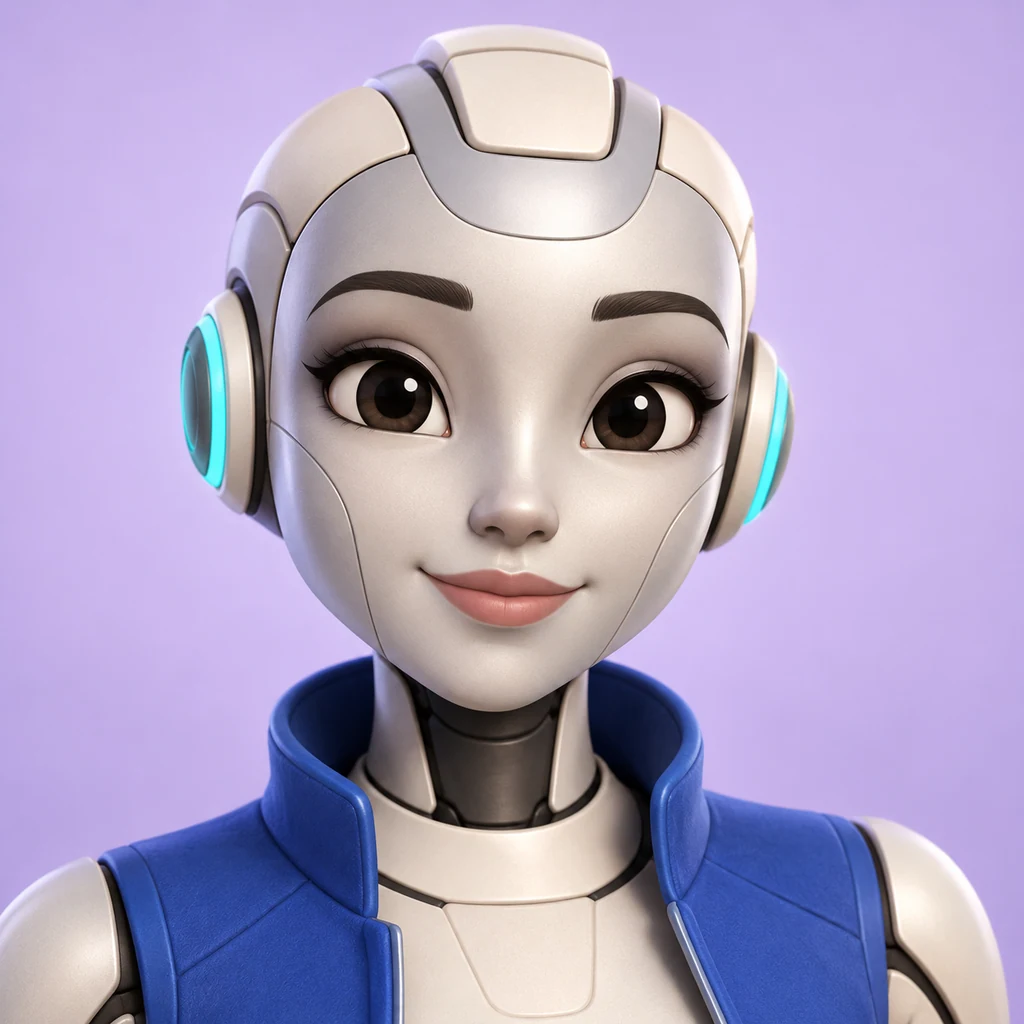 Input image
Robot Presenter
Try a short joke, greeting, or spoken line with this original illustrated character.
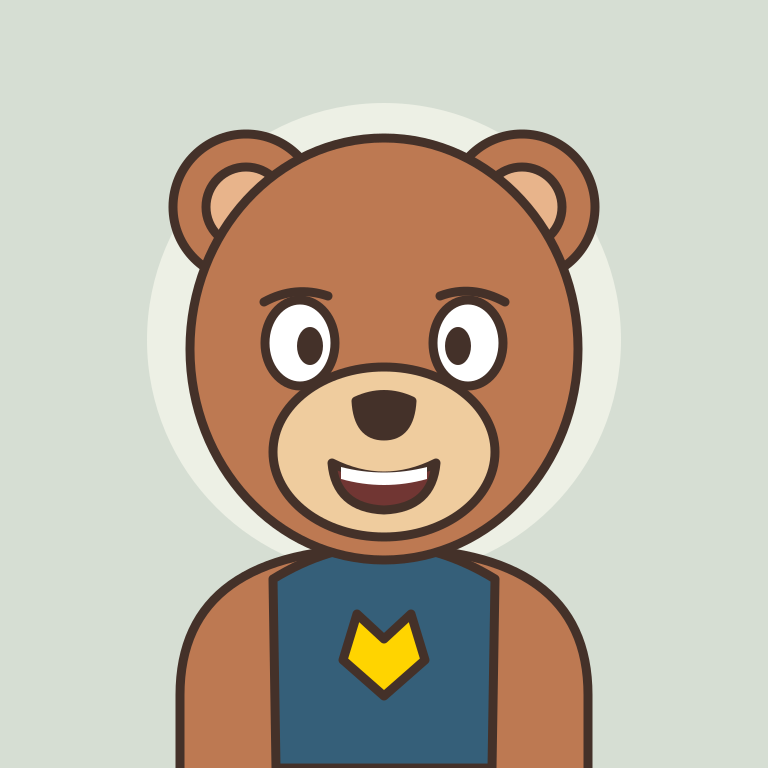 Input image
Original Mascot
Give this original mascot a greeting or a short introduction in your own voice.
Original input artwork made for LipSyncX. Review your own generated clip to judge the result.
Making Videos for Your Team?
Use your company mascot and voiceover for employee welcomes, department introductions, and training.
Explore Company Mascot VideosHow to Make Your Cartoon Character Talk
Upload a Clear Character Image
Choose a drawing or avatar with one visible face and a clear mouth. Use an image you own or have permission to use.
Add a Script or Voice Recording
Type a short line, upload your dialogue audio, or record in the browser. Listen to the voice before generating.
Generate, Review, and Download
Check the estimated credits, generate the clip, and review it with sound. Adjust your input if needed, then download the finished video.
Use Your Own Voice or Start with Text
Upload Your Dialogue Audio
Use an existing voiceover in MP3, WAV, or M4A format. Clear speech with little background music is a useful starting point.
Record a Line in Your Browser
Record a joke, greeting, or character line directly in the tool. Preview it and record again if the words are unclear.
Turn Your Script into Speech
Enter your dialogue, choose an available voice, and preview the speech. The character image does not automatically select or imitate its original voice.
Make Memes, Shorts, and Character Messages
Talking Memes and Funny Reactions
Give a cartoon image a short punchline or reaction. Download the clip to add captions and edits in your video editor.
Recurring Characters for Shorts and Reels
Reuse your character image with new dialogue for a series. Test each output for changes in the face, outfit, and background before publishing.
Personalized Character Messages
Create a birthday greeting, a message from your original character, or a short mascot introduction with your own words.
Get Better Results from Your Image and Audio
Keep the Mouth Clearly Visible
Start with a front-facing or slight three-quarter view. Very small faces, covered mouths, and exaggerated proportions can be harder to animate.
Start with One Speaking Character
Use one character and a short line for your first test. A multi-character scene needs a different setup and should be tested separately.
Use Clear Speech with Less Background Noise
Trim long silences and avoid overlapping speakers. Review the clip for lip timing, mouth distortion, and unexpected changes to the character.
Cartoon Lip Sync Pricing and Free Trial
Try a Short Clip
New accounts receive 20 trial credits once. Trial output has a watermark; the tool shows whether your selected settings fit your balance.
Buy Credits When You Need Them
Top-ups start at $2.99 with no required subscription. The number of videos depends on your model, resolution, and duration.
Make Your Character Talk with LipSyncX
Upload your character and try one short line. Review the result before spending credits on a longer video.
Make My Cartoon TalkCartoon Lip Sync FAQ
Can I make a cartoon character talk from one image?
Yes. Upload a character image and add text or audio. A single clear face with a visible mouth is a good first test; results vary by drawing style and model.
Can I use my own voice or audio file?
Yes. Upload MP3, WAV, or M4A dialogue audio, or record your voice in the browser. You can also start from text and choose an available voice.
Does it work with anime characters and drawings?
You can upload anime portraits, drawings, and mascot images. Test a short clip to check whether the selected model handles the face and mouth in your artwork.
Will the character’s appearance change?
Generation can change facial details, outlines, or the background. Reusing an image does not guarantee identical results. Review each clip and adjust the image or model if needed.
Can I try cartoon lip sync for free?
New accounts get 20 trial credits once. Generation requires sign-in. Trial clips have a watermark, and longer clips or higher resolutions may need additional credits.
How do I download a video without a watermark?
A successful paid credit top-up unlocks downloads without the LipSyncX watermark. Generating new videos still consumes credits; check the current pricing page for details.
See a practical workflow
A childhood toy gives a party speech
Photograph a beloved toy, record a memory, and make a short greeting for a birthday or quinceañera film.
Make a two-character story scene
Use two clear faces, labeled turns, and separate voice choices. Check the speaking and listening mouths at each transition.
Original fictional artwork and new synthetic audio. Examples show particular inputs; results vary with the image, audio, and model. Demonstration audio is in English. Prepare your own recording for another language.
Explore all eight workflows