
Lipsync.video AI in 2026: Practical Guide for Creators
Highlights
- lipsync.video ai usually means one of two things: a specific AI lip sync site search, or a broader search for lip sync video AI tools that can match mouth movement to new audio.
- The best AI lip sync video results start with clean source footage, clear audio, visible mouth movement, and a script that sounds natural when spoken.
- For creators, the main decision is not only "which tool is best?" but also "which workflow fits my content volume, language needs, budget, and review process?"
- AI lip sync video tools are strongest for creator localization, product demos, training content, social ads, and talking photo experiments.
- If you want a practical place to test realistic AI lip sync video generation, lipsyncx.com is a natural option to include in your shortlist.
Table of Contents
- Introduction
- What Lipsync.video AI Means in 2026
- How Lip Sync Video AI Works
- Where AI Lip Sync Video Delivers the Most Value
- How to Get Realistic Lipsync Video AI Results
- Lipsync.video AI Tool Comparison
- Prompt Examples for Better AI Lip Sync Videos
- FAQs
- Conclusion
- Call to Action
Introduction
If you searched for lipsync.video ai, you are probably trying to solve a very specific video problem: you already have a face on screen, but the mouth does not match the audio you want to use. Maybe you translated a YouTube video into Spanish. Maybe you generated a product voiceover with text to speech. Maybe you have a talking photo and want it to speak naturally. In all of those cases, lip sync video AI can turn an awkward dubbed clip into something that feels watchable, polished, and closer to native video.
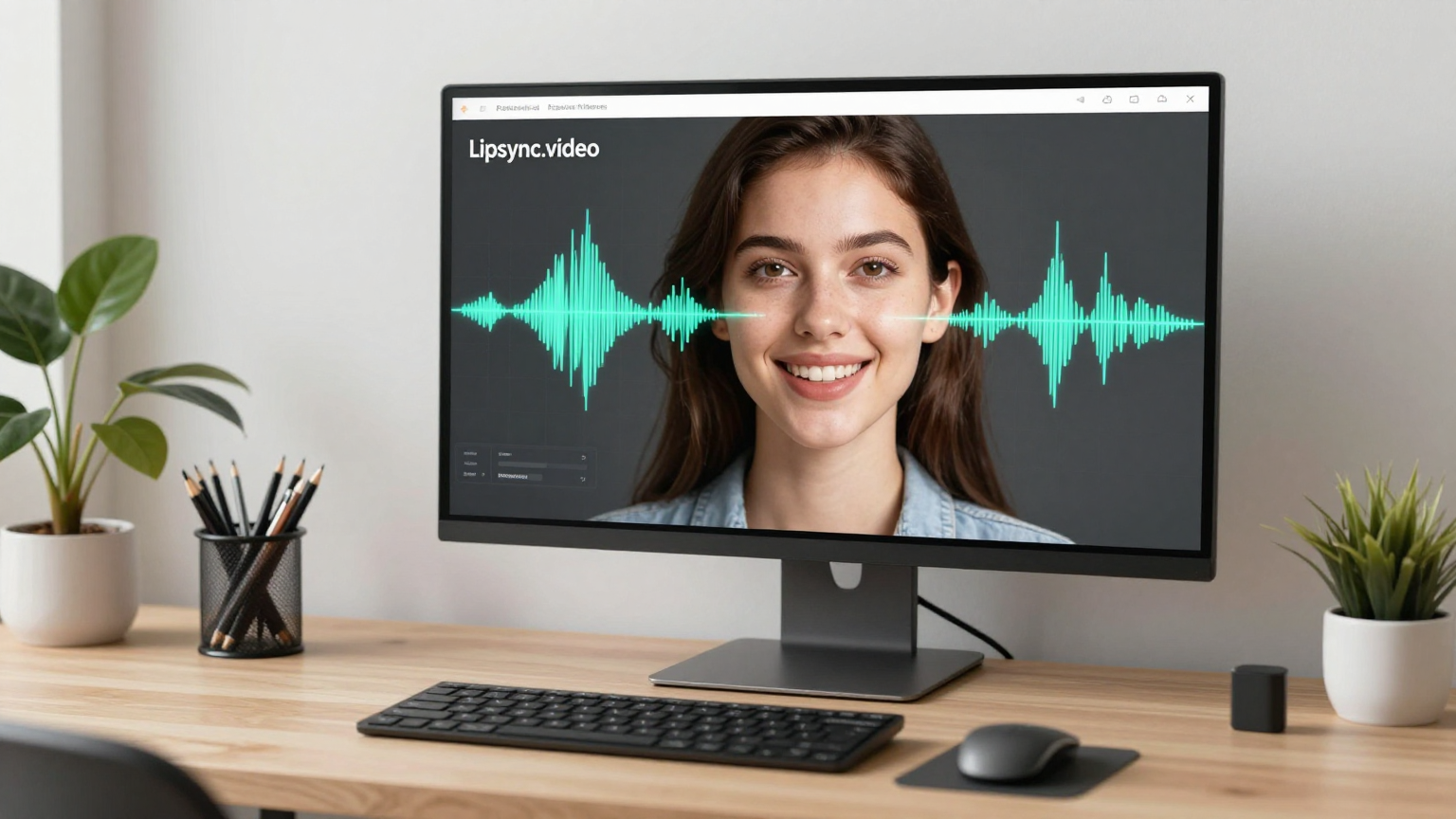
The search term lipsync.video ai is also easy to misunderstand. Some people are looking for the site LipSync.video. Others type the phrase because they want any AI tool that can create lip synced video from an audio file, voice clone, translated script, or talking avatar. This guide treats the phrase the way real creators use it: as a practical need for AI lip sync video workflows that save time without making the final clip look synthetic.
Published on May 6, 2026, this guide explains what lipsync.video AI tools do, how the technology works, how to prepare your files, which tools to compare, and how to decide whether a platform like LipSync.video, HeyGen, Kapwing, or LipSyncX fits your use case. Pricing pages and feature sets change often, so use the comparison as a decision framework and verify current plan details before you buy.
What Lipsync.video AI Means in 2026
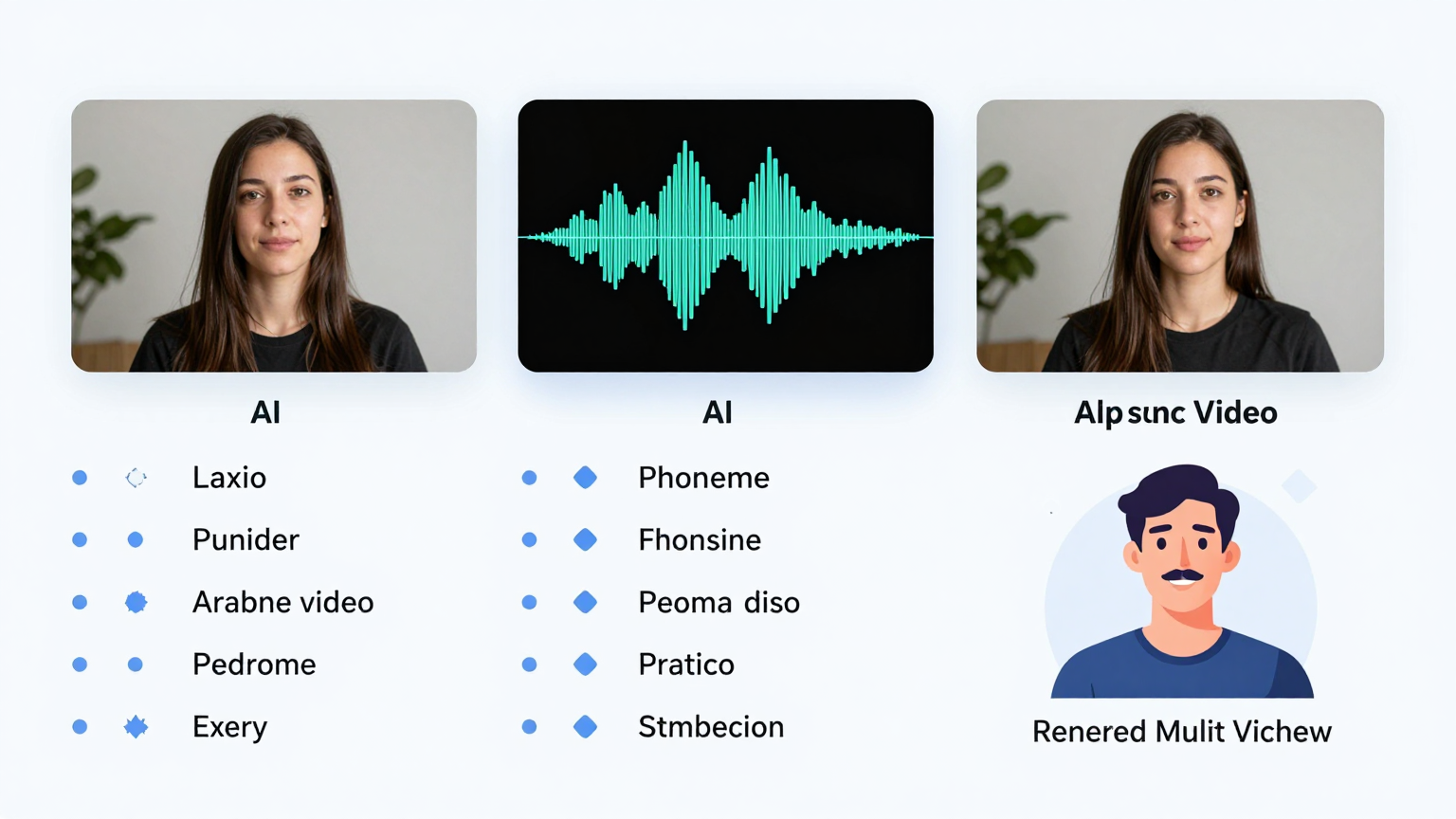
In 2026, lipsync.video AI is less about novelty and more about production leverage. A few years ago, syncing a mouth to a new voice track usually meant manual animation, careful editing, or expensive dubbing. Today, AI lip sync video generators can analyze speech, predict the mouth shapes that should appear, and render new lip motion onto an existing face.
That does not mean every result is perfect. The difference between a weak lipsync video AI output and a professional one usually comes from inputs and workflow. If your face is small, the speaker turns away, the audio is noisy, or the translated sentence is far longer than the original, the AI has less room to produce believable motion. If your footage is clear and your audio is paced for speech, the same tool can look dramatically better.
What people usually mean by lipsync.video ai
The exact phrase lipsync.video ai usually points to four common goals:
- You want a quick online AI lip sync tool.
- You want to compare LipSync.video with other AI lip sync video generators.
- You want to create a talking photo, avatar, or dubbed speaker video.
- You want to know whether lip sync video AI is good enough for YouTube, ads, courses, or client work.
Those are related, but they are not identical. A social creator making a 15-second TikTok needs speed and simple exports. A localization team needs review controls, language support, consistent outputs, and repeatable pricing. A founder making a product demo needs clean delivery, not a complex editing stack.
What the technology can and cannot do
AI lip sync video can usually:
- Match a visible mouth to a new spoken audio track.
- Improve dubbed videos by making the speaker appear to say the translated line.
- Animate a still portrait or talking photo when the platform supports it.
- Shorten the production cycle for multilingual content.
- Create drafts fast enough for testing hooks, ads, and landing page videos.
AI lip sync video should not be treated as a magic fix for every bad source clip. It may struggle with heavy face occlusion, extreme side profiles, fast singing, harsh shadows, cropped mouths, beards that hide the lips, or very low resolution footage. You still need editorial judgment. The AI can generate movement, but you decide whether the final clip earns trust.
How Lip Sync Video AI Works
Most lip sync video AI systems follow the same broad pattern: they read the audio, identify the speech sounds, map those sounds to mouth shapes, track the speaker's face, and render a new mouth region into the video. The details vary by model, but the production logic is consistent enough that you can use the same preparation checklist across tools.
Audio becomes phonemes and visemes
Speech can be broken into phonemes, which are small sound units. For example, the sounds behind "p", "m", and "b" require closed lips, while other sounds require a wider or more open mouth. The visual version of a sound is called a viseme. Lip sync video AI predicts the viseme sequence that should match the audio timing.
This is why clear audio matters so much. If the voice track has background music, room noise, clipped peaks, or overlapping speakers, the model has a harder job. A clean voice file gives the AI better timing and reduces the risk of mouth movement that feels late, early, or mushy.
Face tracking keeps the mouth attached
After audio analysis, the system tracks the speaker's face. It needs to know where the mouth is, how the head moves, how the jaw opens, and how the lighting falls across the skin. Better models preserve more of the original face identity while changing only the lip and lower-face motion needed for speech.
For creator work, the practical takeaway is simple: keep the face visible. A front-facing or three-quarter shot with steady lighting gives lipsync.video AI tools more useful information than a dark, fast-moving, side-profile clip.
Rendering blends new motion into the original video
The final stage is video synthesis. The AI creates new mouth motion and blends it into the source frames. Good rendering should preserve skin texture, teeth, jaw movement, expression, and natural transitions between sounds. Bad rendering often shows blur around the mouth, rubbery teeth, flickering lips, or a mismatch between facial expression and vocal emotion.
The open source Wav2Lip research project helped popularize the idea that a lip sync expert model can improve visual speech synchronization. Modern commercial platforms build on the same general problem space, but add product workflows such as uploads, credits, language tools, and export options.
<iframe width="560" height="315" src="https://www.youtube.com/embed/0fXaDCZNOJc" title="Wav2Lip AI lip sync demo" frameborder="0" allowfullscreen></iframe>This video is useful background if you want to understand why lip sync video AI is possible. It is not a buying recommendation; it is a research-oriented reference that shows how audio-driven mouth synchronization became practical.
Where AI Lip Sync Video Delivers the Most Value
The best lipsync.video AI use cases are not random experiments. They are repeatable content workflows where a realistic mouth match saves editing time, increases viewer trust, or unlocks a language you could not afford to produce manually.
YouTube localization
YouTube creators often have one strong original video and many potential audiences. Translating subtitles is helpful, but many viewers still prefer spoken content in their own language. AI lip sync video lets you pair translated audio with a speaker whose mouth movement roughly matches the new language.
This is especially useful for evergreen videos such as tutorials, software walkthroughs, explainers, course previews, and product reviews. If a video already works in English, a localized version with credible lip sync can help you test Spanish, Portuguese, Hindi, Japanese, French, German, or other markets without rebuilding the entire production.
Product demos and SaaS onboarding
For SaaS teams, lipsync.video AI can support product demos, changelog videos, onboarding clips, and support explainers. You can keep the same presenter video and update the voiceover when the product changes. That is faster than reshooting every small feature announcement.
The key is to keep scripts concise. SaaS explainers often become too dense when teams try to mention every feature. A better AI lip sync video script explains one user pain, one action, and one outcome. The mouth sync will look better when the voiceover sounds like a person speaking, not a brochure being read aloud.
Ads and creative testing
Performance marketers care about iteration speed. A lip sync video AI workflow can help you test different hooks, offers, languages, and calls to action using the same base footage. Instead of recording five versions of a founder video, you can produce several voiceover variants and render synced outputs for testing.
Use this carefully. Ads need trust. If the mouth looks unnatural, viewers may feel the whole offer is low quality. For paid campaigns, run short internal review passes before spending budget. Watch the first three seconds, the CTA line, and any moment where the speaker names a brand or price.
Training, education, and internal communication
Training teams can use AI lip sync video to localize onboarding modules, safety reminders, product education, and internal updates. This is where the time savings can be significant. Instead of coordinating studios and presenters for every language, you can create a controlled video library and update audio tracks as policies or features change.
For internal work, accuracy matters more than cinematic polish. Review translations, names, technical terms, and compliance language before rendering. A smooth mouth sync cannot fix a wrong instruction.
Talking photos and avatar clips
Talking photos are popular because they are fast and visually clear. You upload a portrait, add a script or audio file, and the AI animates the face. This is useful for social posts, lightweight greetings, music snippets, explainer thumbnails, and character-based content.
The limitation is emotional range. A still image has less motion data than a real video, so the output may feel more avatar-like. For high-trust business content, real talking-head footage is usually better than a single photo.
How to Get Realistic Lipsync Video AI Results
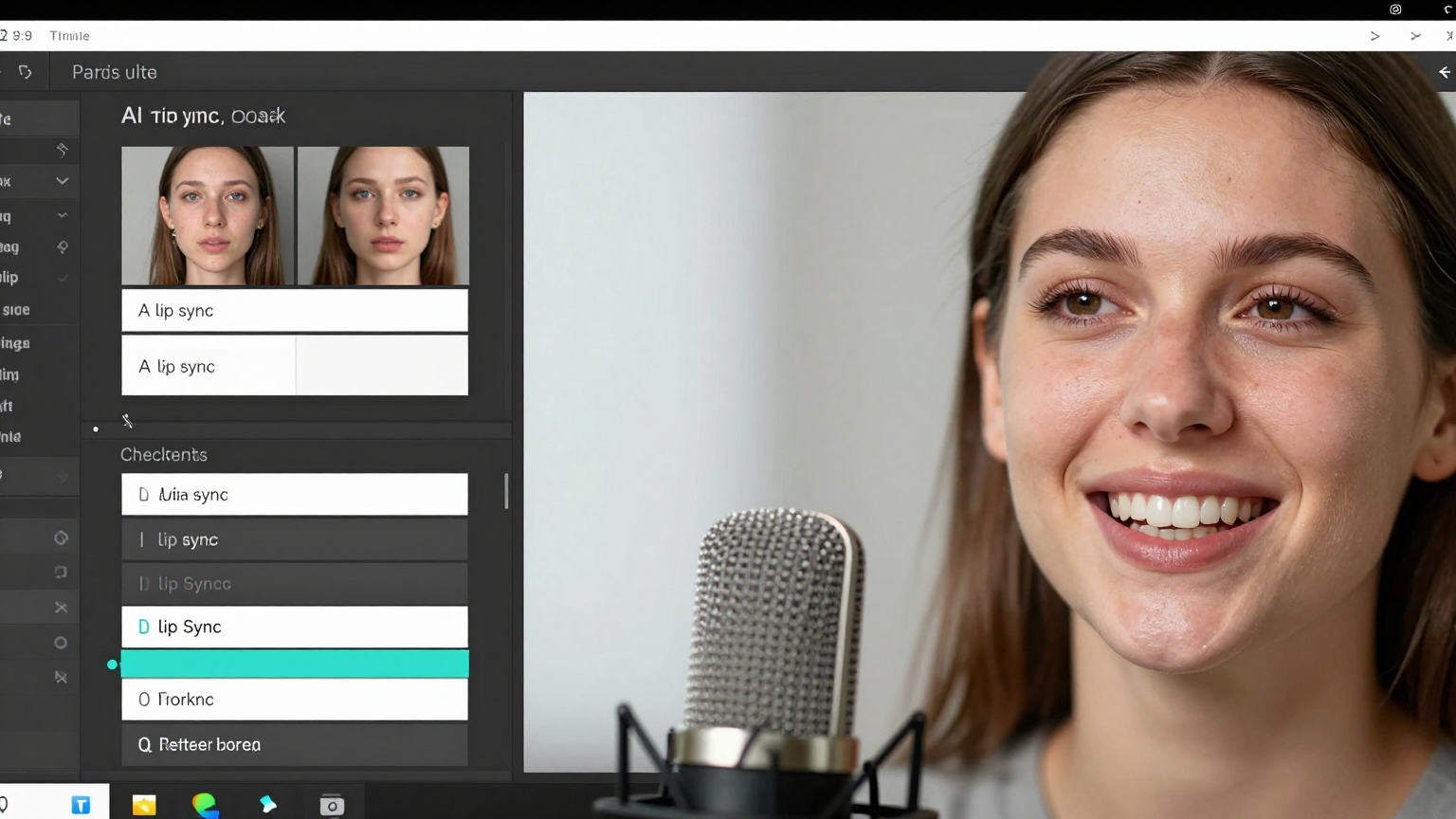
If you want better lipsync.video AI results, do not start by changing tools. Start by improving inputs. The same AI lip sync video generator can produce a weak result from a dark, noisy clip and a strong result from a clean, centered talking-head shot.
Start with source footage that gives the AI enough information
Use a video where the speaker's mouth is visible for most of the clip. Avoid extreme side angles, heavy shadows, hands over the mouth, fast zooms, and motion blur. The best source clips have stable framing, soft light, and a speaker who faces the camera naturally.
Recommended source settings:
- Resolution: 1080p if available; 720p can work for simple clips.
- Framing: face and mouth visible, ideally not too small in frame.
- Lighting: even light across the face, no harsh shadows on the lips.
- Motion: natural head movement, but not constant turning or shaking.
- Duration: keep first tests short, then scale once your workflow is reliable.
Use audio that sounds like real speech
AI lip sync video depends on timing. If the voice is too fast, too robotic, or too compressed, the mouth may look unnatural even if the model is strong. For translated clips, adjust the script so it fits the original pace. A sentence that takes 6 seconds in English may take 9 seconds in another language, and forcing it into the same space can look rushed.
Good audio habits:
- Export clean voice as WAV or high-quality MP3.
- Remove background noise before upload.
- Avoid overlapping speakers unless the tool supports dialogue.
- Keep music lower than the voice if you upload mixed audio.
- Leave tiny pauses where a real speaker would breathe.
Match emotion, not only words
A common lipsync.video AI mistake is syncing a cheerful voice to a serious face, or a calm voice to a highly animated expression. The mouth may match the phonemes, but the clip still feels wrong because the face and voice do not share the same emotional energy.
Before rendering, ask: would this person plausibly say this line with this expression? If the answer is no, change the script, regenerate the audio, or choose different footage.
Review the moments viewers notice most
You do not need to inspect every frame equally. Viewers notice specific moments:
- The opening line.
- Brand names and product names.
- Numbers, prices, and dates.
- Close-ups of the mouth.
- Fast consonant clusters.
- The final call to action.
If those moments look solid, minor imperfections elsewhere may not matter. If those moments look wrong, the clip will feel cheap no matter how clean the rest is.
Keep consent and disclosure in the workflow
Any realistic lip sync video AI workflow should include permission, review, and disclosure where appropriate. Do not make a real person appear to say something they did not approve. For brand and client work, keep written approval for source footage, voice usage, translated scripts, and final exports. The more realistic the tool becomes, the more important your production ethics become.
Lipsync.video AI Tool Comparison
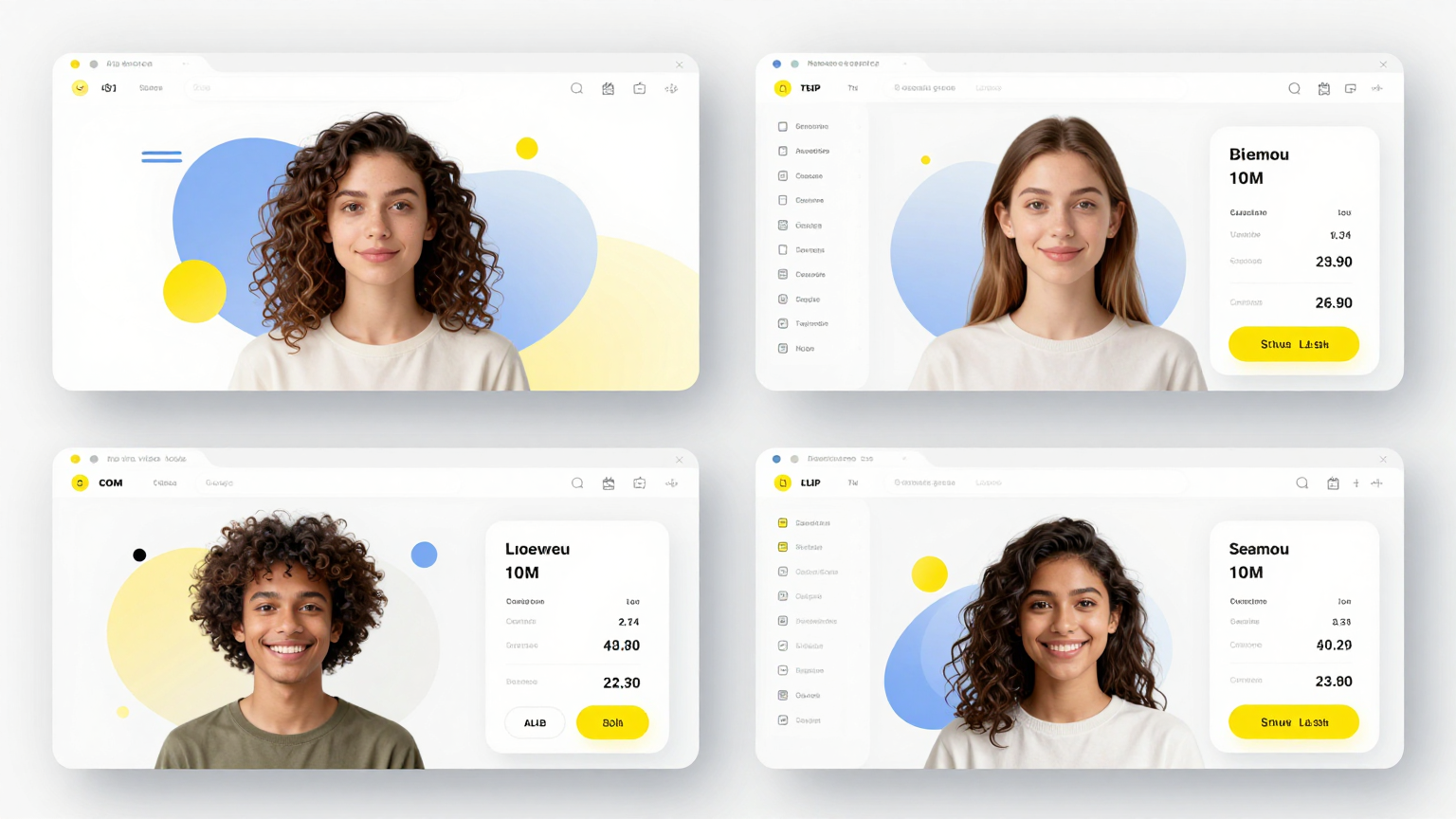
There is no single best lipsync.video AI tool for everyone. The right choice depends on whether you value speed, realism, pricing, editor features, language support, API access, or a simple creator workflow. The table below focuses on practical selection criteria rather than hype.
Pricing notes were checked on May 6, 2026 from official pricing pages where available. Always verify current details before purchasing because AI video plans can change quickly.
| Tool | Best for | Pricing signal checked May 6, 2026 | Strengths | Tradeoffs |
|---|---|---|---|---|
| LipSync.video | Quick web-based lip sync tests and talking-video experiments | The pricing page lists credit packs such as Welcome, Starter, and Pro tiers | Direct match for the lipsync.video ai phrase, clear AI lip sync positioning, browser workflow | Need to verify credits, output limits, and watermark rules for your exact plan |
| LipSyncX | Creators and teams that want a production-oriented AI lip sync video workflow | LipsyncX uses free credits, subscriptions, and credit top-ups in the current product configuration | Strong fit for realistic AI lip sync video, localization, creator workflows, and repeatable production | As with any credit system, estimate minutes and resolution before scaling a campaign |
| HeyGen | Avatar videos, business presenters, and sales or training clips | Official pricing includes Free, Creator, Team, and Enterprise-style plans | Polished avatar ecosystem, business templates, broader video platform | May be more platform than you need if you only want direct lip sync rendering |
| Kapwing | Teams already editing social video in Kapwing | Official pricing lists Free, Pro, Business, and Enterprise options, with AI features distributed by plan | Familiar online editor, collaboration, subtitles, social video workflow | Lip sync may sit inside a broader editor plan rather than a dedicated lip sync-first workflow |
How to choose without overthinking it
If you are only testing the category, choose the tool that gets you from upload to export fastest. If you are publishing weekly, choose the tool with predictable cost, consistent outputs, and enough review control. If you are localizing a serious brand video, do a short pilot in two or three tools before committing.
A practical evaluation process looks like this:
- Use the same 20-second source clip in every tool.
- Use the same clean audio file.
- Export at the same resolution if possible.
- Review mouth timing, identity preservation, flicker, and teeth artifacts.
- Compare total cost for the amount of content you expect to produce monthly.
This avoids a common mistake: judging lipsync.video AI tools from demos made with perfect source footage. Your own footage is the real benchmark.
Prompt Examples for Better AI Lip Sync Videos
Prompts matter before the lip sync stage. Many creators use text-to-speech, voice cloning, or translation tools before they upload audio to a lipsync video AI generator. The better your prompt, the more natural your audio becomes, and the easier the mouth sync will be.
Prompt for a short product demo voiceover
Write a 45-second product demo voiceover for a realistic talking-head video.
Audience: small business owners who need multilingual marketing videos.
Tone: clear, confident, and conversational.
Constraints:
- Use short spoken sentences.
- Avoid jargon.
- Include one concrete benefit in the first 5 seconds.
- End with a soft call to action.
- Keep the script under 105 words.
Why this helps: short spoken sentences give lip sync video AI cleaner timing. The word limit prevents a script that sounds rushed. The tone instruction helps your TTS or voice actor deliver audio that matches a real presenter.
Prompt for translating a creator video
Translate this English YouTube intro into Spanish for spoken dubbing.
Goal: preserve meaning, but make it sound natural when spoken.
Rules:
- Do not translate word for word if the sentence becomes too long.
- Keep the total spoken duration close to 18 seconds.
- Preserve the creator's friendly tone.
- Keep product names unchanged.
- Return only the final Spanish voiceover script.

Original:
"Today I will show you how to turn one product video into five localized ads without recording the same demo again."
Why this helps: translation length is one of the biggest reasons lipsync.video AI outputs feel off. A natural spoken translation that respects duration will usually sync better than a literal translation.
Prompt for reviewing the final output
Review this AI lip sync video as a production QA checklist.
Focus on:
- Mouth timing on the first sentence.
- Brand names and numbers.
- Flicker around lips, teeth, and chin.
- Whether the speaker's expression matches the voice.
- Any moment that could reduce viewer trust.

Return:
1. Pass/fail recommendation.
2. Top three issues.
3. Whether to rerender, edit audio, or change source footage.
Why this helps: it turns review into a repeatable process. You can use the same checklist for LipSync.video, LipSyncX, HeyGen, Kapwing, or any other AI lip sync video tool.
FAQs
What is lipsync.video AI?
Lipsync.video AI can refer to the LipSync.video website or the broader category of AI lip sync video tools. In practical terms, it means software that takes a face video or portrait, analyzes a new audio track, and generates mouth movement that matches the spoken words.
Is lip sync video AI good enough for YouTube?
Yes, lip sync video AI can be good enough for YouTube when the source footage is clear, the voiceover is natural, and the output passes review. It works best for tutorials, explainers, product demos, and localized creator content. Always check close-up mouth moments before publishing.
How do I make AI lip sync video look more realistic?
Use front-facing footage, clean audio, natural pacing, and scripts written for speech. Avoid very fast voiceovers, side-profile shots, covered mouths, and noisy tracks. Review brand names, numbers, and the opening line because those are the moments viewers notice first.
Is lipsync.video AI free?
Some AI lip sync video tools offer free credits, trials, or limited exports. Free tiers often include limits on duration, resolution, watermarking, or monthly usage. Check the current pricing page for the specific tool because AI video pricing changes frequently.
What is the difference between subtitles and AI lip sync?
Subtitles translate or transcribe speech as text on screen. AI lip sync changes the visible mouth movement so the speaker appears to say the new audio. Subtitles are cheaper and safer for many videos, while AI lip sync can feel more native for high-value localized content.
Can I use lipsync video AI for ads?
Yes, but test carefully. AI lip sync video can help marketers create localized ad variants and new hooks quickly. For paid campaigns, review every claim, price, brand name, and call to action. A small sync error in an ad can reduce trust and waste spend.
Does LipSyncX work as a lipsync.video AI alternative?
Yes. If your goal is to create realistic AI lip sync videos rather than only use one specific site, LipSyncX is a relevant option to test. You can visit lipsyncx.com, upload a source clip, add or generate audio, and compare the result against your quality bar.
Conclusion
The phrase lipsync.video ai points to a fast-growing creator need: making video speech match new audio without reshooting. The technology is useful, but the best results still come from a disciplined workflow. Start with visible faces, clear audio, realistic scripts, and short tests. Then compare tools using your own footage, not only homepage demos.
For most creators, the biggest win is not replacing every video process with AI. The win is using lip sync video AI where it clearly saves time: localization, short product demos, social ads, training clips, avatar experiments, and rapid creative testing. When the source footage and audio are prepared well, AI lip sync can make translated or regenerated speech feel much more natural.
Sources and Further Reading
- LipSync.video official site
- LipSync.video pricing
- LipSyncX
- HeyGen pricing
- Kapwing pricing
- Wav2Lip project page
- Wav2Lip paper
Call to Action
If you are comparing lipsync.video AI tools for real production work, run a short test before you commit. Take a 20-second talking-head clip, prepare one clean audio track, and export the same test across your shortlist. For a practical AI lip sync video workflow, try LipSyncX at https://lipsyncx.com and judge the result against your own footage, language, and publishing standards.