
What this model is best at
Short answer: Kling’s native‑audio generation creates text‑to‑video clips with synchronized voice and lip sync, including multi‑person dialogue.
Use this workspace to preview the model, compare example output, and start creating with the recommended workflow for this model.
Highlight 1
Voice narration with natural emotion.
Highlight 2
Multi‑person dialogue with lip sync.
Highlight 3
Singing/rap and ambient audio support.
Text-to-Video
Kling LipSync (Text‑to‑Video) workspace
Start from the built-in workflow below, then tune the model inside the standard LipsyncX creation surface.
Step 1/3
Choose a face
Follow the next step to keep building your video.
Trusted by teams
Script‑to‑video
Type a script and generate a talking clip.
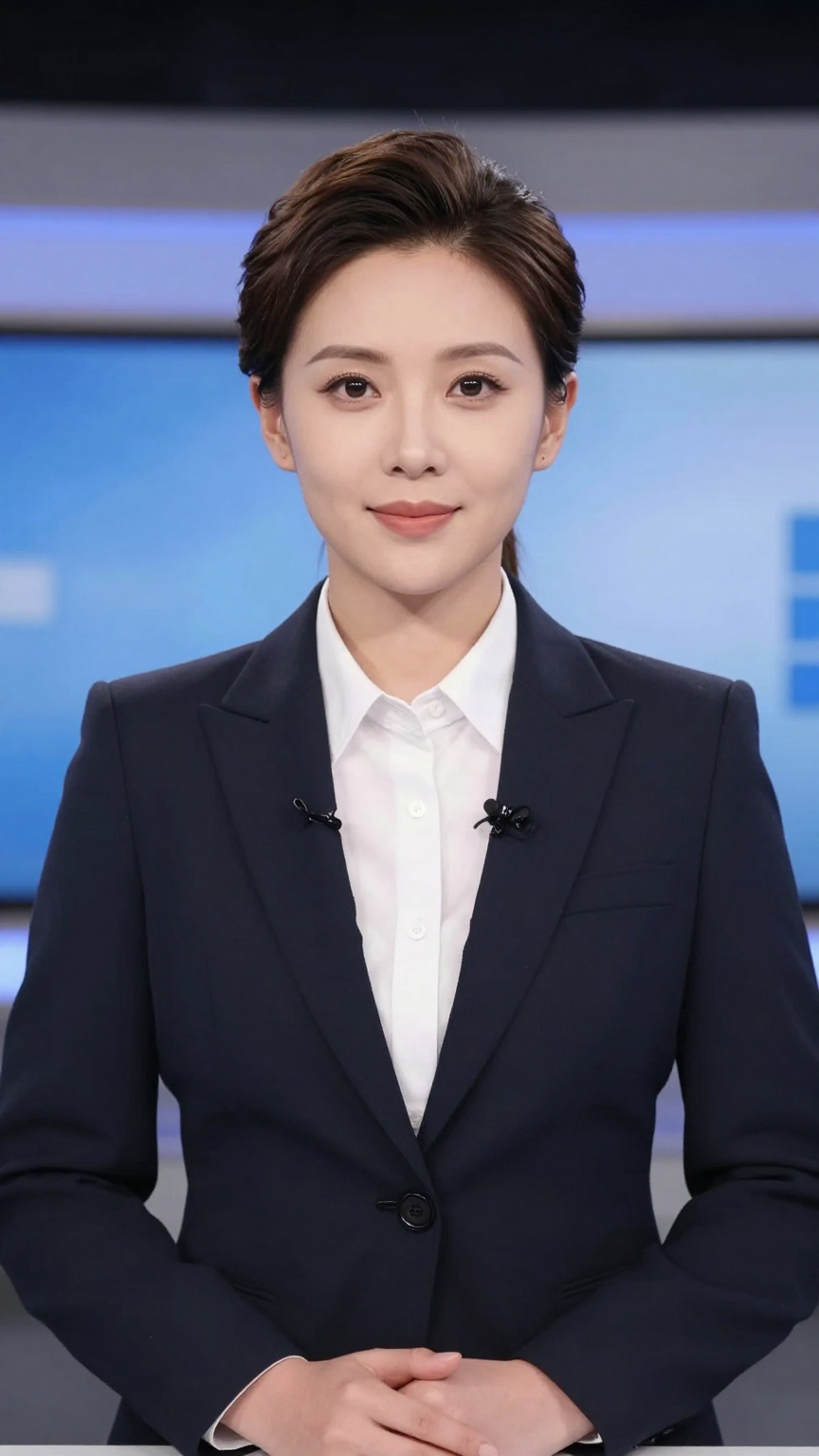
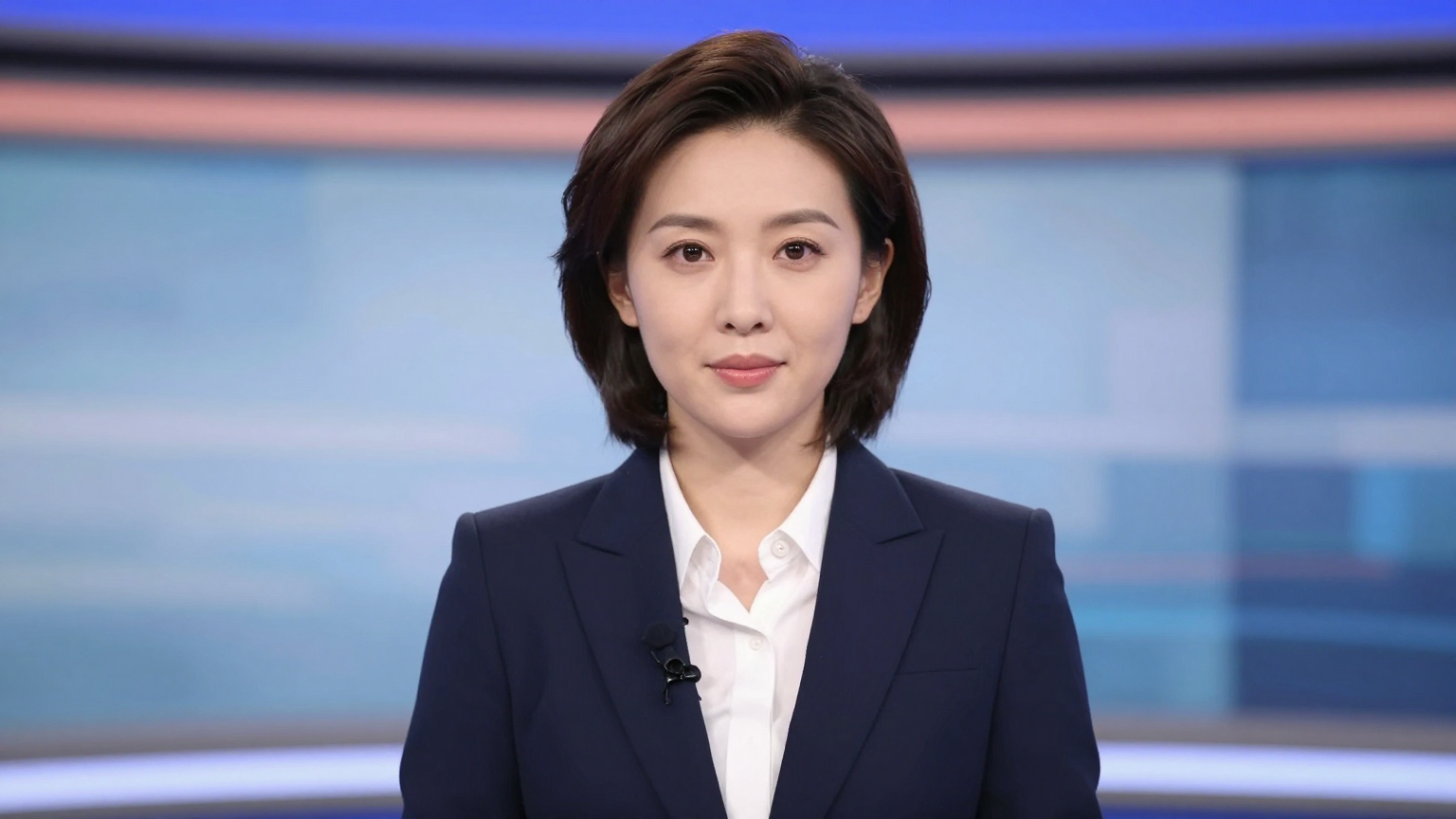
Popular use cases
Rapid prototyping
No media required.
Concept testing
Validate scripts quickly.
Internal drafts
Fast review loops.
Quick specs
Best practices
FAQ
Is audio generated with the video?
Yes. Native audio is generated alongside the video output.
Can it handle multi‑person dialogue?
Yes. Kling supports multi‑person dialogue with lip sync.
Which languages are supported?
Chinese and English voice output are supported.