
OmniHuman
Turn a single photo and audio into a lip‑synced digital human video.
OmniHuman generates lifelike digital human performances from one photo and an audio track, producing real lip‑sync with expressive motion. Optional text prompts can refine actions or camera direction.
What this model is best at
Short answer: OmniHuman generates lifelike digital human performances from one photo and an audio track, producing real lip‑sync with expressive motion. Optional text prompts can refine actions or camera direction.
Use this workspace to preview the model, compare example output, and start creating with the recommended workflow for this model.
Highlight 1
Single‑photo + audio to video generation.
Highlight 2
Realistic lip‑sync with emotional acting.
Highlight 3
Optional text prompts for action or camera control.
Audio-to-Video
OmniHuman workspace
Start from the built-in workflow below, then tune the model inside the standard LipsyncX creation surface.
Step 1/3
Choose a face
Follow the next step to keep building your video.
Trusted by teams
Photo‑to‑avatar
Create a talking avatar from a single portrait and voice.
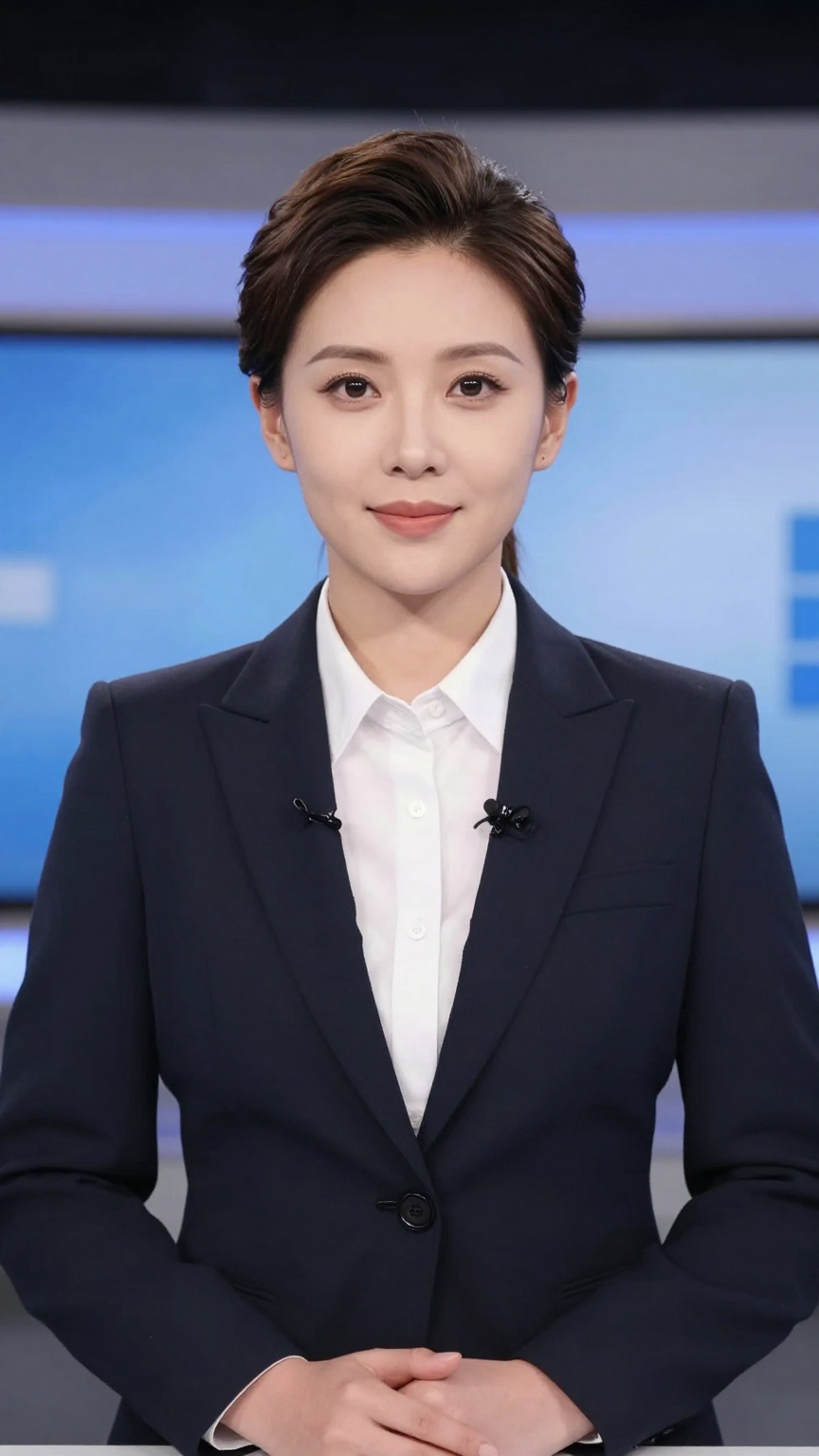
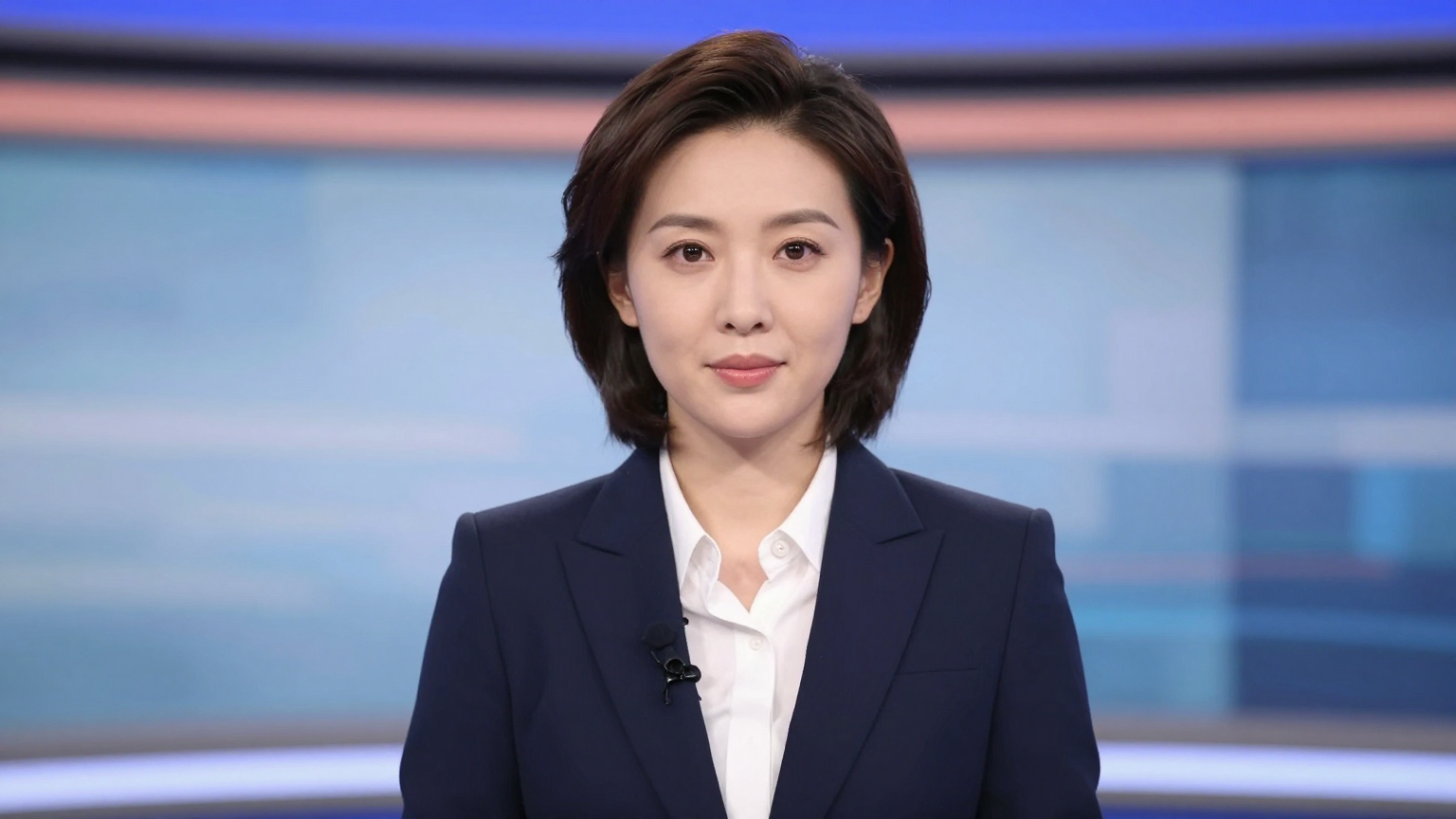
Popular use cases
Talking avatars
Generate speaking characters from photos.
Singing clips
Drive expressive performances with audio.
Story scenes
Create cinematic digital human moments.
Quick specs
Best practices
FAQ
What inputs are required?
Provide a single photo and an audio track to generate the video.
Can I control actions or camera motion?
Yes. Optional text prompts can refine actions and camera direction.
Is it suitable for commercial use?
Commercial use is permitted; you’re responsible for rights to uploaded media.