
Can I Ride Dance AI From Two Photos
Pick your dance partner. Bring two photos. Start a playful, side-by-side duet inspired by Can I Ride.
Create your video here
Two photos are combined into one starting image. This is a generative duet: identities, choreography and roles may drift. Review the preview before paying.
Estimated cost: 200 credits
What Is Can I Ride Dance AI?
Can I Ride Dance AI is a two-person dance-video idea. This generator combines your two photos into a side-by-side starting image and asks for coordinated hand rolls, claps and a small knee kick. It creates a new interpretation rather than applying a locked choreography template.
Three Moments That Define the Scene
Pick your sides
Two dancers share the frame. Choose a clear left and right photo before combining your starting image.
Follow the hand moves
Chest-level gestures, claps and arm swings give the duet its shared rhythm.
Finish with a kick
The knee lift and relaxed grin make a fun ending. Leave hands and legs visible in both photos.
How to Make a Can I Ride Dance AI Video
- 1
Prepare the people
Upload clear photos you have permission to use. For a duet, add one person to each slot and review the combined starting image.
- 2
Choose the movement
Start with the scene-inspired direction. On solo dance pages, you can instead upload a 3–30 second reference clip for motion guidance. The lip-sync scene uses your audio.
- 3
Review credits and generate
Sign in, review the displayed credit cost and confirm generation. Watch progress and download the result on this page.
Photos that keep people recognizable
Add one person per slot, preferably standing with hands and legs visible. Match lighting and framing across both photos. The preview preserves the two source pictures side by side; backgrounds may remain visible in the generated video.
What to expect from the result
The model receives one combined starting image. It can mix faces, change positions or move dancers out of sync. Left and right slots guide the first frame; they do not guarantee identity locking throughout the clip.
Check the cost before you generate
Dance costs change with duration and resolution; reference mode uses the verified clip length. Lip-sync costs depend on audio length and model. The tool shows credits before submission. New accounts receive 20 trial credits once; this may not cover a dance render. Trial outputs have a watermark; paid downloads are watermark-free.
View credit packs and plansAudio, publishing and your uploads
The dance generator does not include the named trend song. Prompt mode produces silent video; reference mode can retain your uploaded audio. For lip sync, upload audio you have permission to use. Check music permissions for your account, region and intended use before publishing.
Use photos and reference clips you have permission to use. Review the privacy policy for how uploads are processed and contact support for deletion requests. These scene pages do not promise a separate retention period.
Read the privacy policyCan I Ride Dance AI FAQ
How do I make a two-person Can I Ride AI dance from photos?
Upload one photo in each dancer slot. Review the combined preview, choose five or ten seconds and a resolution, then confirm the displayed cost. The result appears here when generation finishes.
Can I swap the left and right dancers?
Yes. Use Swap people before generation and inspect the starting image. This changes their starting positions; the generative model can still alter positions during the dance.
Does it perform the exact Can I Ride TikTok choreography?
Exact choreography is not guaranteed. The built-in direction describes a coordinated duo dance, and the model interprets it. This page does not bundle the original routine, song or a two-person motion-control template.
Is this AI video generator free?
New accounts get 20 trial credits once after signing in. Check the displayed cost: a dance job can require more credits than the trial allowance. One-time packs and optional subscriptions are available; trial outputs have a watermark.
Do I need CapCut or a TikTok template?
You can upload, generate, preview and download here without a separate editor. Scene-inspired generation varies between takes. Use an editor afterward if you want captions, cuts or platform-specific sound timing.
Does the downloaded video include the original song?
No trend song is bundled. Dance prompt mode is silent. Solo reference mode can keep audio from your own reference clip, and the lip-sync tool uses your uploaded audio. You remain responsible for permission to use that audio.
What if generation fails or the face looks different?
A provider-side render failure after charging is refunded to your credit balance under the billing policy. A completed video with unwanted motion or likeness is different from a failed render. Try a clearer photo and simpler movement; each new generation has its own displayed cost.
Can I make the video on my phone?
Yes. Choose photos in your mobile browser, review the settings and generate here. Keep this page open to follow progress; save the result when ready. Returning to the same scene restores the last saved job on this device.
Are my uploaded photos shown as public examples?
Uploading a photo here does not submit it as a public example. Read the privacy policy for processing details and contact support if you need help deleting uploaded media. Only use images and recordings you have permission to use.
Try another scene
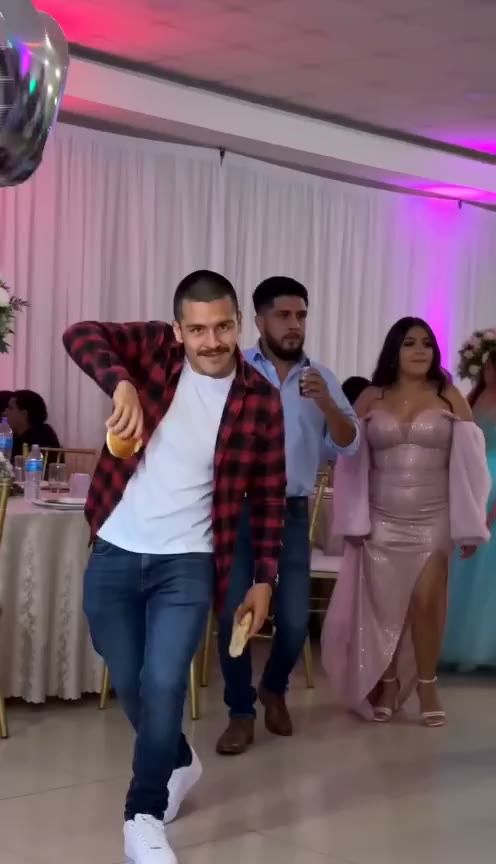 AI remake
Dime Dime Baby AI
The concha bite. The deadpan stare. The party entrance. Bring your own face to a BbY WOW-inspired video idea.
Open generator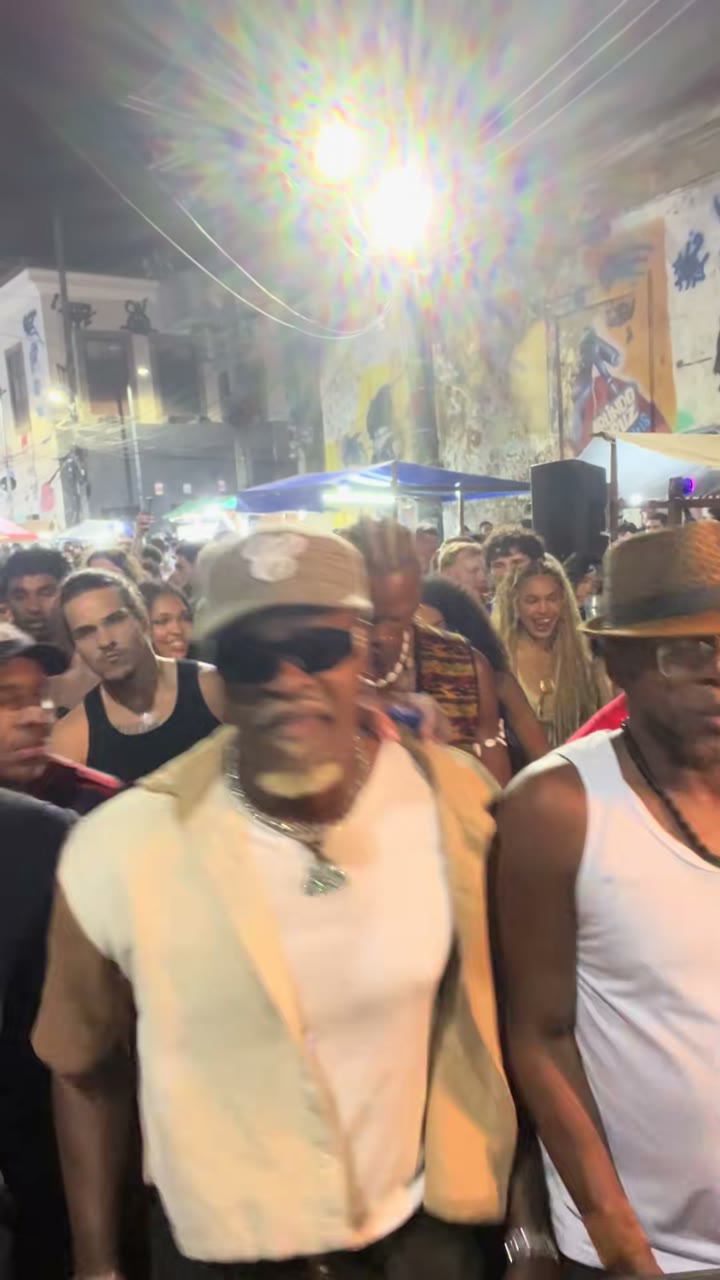 Dance performance
Baile Charme AI
Small side steps, relaxed shoulders and a whole Rio street-party mood. Find your groove in a Charme-inspired short.
Open generator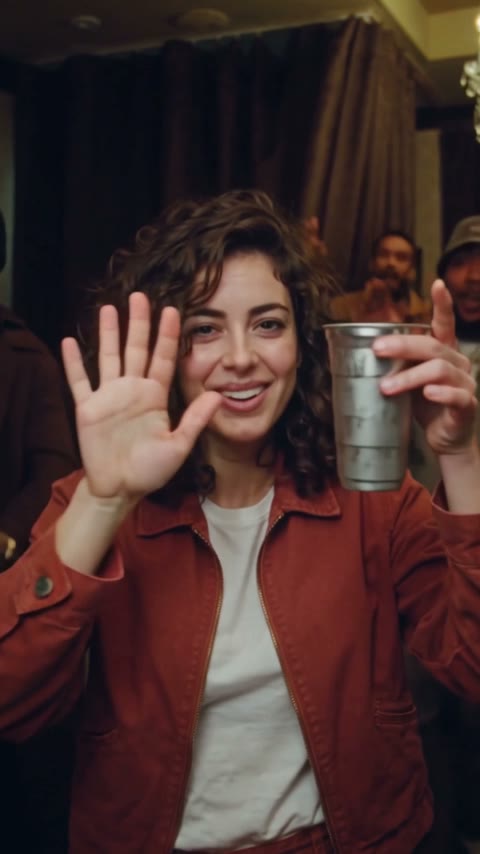 AI remake
Burning Bridges AI
A chandelier party, a silver cup and the Where She At scan. Put your photo at the center of a party-scene interpretation.
Open generator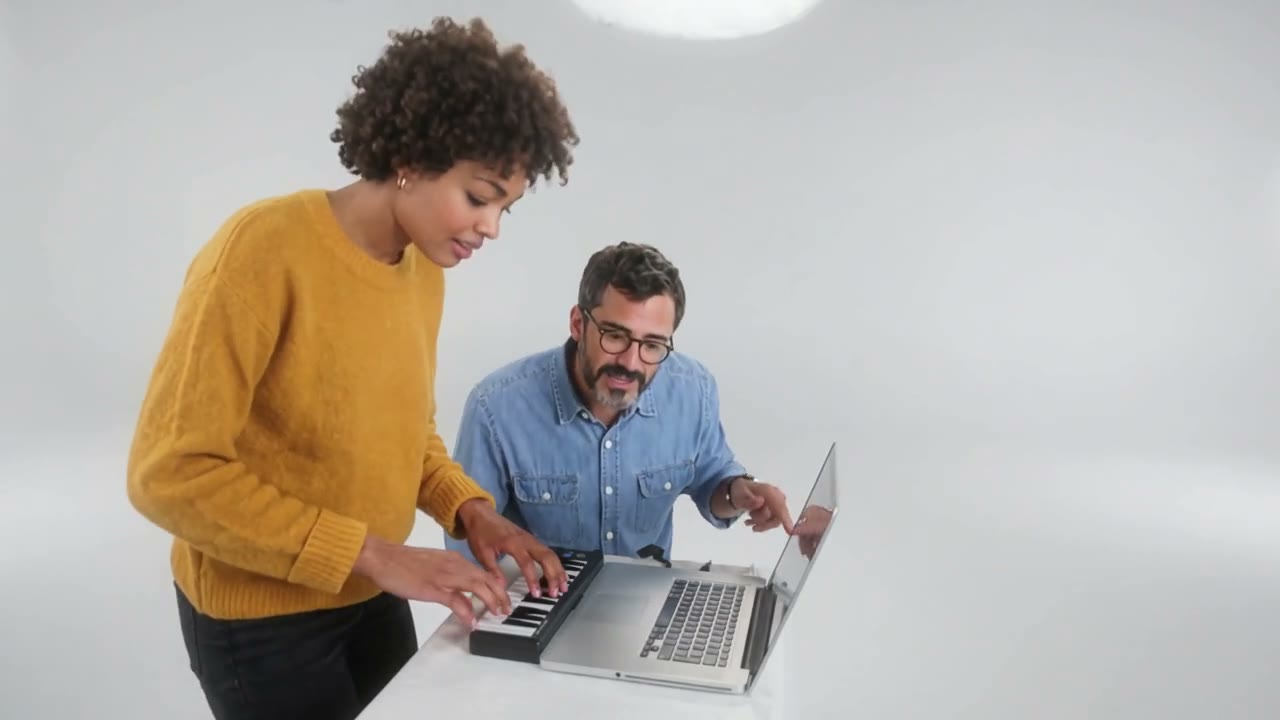 AI remake
Alors on Danse AI
One keyboard player. One overexcited partner. Bring two photos into a playful white-studio duet.
Open generator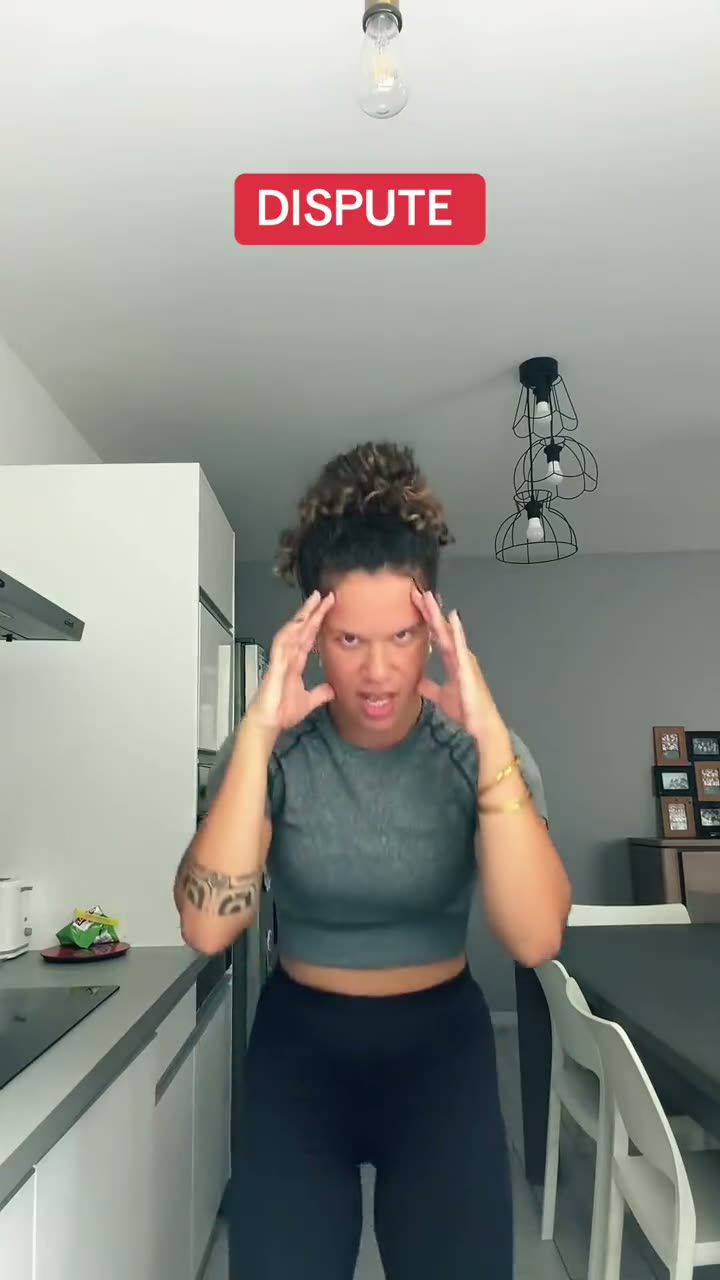 Original clip
Bad Times AI
The raised palm. The pointed finger. The face that says everything. Explore the argument trend, then animate your photo to your own audio.
Open generator