
Your character. Your message.
Talking Avatar Generator
Turn a photo or avatar into a talking video. Add a script, upload audio, or record your voice.
Ready-made presenters or your own photo
Text, audio uploads, and recording
Generate, preview, and download here
Create Your Talking Avatar
Choose a presenter or upload a photo, then add your message. Check the displayed cost before generating.
Need an original character? Create one with AI
Optional: create an avatar image for 4 credits, then use it in the video tool. Video rendering is charged separately.
See What Your Avatar Can Say
Actual LipSyncX renders: an English lesson, a Japanese lesson, and a branded character welcome. Watch with sound to compare speech and lip movement.
A presenter speaking Japanese
An original Japanese lesson demonstrates a different voice and language.
View original script

今日の絵のレッスンへようこそ。まずは薄く下書きをして、少しずつ影を重ねましょう。お手本を近くに置いて、練習するときは動画を一時停止してください。
A character that welcomes your team
Milo, an original illustrated mascot, delivers a short English welcome.
View original script
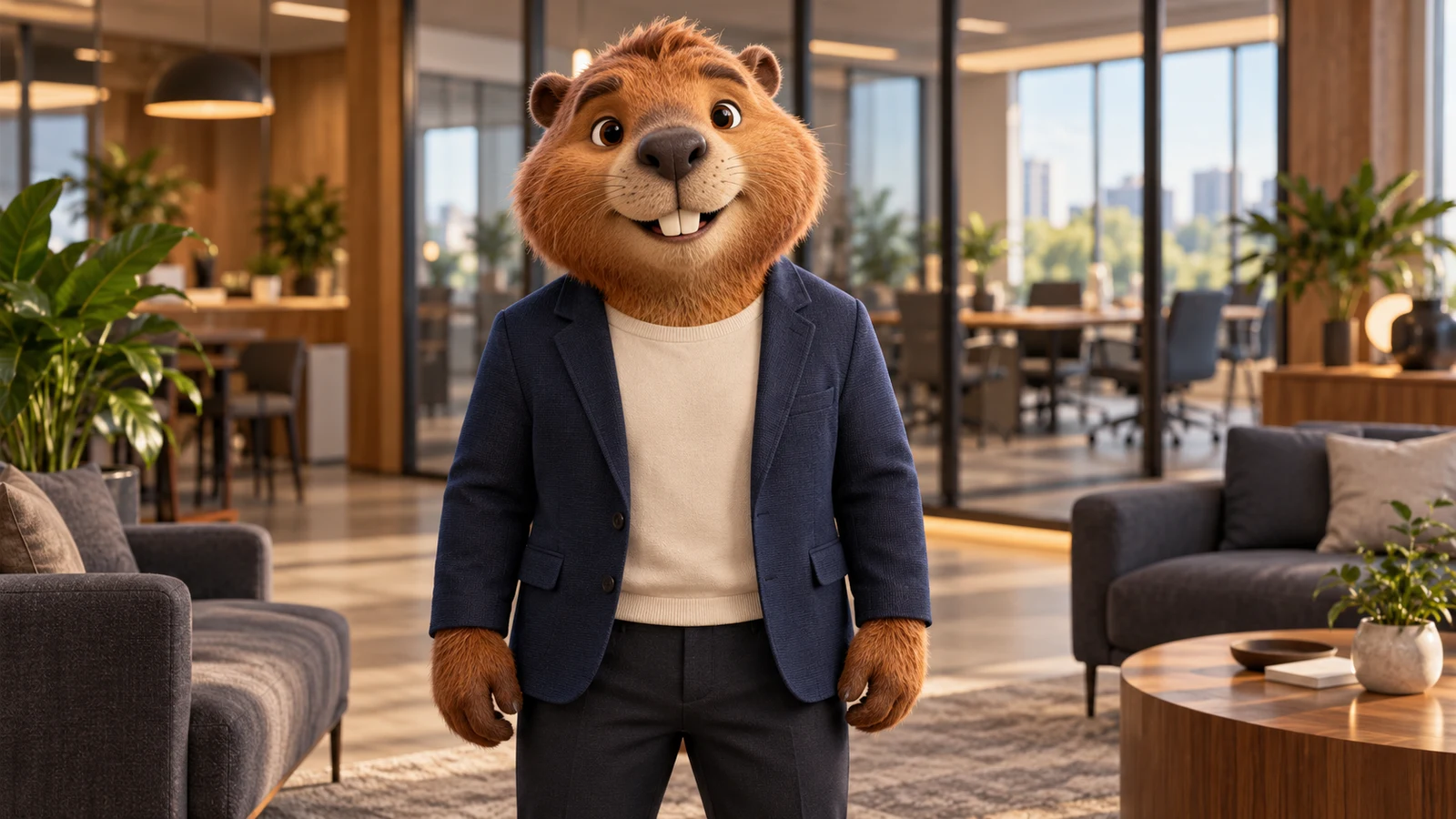
Welcome to the team. I'm Milo, your onboarding guide. Today we'll meet the people who can help you, find the resources you need, and take your first step together.
These examples reuse LipSyncX's original fictional teacher and mascot assets with synthetic narration. The videos keep their original audio language; your results depend on the image, audio, and model.
What Is a Talking Avatar?
A talking avatar is a digital presenter or character that speaks in a generated video, with lip movement matched to a voice track. In LipSyncX, you start with a portrait or template and add text, uploaded audio, or a recording. The result is a video you can preview and download.
An avatar generator helps design the character's appearance. A talking photo starts with an existing image. This tool focuses on delivering your message through a speaking character. Live, interactive avatar conversations are a separate type of product.
How to Make an Avatar Talk
- 1
Choose a face
Select a presenter, upload a clear portrait, or optionally create an original character with AI.
- 2
Add its voice
Type a script and choose a voice, upload clean narration, or record yourself. Preview the voice before rendering.
- 3
Generate and download
Check the model and estimated cost, generate your video, then preview and download it on this page.
Use One Presenter for More Videos
Product explainers
Keep a recognizable face while updating your introduction, feature announcement, or call to action.
Lessons and onboarding
Reuse a presenter image for new lessons, welcome messages, and internal updates.
Creator series
Build recurring commentary and channel updates from a portrait and a new voice track.
Reuse means selecting the same source portrait again. New generations may vary in expression and motion; the tool does not guarantee identical appearance across new scenes or outfits.
Get Better Results from Your Photo and Voice
A clear, unobstructed face
Use one front-facing face with a visible mouth and even lighting. Side profiles, covered lips, and tiny faces can reduce quality.
Speech that is easy to follow
Use clean speech with natural pauses. Background music, overlapping speakers, and very fast delivery can make lip sync less convincing.
Review before publishing
Check mouth motion, pronunciation, and facial details. Use images and audio you have permission to use, and review the generated result before sharing.
Know the Cost Before You Generate
Uploading a portrait or choosing a template has no image-generation charge. Optional AI image creation costs 4 credits per image. Video rendering uses credits based on the model, resolution, and audio length; check the estimate in the tool.
Download availability and watermark options follow your account's current entitlement. Sign in to check your balance and available options.
View credit pricingTalking Avatar FAQ
Can I create a talking avatar from my photo?
Yes. Upload a portrait with one clear face, or choose a presenter template. A front-facing image with visible lips usually works best.
Can I use text instead of recording audio?
Yes. Type your script, choose an available text-to-speech voice, and preview the narration before generating the video.
Can my avatar use my own voice?
Yes. Upload narration or use the recording option. Voice cloning is a separate workflow if you want to create a reusable synthetic voice.
Can I reuse the same avatar in different videos?
Yes. Select or upload the same portrait with a new script or audio track. Reusing the source image does not guarantee identical motion or newly generated appearances.
Which languages can my avatar speak?
Choose from the languages and voices currently shown in the voice selector, or upload your own narration. Website interface languages and available synthetic voices are separate lists.
Is the talking avatar generator free?
You can browse templates and examples without a generation charge. AI image creation and video rendering use credits. Sign in to see your balance and review the displayed cost before submitting.
How long can my video be, and can I download it?
Duration limits depend on the selected model and input. The tool validates your input before submission. Completed videos can be previewed here and downloaded according to your account's watermark and download options.
Is this a live, interactive avatar?
This tool generates a video from your script or audio. It does not host a real-time conversation, listen to viewers, or respond to questions live.