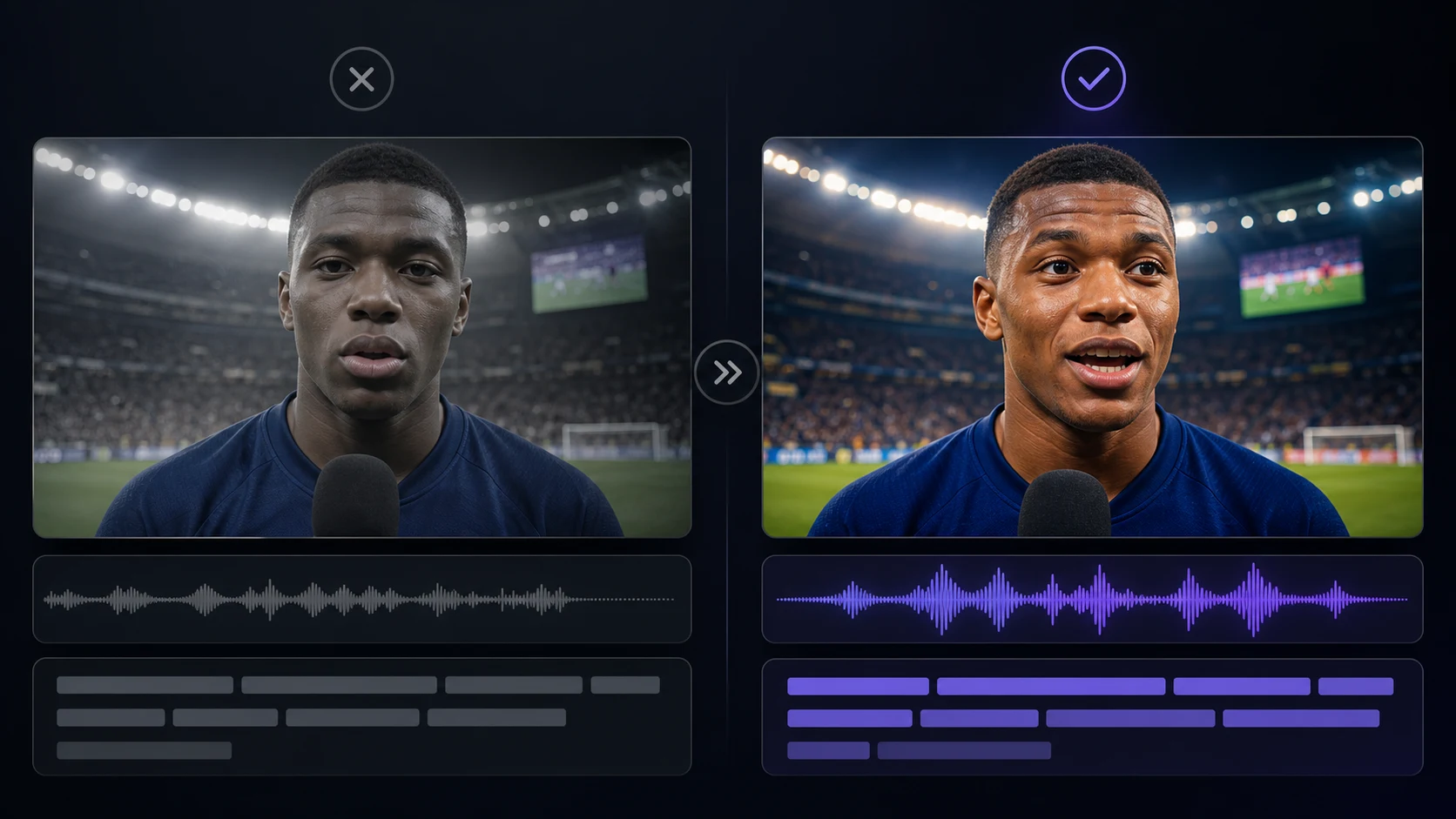
Multilingual World Cup Videos: AI Dubbing Workflow for Creators
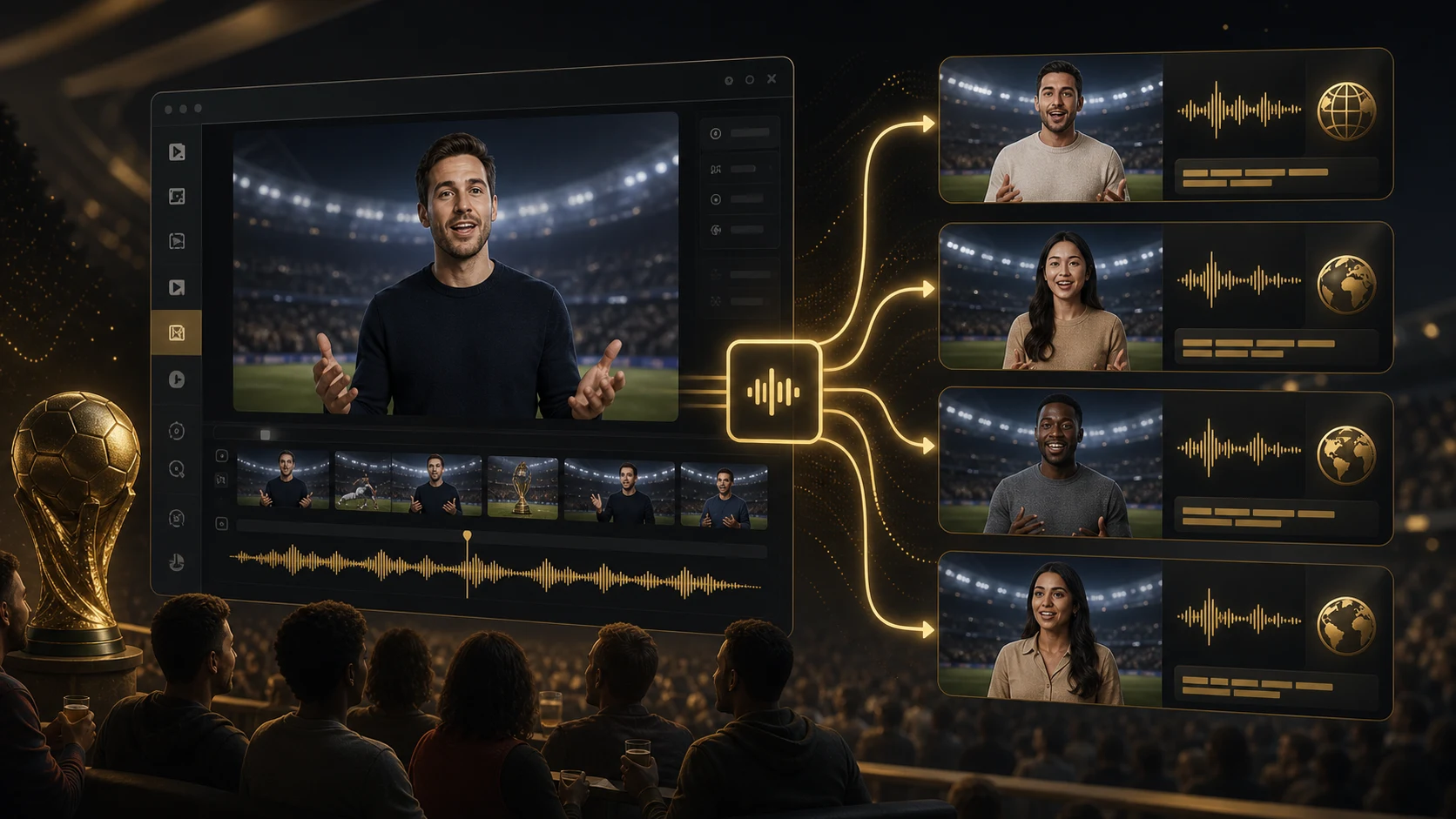
The 2026 World Cup is built for multilingual content. FIFA lists Canada, Mexico, and the United States as host countries, with 48 teams and 104 matches creating daily storylines for fans across languages. A creator who posts only in one language leaves a lot of attention on the table.
AI dubbing helps when you already have a useful football video and want versions for Spanish, Portuguese, Arabic, Japanese, Korean, Hindi, French, German, or another audience. The key is not just translation. The key is adapting the script, voice, mouth timing, and captions so the video still feels native.
Where multilingual World Cup videos make sense
Not every clip needs dubbing. A silent highlight edit may only need captions. A talking reaction, host intro, local venue announcement, or fan explainer benefits much more from native audio.
Use AI dubbing for:
- match previews with a presenter on screen
- post-match reactions
- tactical explainers
- fan greetings
- venue announcements
- brand-safe social ads
- YouTube Shorts and long-form clips with a visible speaker
- community updates for multilingual audiences
If the speaker's face is on screen for most of the video, pair AI Video Dubbing with AI Lip Sync. If the video is mostly graphics, subtitles may be enough.
LipSyncX supports practical dubbing inputs such as common video and audio files, including MP4 and MOV for video-oriented workflows and MP3, WAV, or M4A for audio-oriented localization flows. You can work from uploaded media, scripts, translated text, or audio, then use credits based on workflow, model, resolution, and duration. The important production habit is to preview and approve the voice before spending time on final mouth timing.
The localization mistake that ruins sports videos
Sports language is emotional and local. A literal translation often sounds flat.
Compare these two approaches:
| Source idea | Literal version problem | Better localized approach |
|---|---|---|
| "Bring the noise" | may not translate naturally | use a local fan phrase for cheering |
| "We stole three points" | idiom may confuse viewers | say the team won a tense match |
| "Derby energy" | not every audience uses the term | name the rivalry or stakes directly |
| "Watch party" | varies by market | use local wording for group viewing |
For World Cup content, localize the feeling, not just the words. A Spanish fan reaction, Brazilian Portuguese watch-party invite, Japanese analysis intro, and Arabic team shoutout should not sound like the same English sentence wearing different vocabulary.
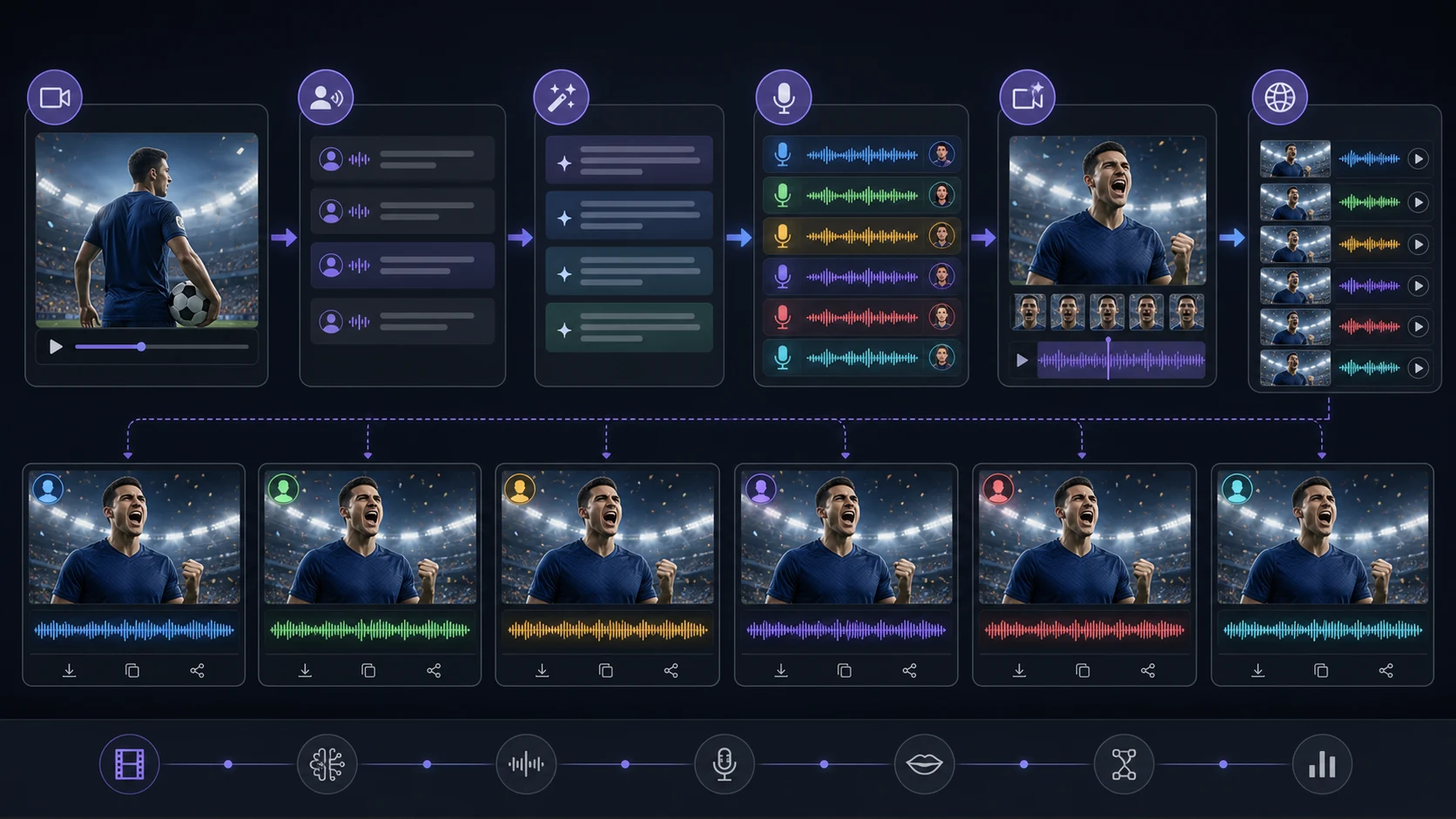
A practical AI dubbing workflow
1. Choose the right source video
Start with a video where the voice matters. Good candidates have clean audio, a visible speaker, and a message that can travel across markets.
Avoid source clips with heavy background noise, overlapping speakers, or fast jokes that depend on local slang.
2. Rewrite before translating
Before dubbing, rewrite the source script into short spoken segments. This makes every target language easier to adapt.
Example source:
Tonight's match is going to be absolutely massive, and if the midfield does not control the tempo early, this could become a very uncomfortable first half.
Cleaner source for dubbing:
Tonight's match is huge. The midfield has to control the tempo early. If not, the first half could get uncomfortable fast.
3. Adapt each language natively
Give each language room to breathe. German may run longer. Japanese may need a more compact structure. Brazilian Portuguese may sound better with a warmer fan tone. Hindi and Arabic versions may need different rhythm and emphasis.
Do not force every language to match the English sentence length exactly. Match the message and pacing.
4. Generate voice and lip sync
Once the localized script is approved, generate the dubbed voice and run lip sync on the final audio. This order matters. If you lip sync too early, every script correction means a new render.
5. Add captions and platform formatting
Use captions even when the audio is good. Fans watch in bars, trains, offices, and noisy homes. Captions also help viewers confirm team names, player names, and match context.
For vertical clips, keep captions below the face but above app interface areas.
A sample multilingual content plan
Here is a simple plan for one match-day video:
| Version | Audience | Script angle | CTA |
|---|---|---|---|
| English | global fan page | quick match preview | follow for reaction |
| Spanish | Latin American viewers | emotional fan prediction | comment scoreline |
| Portuguese | Brazilian viewers | energetic watch-party invite | share with friends |
| Japanese | analysis viewers | concise tactical point | save for kickoff |
| Arabic | regional fan community | respectful team shoutout | send to group chat |
One source idea becomes five useful versions, but each version earns its place by sounding local.
Quality checks before publishing
Review every localized version with this checklist:
- Team and player names are pronounced acceptably.
- The script does not use a confusing literal idiom.
- The mouth timing is not distracting.
- Captions match the dubbed audio.
- The tone fits the audience and platform.
- Any schedule, venue, or broadcast detail is current.
- The video does not imply official tournament, team, or player endorsement.
For YouTube, multi-language audio tracks can be useful when eligible. YouTube documents support for adding multiple audio tracks to a video, which can help keep localized versions under one upload workflow. For short social clips, separate localized exports may still perform better because each post can use native captions, hashtags, and hooks.
Common mistakes
Translating the hook too literally
The hook is the part that needs the most localization. If the first line sounds stiff, viewers leave before the useful section starts.
Keeping one subtitle layout for every language
Some languages need more characters. Test captions on mobile before publishing.
Dubbing every clip
Localize clips where speech drives the value. Use captions or text overlays for simple edits.
Ignoring review
AI can speed up dubbing, but sports names, slang, and emotional tone still need human review.
FAQ
Should I dub every World Cup clip?
No. Dub clips where speech carries the value: reactions, previews, explainers, greetings, and presenter-led videos. Use captions for simple highlight edits or silent visual posts.
Which languages should I create first?
Start with the languages your audience already uses in comments, analytics, customer messages, or community groups. For football content, Spanish, Portuguese, Arabic, French, Hindi, Japanese, and Korean can all be strong depending on the channel.
Do I need lip sync if I already have dubbed audio?
If the speaker's face is visible, lip sync helps the dubbed version feel less repurposed. If the clip is mostly B-roll, slides, or match graphics, captions and clean audio may be enough.
Can one upload carry multiple languages?
Some platforms support multi-language audio in eligible workflows, including YouTube's documented multi-language audio track feature. For short social platforms, separate localized exports are often easier to package with native captions and hooks.
Sources checked
Tournament facts were checked on June 17, 2026 using FIFA's official World Cup 2026 pages. YouTube multi-language audio support was checked against Google's YouTube Help documentation.
Turn one football video into native versions
Start with one strong source clip, rewrite it for speech, adapt each language natively, then use AI Video Dubbing and AI Lip Sync to create versions that feel made for each audience. For longer workflows, compare options on the LipSyncX models page before producing a full batch.