World Cup Fan Video Maker: Create AI Lip Sync Fan Clips in 2026
The 2026 World Cup is not a normal sports moment. FIFA describes it as a 48-team tournament with 104 matches across Canada, Mexico, and the United States, running from June 11 to July 19, 2026. That gives creators, fan pages, bars, clubs, and brands more than a month of match-day moments to react to.
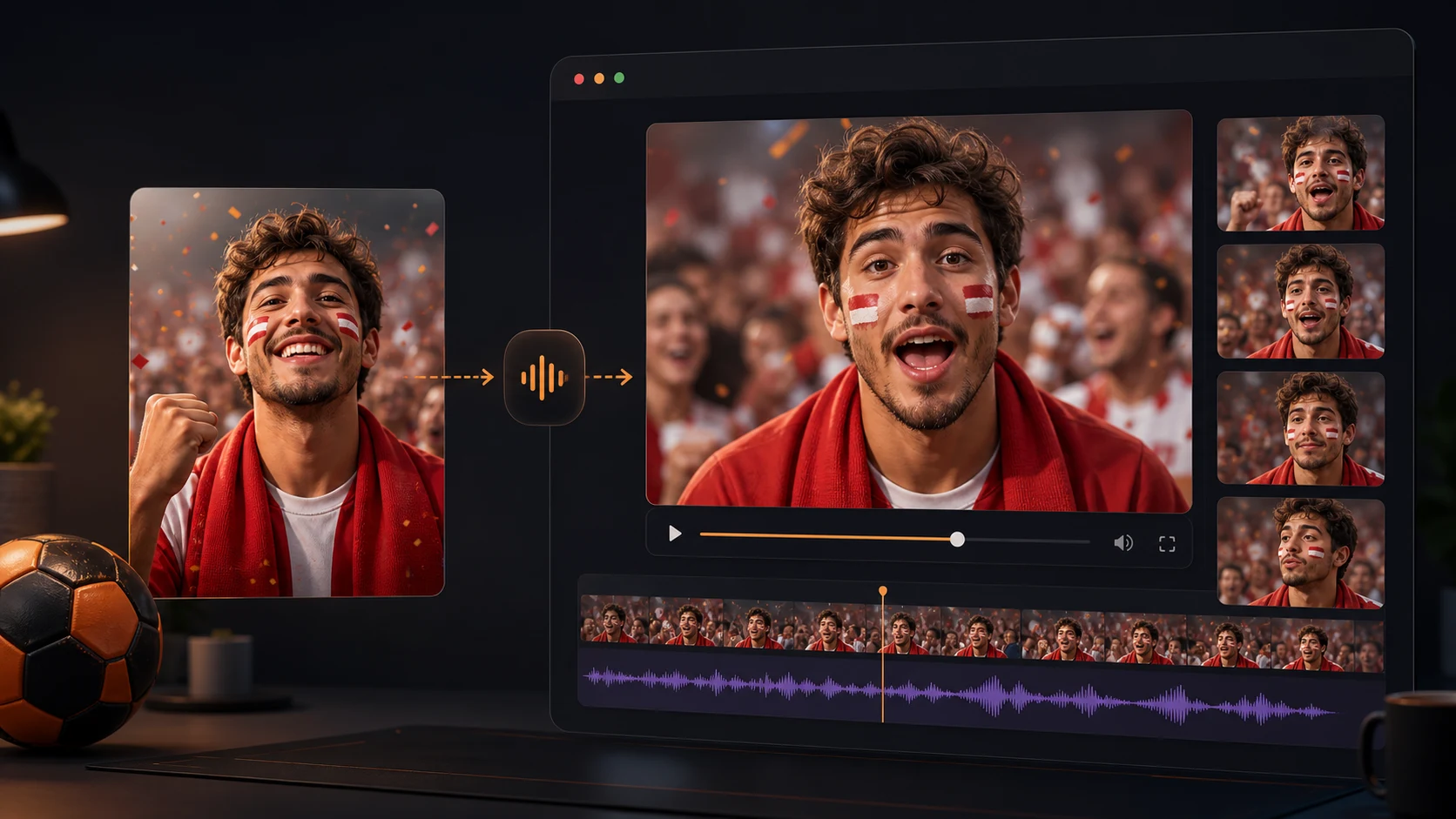
A World Cup fan video maker is useful when you want a short clip that feels more personal than a static graphic. With AI lip sync, one fan photo, avatar, or presenter image can deliver a chant, prediction, watch-party invite, or post-match reaction. This guide shows a practical workflow you can build in LipSyncX without filming a new talking-head video every day.
When a fan video works better than a graphic
A graphic is fast, but it asks the viewer to read. A talking fan video gives the message a face, timing, and emotion. That matters on TikTok, Instagram Reels, YouTube Shorts, WhatsApp, and X, where the first 3 seconds decide whether someone keeps watching.
Use an AI fan video when the message needs one of these jobs:
| Moment | Better video angle | Example line |
|---|---|---|
| Before kickoff | hype or prediction | "Tonight, we need energy from the first whistle." |
| Watch party | invitation | "Kickoff is at 8. Bring your jersey and your loudest voice." |
| Halftime | quick reaction | "The first half was tense, but this match is still wide open." |
| After a win | celebration | "Three points, clean finish, and a night to remember." |
| After a loss | loyal support | "Not the result we wanted, but the badge still matters." |
For a brand or local venue, the same structure can promote screenings, food offers, community events, or multilingual fan messages without pretending to be an official tournament broadcaster.
What to prepare before opening a generator
You do not need a full production setup. You need a clean source, a short script, and a clear sharing goal.
Start with these inputs:
- A front-facing fan photo, host image, mascot, or original avatar.
- A script under 25 seconds.
- The target channel: Shorts, Reels, TikTok, WhatsApp, or a venue screen.
- The tone: funny, serious, proud, local, neutral, or brand-safe.
- A quality check list before posting.
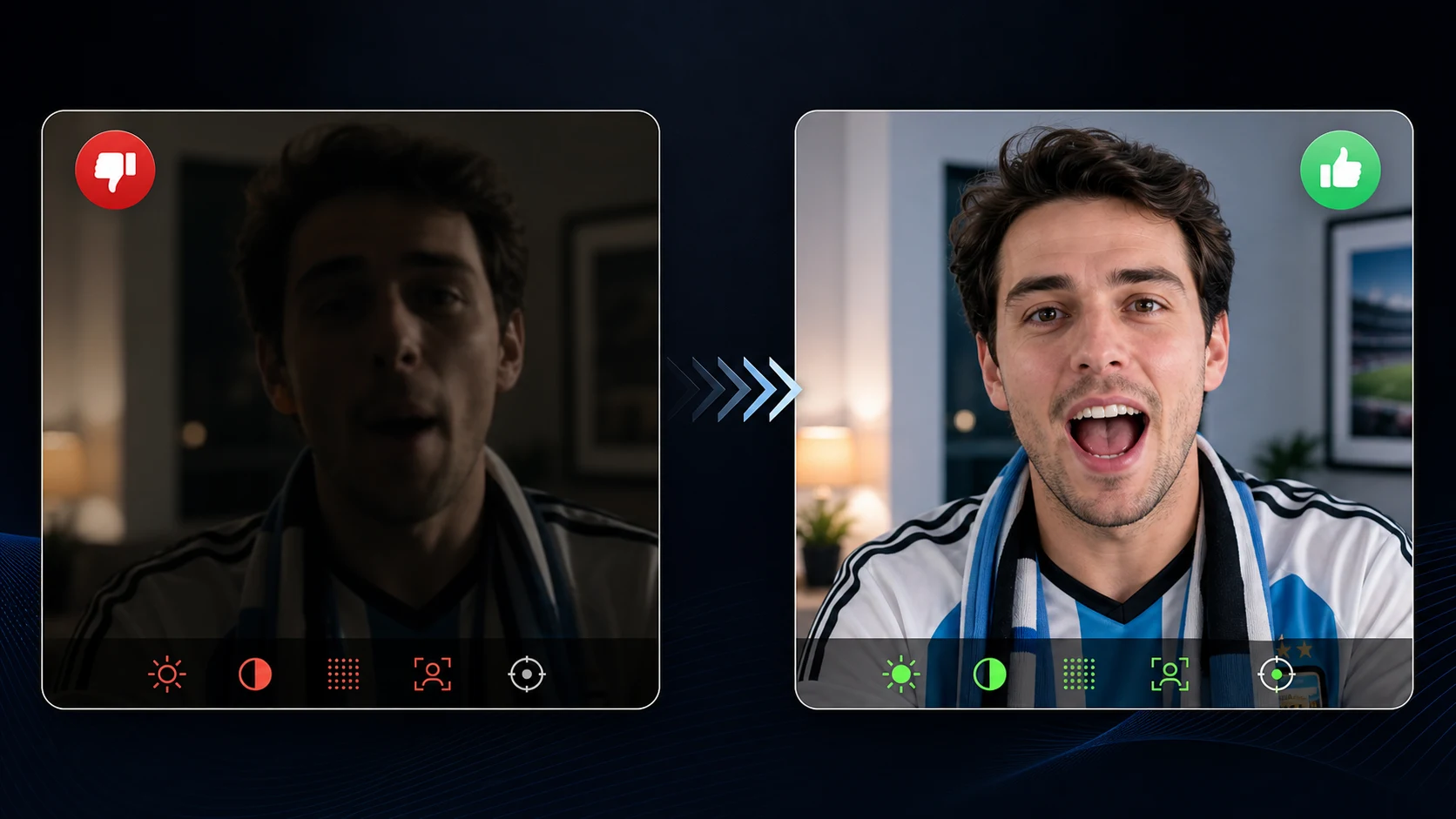
The image matters more than most people expect. A strong fan image has visible eyes, a clear mouth area, even lighting, and enough space around the head. Avoid tiny group shots, sunglasses over the eyes, heavy face paint around the lips, or cropped images where the jaw is hidden.
If you want a clip where the person clearly speaks, use LipSyncX AI Lip Sync. If you want a photo to become a talking message, AI Talking Photo Generator is the cleaner starting point.
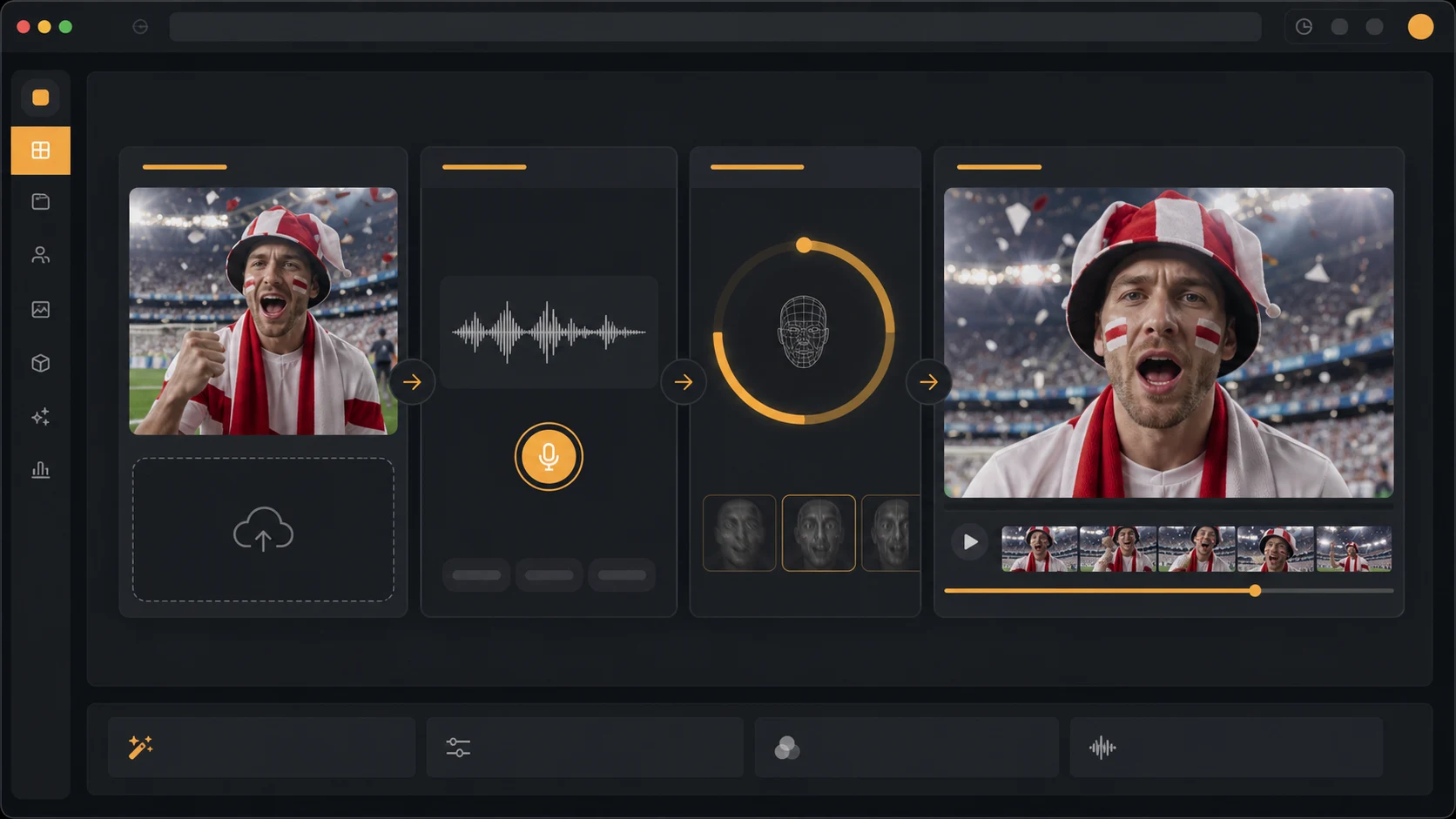
In LipSyncX, a creator can start from a JPG, PNG, WEBP, or MP4-style source depending on the workflow, then add typed text, uploaded audio, or a recorded line. Audio preview is free, new users can test with free credits, and the quick workflow is designed around a short anonymous 480p test before larger paid renders. That makes it useful for match-day experiments where you do not want to spend a full editing session just to test one line.
A 20-minute World Cup fan video workflow
This workflow is designed for a short match-day post, not a polished commercial.
1. Pick one message
Do not ask one video to announce the match, recap the lineup, make three jokes, promote a venue, and invite people to subscribe. Pick one job.
Good single-message angles:
- "Come watch the match with us."
- "Here is my score prediction."
- "This player is the one to watch."
- "We are proud of this team."
- "Here is a post-match reaction."
2. Write a script for speech, not a caption
Spoken lines need shorter sentences than written posts.
Use this pattern:
Hook: one emotional line.
Context: team, match, or event.
Action: what the viewer should do.
Close: short fan sign-off.
Example:
Tonight is not a quiet night. The match starts at 8, the room is ready, and every fan voice counts. Wear your colors, bring your friends, and let's make this feel like home.
3. Generate the lip sync only after the script is final
Small wording changes can change timing. Approve the script first, then generate. If you are localizing the same fan video into other languages, finish each language script before rendering the video.
4. Review mouth movement and emotion
Watch the output once without sound and once with sound. Without sound, the face should not look distracting. With sound, the mouth timing should feel close enough that viewers focus on the message, not the technology.
5. Add captions for social
Many viewers watch sports clips in noisy places. Add short captions in your editor or publishing app after the lip-sync render. Keep captions away from the mouth area so they do not cover the main visual proof.
Script ideas you can adapt
Use these as starting points. Replace team names, times, venues, and tone.
Watch-party invite
The match is almost here. We are watching it together at [Place] at [Time]. Bring your colors, bring your voice, and bring the friend who always predicts the score wrong.
Fan prediction
My prediction: this match comes down to the final 20 minutes. If we stay sharp and take our chances, we can make this a night everyone remembers.
Post-win reaction
That is the kind of performance fans wait for. Big energy, big moments, and a result that makes the whole week better. Enjoy this one.
Loyal support after a loss
Not the result we wanted, but real support does not disappear after one match. We reset, we show up again, and we keep believing.
Local business screening
Match day is on at [Place]. Screens are ready, kickoff is at [Time], and the best seats go fast. Come early and watch it with the crowd.
Common mistakes
Making the script too long
A fan video should usually land in 10 to 25 seconds. One strong line beats a full speech.
Using official branding loosely
Be careful with protected tournament names, logos, team badges, player likenesses, and sponsorship claims. A fan message or venue invite is different from implying official partnership.
Choosing a weak face image
If the mouth is blurry, blocked, or too small, lip sync quality suffers. Use a cleaner image before changing tools.
Forgetting local language
The World Cup is global. If your audience speaks Spanish, Portuguese, Arabic, Japanese, Korean, Hindi, or another language, write the line natively. Do not paste a stiff translation into a fan clip.
For multilingual versions, pair this workflow with AI Video Dubbing or compare model options on the LipSyncX models page.
FAQ
Can I make a World Cup fan video from one photo?
Yes. Use a clear portrait, mascot, or avatar image, then add a short script or uploaded audio. A front-facing face with visible mouth detail usually gives the best lip-sync result.
How long should a fan video be?
Most fan clips should be 10 to 25 seconds. For TikTok, Reels, Shorts, and WhatsApp, one clear message is usually stronger than a long speech.
Can I make the same fan video in several languages?
Yes. Write each version natively, then use a dubbing or lip-sync workflow for the final audio. Avoid literal translation, especially for jokes, chants, and fan slang.
Can I use official team or tournament logos?
Only if you have the rights. Fan videos should avoid implying official partnership, sponsorship, player endorsement, or broadcaster affiliation.
Quality checklist before sharing
Before you publish, check:
- The face is recognizable and not distorted.
- The mouth timing does not distract.
- The script sounds like a real fan would say it.
- Captions do not cover the mouth.
- The clip avoids official endorsement claims.
- Any venue, kickoff time, or offer is accurate.
- The final video fits the target platform ratio.
Sources checked
Facts about the 2026 tournament were checked on June 17, 2026 using FIFA's official tournament and host-city pages, plus FOX Sports schedule coverage. The key facts used here are the 48-team format, 104 matches, three host countries, and the June 11 to July 19, 2026 tournament window.
Make the fan message speak
If you already have a fan image, host portrait, mascot, or avatar, start with LipSyncX AI Lip Sync and turn one short match-day line into a talking fan video. Keep the message short, check the mouth timing, and publish while the match is still part of the conversation.