
Is It Safe to Upload My Face Photo for AI Lip Sync?
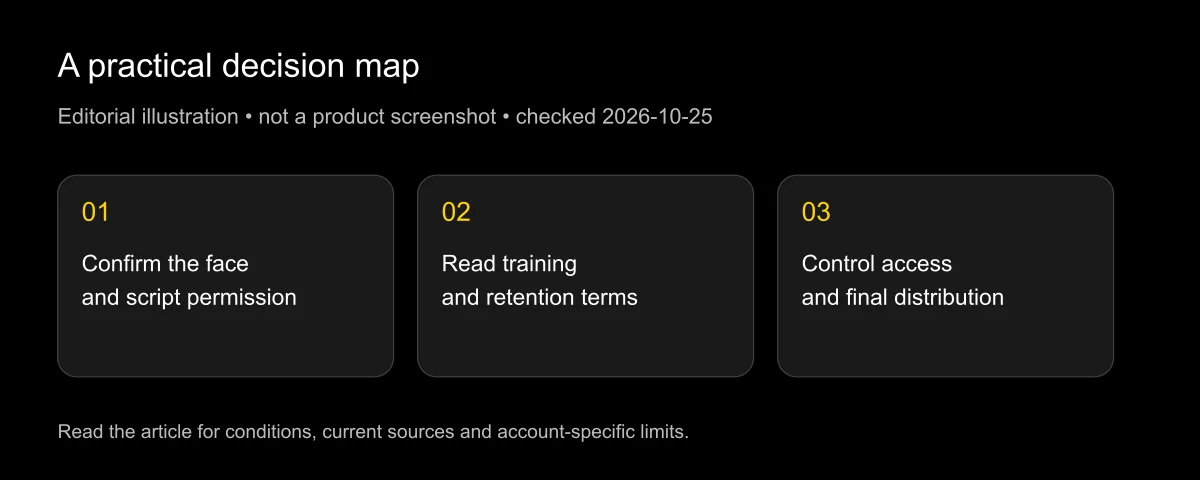
Uploading your face photo to an AI lip sync tool can be a reasonable choice when you understand the provider, control the material and accept the documented data use. It is not risk free. A secure connection, an attractive result or a paid account alone does not establish how the image, face geometry, voice and resulting video will be retained or reused.
Checked: 2026-10-25. This guide separates public policy statements from editorial precautions and unanswered questions. It is practical information, not legal advice or a security audit. LipSyncX publishes it and sells related services; we disclose that commercial interest and do not certify any vendor as universally safe.
Upload only what the project needs, after checking the exact product's training and retention terms. If those terms cannot meet your requirements, use a permitted alternative subject or postpone the upload.
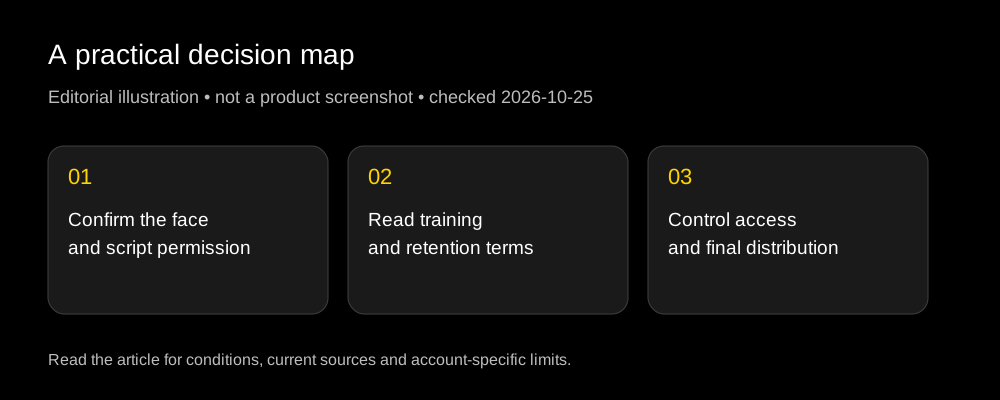
What are you actually uploading?
A face photograph can reveal identity, location, workplace, other people and background documents. A talking-video job may also include a voice recording, a script, account metadata and a generated likeness. Treat the package as more than a single image.
A provider may derive face landmarks, geometry or other information needed for animation or verification. The relevant legal categories depend on the processing and jurisdiction; do not assume that every photograph is legally classified the same way everywhere.
There is an operational distinction too. A photo-to-avatar job may create a reusable avatar, while a one-shot video edit may process a single performance. A stored voice clone can remain useful for future generation after the original recording has served its immediate purpose.
Before opening an upload dialog, list the objects the workflow creates: original photo, voice, derived avatar, generated video, share link and any project files. That inventory makes deletion questions specific enough to answer.
What do current public policies say?
The following matrix is a narrow document summary, not an independent inspection of infrastructure.
| Provider | Public statement reviewed | What that does not establish |
|---|---|---|
| HeyGen | General privacy policy allows model improvement and offers an opt-out request; biometric notice has more specific consent and retention provisions | That every account, feature and data type has the same contractual treatment |
| Sync | Privacy policy includes model development/training purposes; enterprise-only zero-retention options are documented | That an ordinary self-serve account has zero retention or an automatic training exclusion |
| D-ID | Biometric policy says biometric information is not used to train its AI models | That every uploaded asset, anonymous aggregate or third-party component is covered by an identical no-training statement |
Sources: HeyGen privacy policy, HeyGen biometric notice, Sync privacy policy, Sync retention support article, and D-ID biometric privacy policy.
Public-policy excerpts, checked 2026-10-25: HeyGen lists “train and enhance the models” among its purposes; Sync's enterprise support page says “Zero data retention options” are enterprise-only. These are narrow source excerpts, not a claim that every face upload follows identical rules. HeyGen policy, Sync retention options
Policy: the cells report written vendor statements. Inference: a public statement about one data category should not be extended automatically to every artifact. Not established here: actual deletion performance, internal access logs or whether your particular enterprise contract overrides the public default.
Training, retention and security answer different questions
Training concerns whether data can contribute to improving or fitting models. Retention concerns whether a copy, derived template or other record remains available. Security concerns controls protecting access and handling. A favorable answer to one does not answer the other two.
A provider could retain a private project so that you can edit it later without using it for training. Another workflow could delete a temporary input file while preserving an avatar or output. A security certification would still need its scope checked before it became evidence about either practice.
Do not accept “encrypted” as a complete response to a training question. Encryption helps protect data in specified contexts; it is not a promise that the authorized service will never process or retain it.
Similarly, “we do not sell your data” does not necessarily mean “we do not use your inputs for improvement.” Read the purpose-specific clauses. The training and retention guide provides a more detailed worksheet.
Ten questions before you upload a face
- Whose face is it? Do you have the person's permission for this particular synthetic use, rather than only possession of the photo?
- Who owns the image? A subject's consent does not automatically clear the photographer's rights.
- What will the person appear to say? Approve the script and context before creating the likeness.
- Which product receives the file? A marketplace, editor plugin and direct vendor can involve different providers.
- Can inputs be used for model improvement? Find the actual policy clause and available controls.
- How long are inputs and derived templates kept? Ask separately about projects, avatars, voice clones and backups.
- How do you delete them? Look for a usable control or a documented request process.
- Who else can access the project? Review collaborators, public galleries, share links and integrations.
- Where will the result go? A private draft and a public advertisement create different exposure.
- What is the fallback? Use a stock avatar, illustration or ordinary voiceover if the face upload is unnecessary.
These are editorial questions you can apply to any provider, including LipSyncX. They are not a claim that a particular vendor passes every item.
A lower-exposure upload workflow
Start with a copy made for the project. Crop out unrelated people, address labels, badges and background screens. Remove unnecessary embedded location metadata where appropriate, and retain enough image quality for the supported workflow.
Use the shortest useful audio sample. A ten-second approved sentence can answer a quality question without uploading a whole confidential interview. Keep personal stories, customer names and unreleased commercial claims out of a technical test.
Prefer a project with a limited audience. Check sharing defaults before sending a review link. If a link is accessible to anyone who has it, treat forwarding as a possibility and use an appropriate review channel.
After approval, store the final master where your team controls access. Remove unused assets and derived templates through the provider's supported controls, then record any deletion request that matters to the project.
For the actual generation, use a permitted portrait in the talking-photo workflow, or evaluate recorded footage in the lip sync workspace. Check the current product terms before uploading; this article is not a substitute for them.
When is an enterprise agreement the right next step?
A team handling employee likenesses, confidential scripts or customer material may need terms beyond a consumer privacy page. Ask for the precise product scope, processing purposes, subprocessors, retention schedule and deletion procedure in the applicable agreement.
A zero-retention option is useful only after you know what it covers. Does it include originals, intermediate files, generated outputs, logs and backups? Is it enabled for the account you will actually use, and does it affect support or troubleshooting?
Sync's public support page says zero-data-retention options are available only to enterprise customers. That is availability information, not proof that a specific organization has enabled the feature. Obtain the account-specific arrangement before describing the workflow to staff or customers as zero retention.
A DPA also needs to match the real data flow. If a separate voice service receives the audio or an automation platform stores public input URLs, include those services in the review. The lip sync vendor is only one part of the pipeline.
What can go wrong after generation?
The output can be forwarded, copied or placed in a context the subject never approved. Deleting the original project does not recall copies downloaded by other people. That is why distribution choices matter alongside provider storage.
A believable face and voice can also imply an endorsement. Approving a friendly product introduction does not necessarily approve a political statement, testimonial or later script variation. Keep the allowed use and revision scope clear.
An account compromise can expose reusable avatars or projects. Use a strong, unique login and available account protections, limit team access and remove collaborators when the work ends. These are ordinary access controls, not guarantees against every attack.
The video itself can introduce errors: altered facial features, misleading pacing or a word that appears to be spoken inaccurately. Review the finished sentence with the person responsible for it before delivery, especially for consequential claims.
Does an ordinary photo solve the privacy question?
A familiar headshot may feel less sensitive than a scanned identity document, but context still matters. The same face can become more revealing when combined with a name badge, a workplace, a private script or a reusable voice. Remove details the task does not require.
A synthetic illustration or a licensed stock presenter can reduce the need to upload a real person's face for an early technical test. Check the stock asset's license as well; an available image is not automatically licensed for avatar creation or every advertisement.
Choose the subject after deciding what the trial must prove. If you only need to verify aspect ratio, upload handling or export settings, your actual customer's face is usually unnecessary for that first check.
What evidence should you keep?
Keep a small private project record: permission for the likeness and voice, the approved script, product and plan, policy links with checked date, relevant opt-out or deletion requests, and the final approved master.
Do not put raw face samples, employee names, account emails or support ticket identifiers into a public comparison article merely to show that you tested a service. A redacted summary can document a decision without exposing the person behind it.
A helpful procurement note distinguishes evidence levels: “The policy says X”; “our account displays setting Y”; “support confirmed Z”; and “we have not independently verified deletion.” Each statement tells a reviewer what still needs confirmation.
If the documented terms conflict, save both versions and ask which applies to your account. Do not solve an ambiguity by choosing the sentence you prefer. For sensitive work, wait for a sufficient written answer before uploading.
FAQ
Is it safe to upload my face photo?
It can be reasonable when you control the material, understand data use and accept the remaining exposure. No public policy can guarantee zero risk, and this review does not independently audit the providers.
Does paying prevent training on my face?
Not automatically. The plan, product, data category and applicable contract matter. Check the privacy policy, biometric notice and any account-specific enterprise terms together.
If I delete the video, is my face data gone?
That is not established by deleting one visible file. Ask about the original input, avatar, derived template, voice clone, backups and any other retained records separately.
Can I upload a colleague's headshot for an internal demo?
Obtain permission for the synthetic use and follow your organization's data rules. “Internal” does not eliminate face, voice or image-rights questions. A stock avatar can be a simpler test subject.
Does an AI label make an unauthorized face upload acceptable?
No. A disclosure tells viewers something about the media; it does not provide the subject's permission or clear the image rights. See the commercial-use guide before publication.
Make the upload decision before making the video
Use the ten questions above for the exact product you intend to use. If one answer is essential and still unknown, test the workflow with an appropriately permitted alternative subject. Compare the 2026 tool categories before committing personal material.
Update record: 2026-10-25: reviewed current privacy, biometric and enterprise-retention pages. Public rules and contracts can change; consult the applicable documents and qualified advice for jurisdiction-specific obligations.