Best AI Lip Sync Generators in 2026: Choose by Workflow
Download the tutorial slides
An editable English PowerPoint version of this tutorial.
8 slides · 1.2 MB
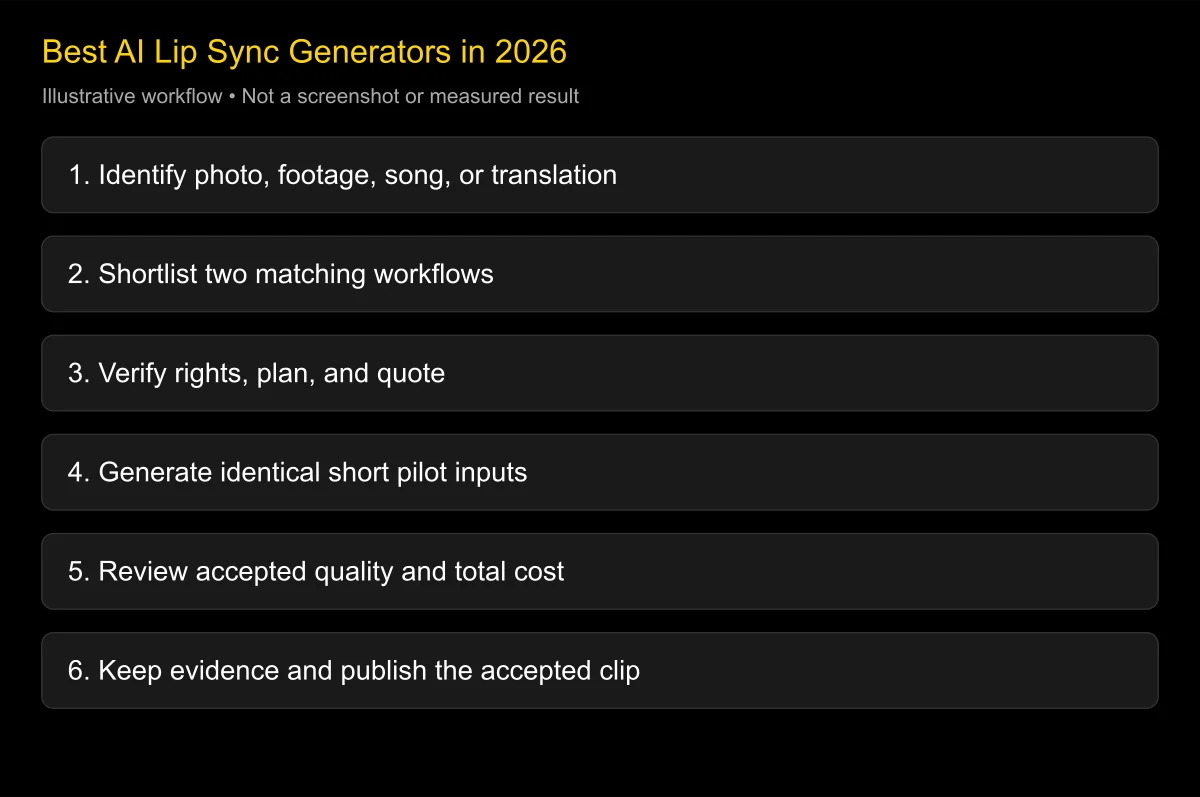
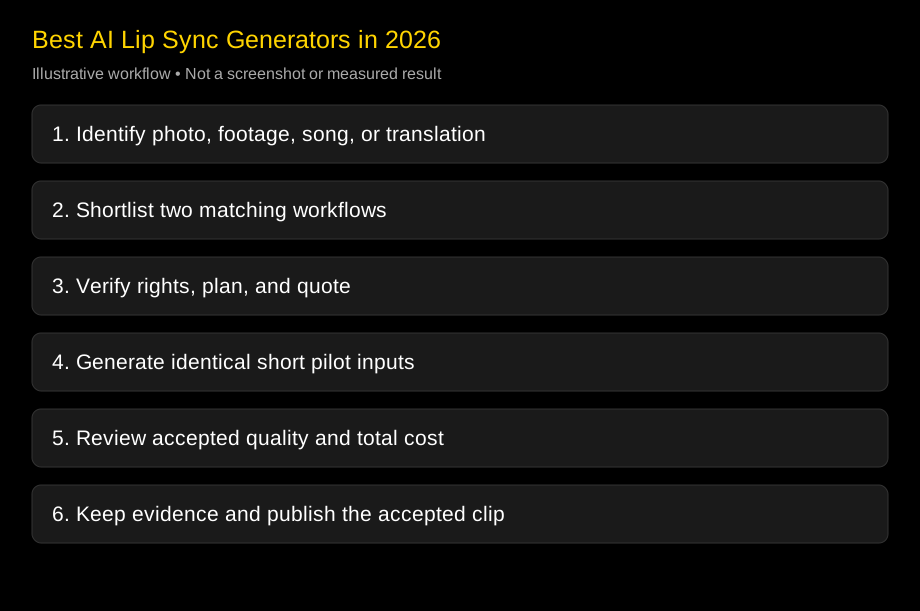
Download PowerPoint (English)The best AI lip sync generator in 2026 depends on whether you start with a photo, filmed footage, a translated script, or a song. Shortlist a portrait tool for a talking image, a footage/audio workflow for visual dubbing, and a translation platform when language review is the main job. There is no defensible universal winner without testing the actual material.
Checked: 2026-10-25. This guide compares publicly documented workflows and provides a pilot plan. It does not present invented hands-on scores or claim that we generated matching samples in every product.
Choose by the input you need to preserve and the work you already own. A tool that creates a good avatar can still be the wrong purchase when the task is to retain an existing actor’s performance.
How this shortlist was assembled
We reviewed official feature descriptions, current pricing structures, and relevant open project repositories. Inclusion means a product documents a useful path for a common reader task. It does not mean the product was awarded a realism score by our team.
LipSyncX publishes this article and sells tools in the same category. We identify its own examples as first-party evidence and apply the same requirement for a pilot to our own product. Competitor links are provided for verification, not as evidence of editorial independence.
This matters because marketing pages can answer “does the product offer this feature?” while leaving “will this exact shot be usable?” unresolved. A useful shortlist separates those questions. It also records the checked date because models, language coverage, billing, and export permissions can change.
Proposed evaluation weights
For a pilot, use the following priorities and change them before reviewing outputs. These weights describe a suggested decision method. They are not measured results and should not be read as product scores.
| Criterion | Weight | Evidence to collect |
|---|---|---|
| Fit for the input and required workflow | 25% | Source-image or footage support; editable stages |
| Accepted visual quality | 25% | Same-input exports reviewed at delivery size |
| Audio and language control | 15% | Approved pronunciation and native-language review |
| Editing and production integration | 15% | Timeline, API, job, and batch requirements |
| Cost per accepted deliverable | 10% | Quotes, retries, required plan, and reviewer time |
| Operational suitability | 10% | Storage, support, retention, and repeatability |
Commercial permission, authorized likeness and voice, and required data terms are pass/fail gates. A numerical average should never turn an unauthorized face or an unacceptable contract into a usable production choice.
The short answer by workflow
| Your task | Start your shortlist here | Why it belongs | What still needs testing |
|---|---|---|---|
| Make one portrait speak | LipSyncX, D-ID, HeyGen, sync-3 | Photo-led routes are available | Identity and expression on your photo |
| Replace speech in filmed footage | Sync, HeyGen, LipSyncX video dubbing | Footage plus new audio is the relevant input | Turns, cuts, speaker assignment |
| Localize a reviewed business video | Rask, HeyGen, D-ID Translate | Translation and voice can share the workflow | Exact target language and visual output |
| Make a social singing photo | CapCut App, LipSyncX singing workflow | The task includes music-driven articulation | Sustained vowels and licensed audio |
| Create repeatable training videos | Synthesia, HeyGen, D-ID | Presenter and authoring workflows matter | Team approvals and delivery requirements |
| Inspect or self-manage an image project | SadTalker | Open implementation is available | Setup, checkpoint rights, and output quality |
These are conditional starting points. No row means that all listed products have identical capabilities, equal quality, or equivalent commercial terms. A short pilot should decide which route earns the next stage of your budget.
LipSyncX: a direct route for photo and audio projects
LipSyncX is relevant when you want to bring an image and an existing voice recording into a browser workflow. Its talking-photo tool, video dubbing, and singing-photo workflow represent different starting points. Choose the input route before choosing a model.
Pros: a creator can begin with an authorized portrait or existing footage, inspect the offered quote, and make a small sample. Existing first-party lesson examples provide a concrete look at a finished short clip rather than a feature list alone.
Cons: those retained examples do not establish a broad comparative quality ranking. A single fictional presenter and short English recording cannot demonstrate reliability for multiple faces, pets, every language, or a complex song. Review the currently offered model and settings with your own material.
Best fit to investigate: occasional portrait-led explanations, greetings, and short presenter segments when you already have the script or voice. Conditional verdict: put a ten-second pilot through the actual tool, then accept or reject the export on timing, identity, and intended viewing size.
For a transparent starting example, see the October 14 first-party model guide. It retains the portrait, two generated clips, and the specific conditions used. Do not treat that older eight-second example as a current price quote.
Sync: useful when you own the footage and voice pipeline
Sync’s documentation describes video/audio generation, multiple model options, SDKs, and asynchronous production features. That makes it a natural candidate for an editor or developer who already has translated audio and wants a visual processing stage.
Pros: the service can fit a separate editing and voice stack. Model selection and API access give a team room to test a repeatable process. Its current documentation also describes built-in dubbing paths rather than requiring every language workflow to be assembled externally.
Cons: using a specialist stage still leaves someone responsible for source permissions, translation approval, storage, error handling, and final review. Features and throughput depend on the model and account tier. “Usage based” also does not automatically mean there is no subscription.
Best fit to investigate: filmed interviews, post-production replacement audio, and programmatic workflows. Conditional verdict: shortlist Sync when the visual task is central and the team can manage the surrounding stages.
A date-sensitive correction matters here: Sync’s June 2026 single-image article describes sync-3 generating a talking video from a still. Do not describe every Sync model as footage-only, or assume that newer image support applies to every older model.
HeyGen: useful when creation and localization share one workspace
HeyGen’s lip-sync page documents both existing-video replacement audio and photo-avatar generation. That breadth is relevant to a marketing team that may need a presenter one day and a translated product video the next.
Pros: script, voice, avatar, and localization options can reduce handoffs. A nontechnical team can evaluate a complete production route without first writing an API integration. The same company’s product family covers several starting inputs.
Cons: a broad product family creates plan and mode distinctions. The mode used for an avatar demo may differ from the mode needed for side-profile footage. Confirm the actual export, editing, language, and commercial conditions instead of applying a homepage claim to every feature.
Best fit to investigate: teams that need one creation workspace and value a coordinated interface. Conditional verdict: compare HeyGen with a specialist when you need to preserve existing footage; compare it with portrait tools when you start from a still.
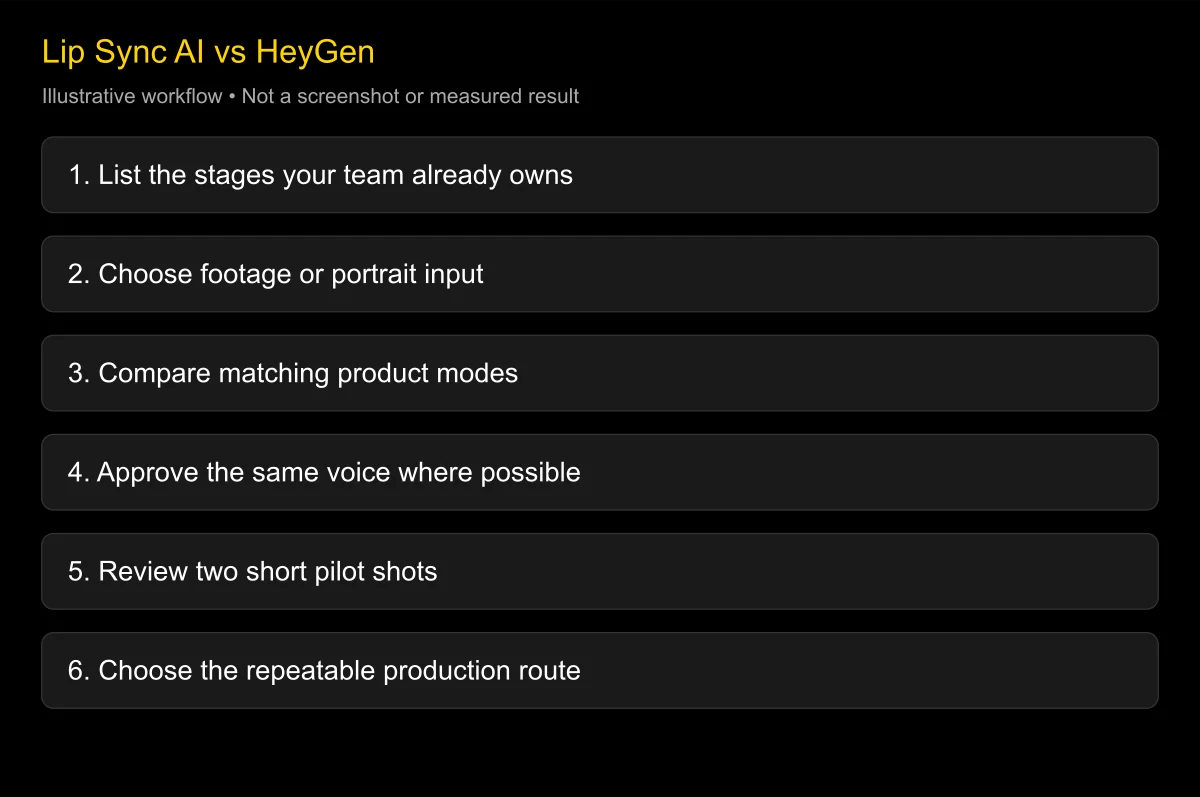
For the practical choice between a complete platform and an isolated processing stage, read Lip Sync AI vs HeyGen. The comparison is about responsibilities and handoffs, not about assuming one category always produces a better face.
D-ID: useful for avatar-led business communication
D-ID’s Creative Reality Studio describes turning text, audio, and still images into avatar-driven videos. Video Translate is a separate documented route for existing videos, cloned speech, and adapted lip movement.
Pros: portrait-led communication and translation have clear product paths. This is worth investigating for a business already using D-ID, especially when the project is an explainer or a presenter-led update rather than a cinematic replacement shot.
Cons: do not merge the language totals or plan rights of separate D-ID products. The translation page and Studio page currently describe different coverage. Watermark and commercial-use rules also need careful reading for the exact plan; the entry price alone is not the acceptance criterion.
Best fit to investigate: structured presenter content and teams already invested in D-ID workflows. Conditional verdict: evaluate Studio for photo-led creation and Video Translate for filmed content, with separate pilots when you need both.
Rask: useful when translation approval drives the project
Rask’s video translator describes terminology controls, segment editing, voice choices, and optional lip sync. This makes it relevant when the practical difficulty is reviewing multiple language versions and keeping technical words consistent.
Pros: translation controls put meaning and terminology into the workflow. An editor can investigate whether reviewers can correct a sentence before the final version is exported. That is more useful for training material than treating translation as an invisible step.
Cons: a translation feature does not prove facial naturalness. Confirm which target languages and settings support the required visual output. Also check what counts as a billable final result, how revisions work, and whether API and web plans have different terms.
Best fit to investigate: a product library, training program, or multilingual publishing process with a native-language reviewer. Conditional verdict: shortlist Rask when reviewer control is a major requirement, then test its lip-sync stage as strictly as any standalone generator.
CapCut App: useful for a social singing-photo project
CapCut’s singing-photo page describes an App workflow through AI Dialogue Scene, photo selection, lyrics or audio, voice choice, and export. The page is about the App; it should not be presented as proof that the identical feature is available in every browser account.
Pros: it is worth investigating when the finished clip is a light social post and the creator already edits in CapCut. Its documented flow connects the singing-photo operation with a familiar editing and sharing context.
Cons: feature availability can depend on app version, region, and account. A webpage describing steps is not an account-level verification screenshot. Music and template availability also do not automatically establish permission to use that material in an advertisement.
Best fit to investigate: playful greetings, social clips, or a quick singing-photo concept. Conditional verdict: check the feature on your actual device, then test a short, authorized vocal excerpt. For the full process, see singing-photo workflow with your own audio.
Synthesia: useful when the deliverable is a training video system
Synthesia’s official site positions the product around business video creation, avatars, translation, and related authoring tools. It belongs in a shortlist when the buyer needs a repeatable training-production process rather than only a mouth-replacement operation.
Pros: evaluate it when templates, recurring presenters, organizational review, and a library of training videos matter. The relevant purchase question is whether the full process makes maintaining the content practical for the team.
Cons: a stock presenter or personal avatar is not the same input as an arbitrary filmed scene. Verify the particular source and dubbing route before treating a business-authoring product as a substitute for specialist footage processing.
Best fit to investigate: employee learning, internal instructions, and presenter-led education. Conditional verdict: include Synthesia when team authoring is central, and compare the whole maintenance workflow rather than only one attractive sample frame.
SadTalker and Wav2Lip: distinguish open access from a usable license
SadTalker’s repository provides an open implementation for audio-driven single-image talking-face animation. It can be a useful technical starting point when a team wants to inspect or run an image project in its own environment.
Pros: implementation access, reproducible setup work, and control over where the pipeline runs can be valuable. Cons: hardware, dependencies, weights, storage, and maintenance still cost time and money. Check the exact revision and the rights attached to all downloaded components.
The original Wav2Lip repository is an important research reference for audio-driven lip generation. Its repository limits use to personal, research, and noncommercial purposes. Do not label the original release a free commercial production substitute merely because the source can be downloaded.
Best fit to investigate: research, controlled evaluation, or a properly licensed self-managed implementation. Conditional verdict: put license and deployment suitability before any cost comparison, then review the actual generated face. Open source is a deployment characteristic, not a quality score.
Compare pricing models before comparing headline prices
| Billing shape | What to record | Common misunderstanding |
|---|---|---|
| Subscription with allowances | Included feature, credits, export rights, expiry | Assuming every minute uses the same model rate |
| Subscription plus usage | Required tier and generated seconds | Reading “usage based” as subscription-free |
| One-time credit purchase | Quote, rounding, credit rules, export unlocks | Treating remaining credits as a cash balance |
| API usage | Endpoint, model, seconds, retry behavior | Ignoring storage and failed-job handling |
| Self-managed project | Compute, maintenance, review, license | Calling engineering and GPU time free |
This table avoids static headline prices because the decision depends on the exact mode and output. A quote for ordinary avatar speech cannot be substituted for a premium video dubbing quote. Confirm the current checkout and save the date and plan.
For a practical budget, count accepted target-language seconds, anticipated attempts, and reviewer time. A ten-second clip generated twice is twenty generated seconds under a pure per-second model, before any minimum billing unit. That is arithmetic, not a vendor-specific charging promise.
Use the cost-per-video guide, ten-second credit guide, subscription-free options, and credit expiry explanation before purchasing a larger balance.
Test Chinese, dialects, and privacy requirements explicitly
A language total is a discovery clue, not a guarantee for Mandarin technical terms, a regional accent, or a Japanese brand name. Ask a native reviewer to approve a short line with the actual names and numbers. Then compare the visual output using that approved recording.
Separate text-to-speech support from audio-driven mouth animation. A product may accept an uploaded recording in a language that its built-in voice list does not generate. Conversely, a TTS language may not be available in every avatar, translation, or cloning feature.
For sensitive employee or customer faces, check the upload route, retention, training use, deletion process, and any enterprise contract. Do not put a personal-account privacy promise in an enterprise matrix without verifying that it applies to the planned workflow.
Read the face-upload safety guide, training and retention matrix, and commercial-use guide. Those are separate decision gates from visual quality.
Run a pilot that can reject a tool
Pick one easy case and one realistic difficult case. For a course, that might be a frontal explanation and a shot with a head turn. For a singing project, include both a clear phrase and a sustained vowel over the final accompaniment.
Use the same authorized picture or footage and the same audio wherever possible. Record the model, tier, date, and settings. Compare exports at the final crop and playback size, then inspect the exact timecodes that distract reviewers.
A practical acceptance sheet includes intelligibility, pronunciation, mouth timing, identity stability, expression, export format, permissions, and cost. Write a pass condition before rendering. If the tool fails a critical condition, do not let a better-looking cover frame rescue it.
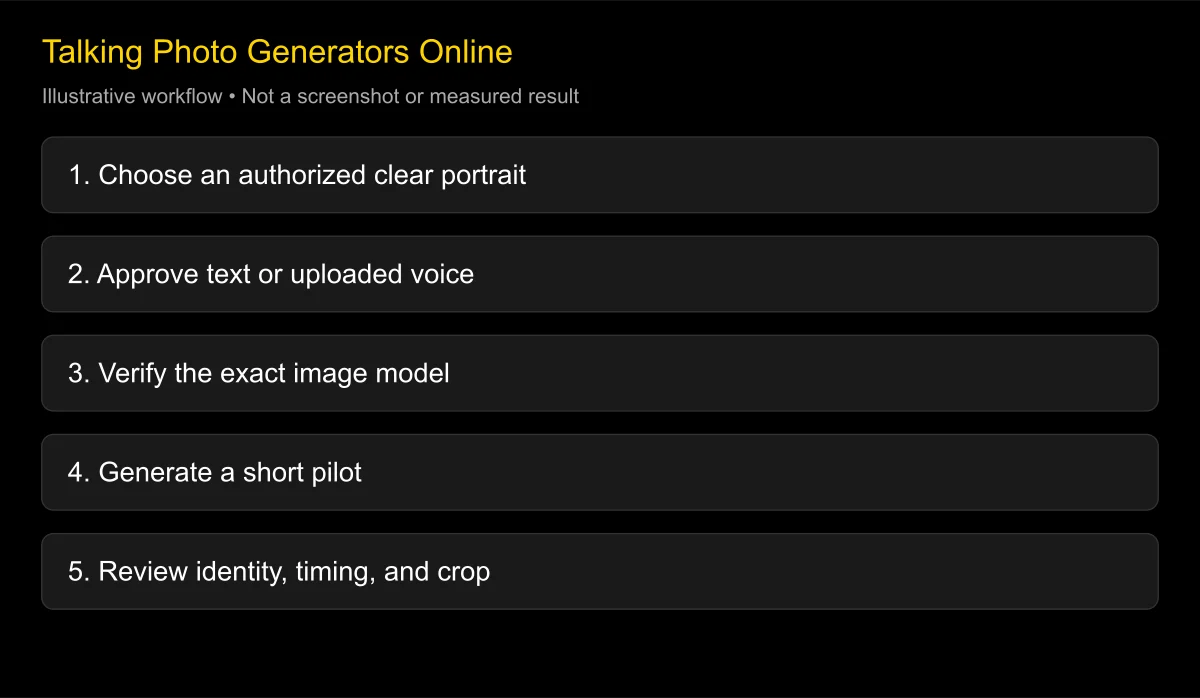
For detailed review criteria, use the first-party model comparison example. For preparation, see making a photo lip sync online, photo-and-audio tutorial, and text-to-speech photos.
Keep rejected results in the comparison record
A comparison becomes more useful when it explains what was rejected and why. Keep the first completed output from each candidate, including an unattractive result. If you change the photo, audio, crop, or model after seeing the result, mark the next output as a new test rather than silently replacing the original.
For a small proposed pilot, two candidates and three source conditions produce six initial outputs. That is a test plan, not a claim that this article ran six jobs. Use a frontal spoken line, a realistic difficult shot, and the exact delivery case, such as a sung phrase or a target-language recording. If a candidate cannot accept a condition, record that compatibility limit instead of awarding a zero for visual quality.
Separate rejection reasons into input incompatibility, generation failure, unusable delivery format, visual defects, and rights or contract restrictions. The fix differs in each case. A face outside the supported input category needs a different route; a wrong pronunciation needs an audio correction before another visual render.
Calculate cost per accepted result from the attempts you actually retain. Keep generation charges and reviewer time as separate lines so a teammate can update either assumption. Do not extrapolate a success rate from one attractive sample, and do not describe a trial queue as a contractual delivery deadline.
Match the release to the audience
A casual greeting can tolerate playful movement that would look inappropriate in a safety instruction. An advertisement requires careful likeness, voice, music, and platform disclosure checks. A translated lesson also needs an accurate sentence and readable captions.
For mobile delivery, inspect the actual phone-sized crop. Readable captions and a stable face can matter more than a high-resolution full-width master. Keep the face and subtitles inside the intended vertical framing rather than assuming an automatic crop will preserve them.
The browser talking-photo workspace and browser-without-download guide cover access decisions. The free trial guide and trial and watermark allowance comparison help distinguish evaluation access from a publishable export.
If the source is unusual, test it separately. pet and anime input guidance, pet and anime input guidance, song-driven photo workflow, and lip-sync troubleshooting guide each introduce failure modes that a standard headshot cannot verify.
FAQ
What is the best AI lip sync generator in 2026?
Start with the workflow table above and test two suitable candidates. A universal first place would require comparable evidence across inputs, models, and delivery requirements that this documentation review does not claim to provide.
Which tool is most accurate?
Accuracy needs a defined source, approved audio, and review criteria. Use the naturalness protocol and preserve the exports; a vendor’s “accurate” claim alone is not a comparative result.
Should I choose a talking-photo generator or video dubbing?
Choose a talking-photo route when you have a still and want it animated. Choose video dubbing when you already have footage and need its visible speech adapted to a replacement voice.
Can one tool handle both dialogue and songs?
Some document both routes, but spoken success does not prove singing quality. Test a separate vocal excerpt and confirm the rights to the composition, recording, voice, and image.
Is a free tool suitable for client work?
Only if the exact plan, license, and source rights permit that use and the export meets the delivery requirements. Free evaluation access is not automatically a commercial license.
Can I combine a voice service with a specialist lip-sync API?
Yes, where the relevant terms and formats permit it. Approve the voice first, keep versioned assets, and make someone responsible for translation, visual review, storage, and retries.
Choose one source and one acceptance test
Open the LipSyncX talking-photo tool for an image, or video dubbing for filmed footage. Inspect the quote, generate a short authorized pilot, and compare that exact source with one other candidate before committing the full project.
Changelog
- 2026-10-25: Reviewed official product descriptions and current billing structures. Added workflow-specific shortlists, proposed evaluation weights, licensing distinctions, and links to the full FAQ series. No unperformed benchmark or universal champion is claimed.