
Lip Sync AI vs HeyGen: Specialist Tools or a Shared Video Workflow?
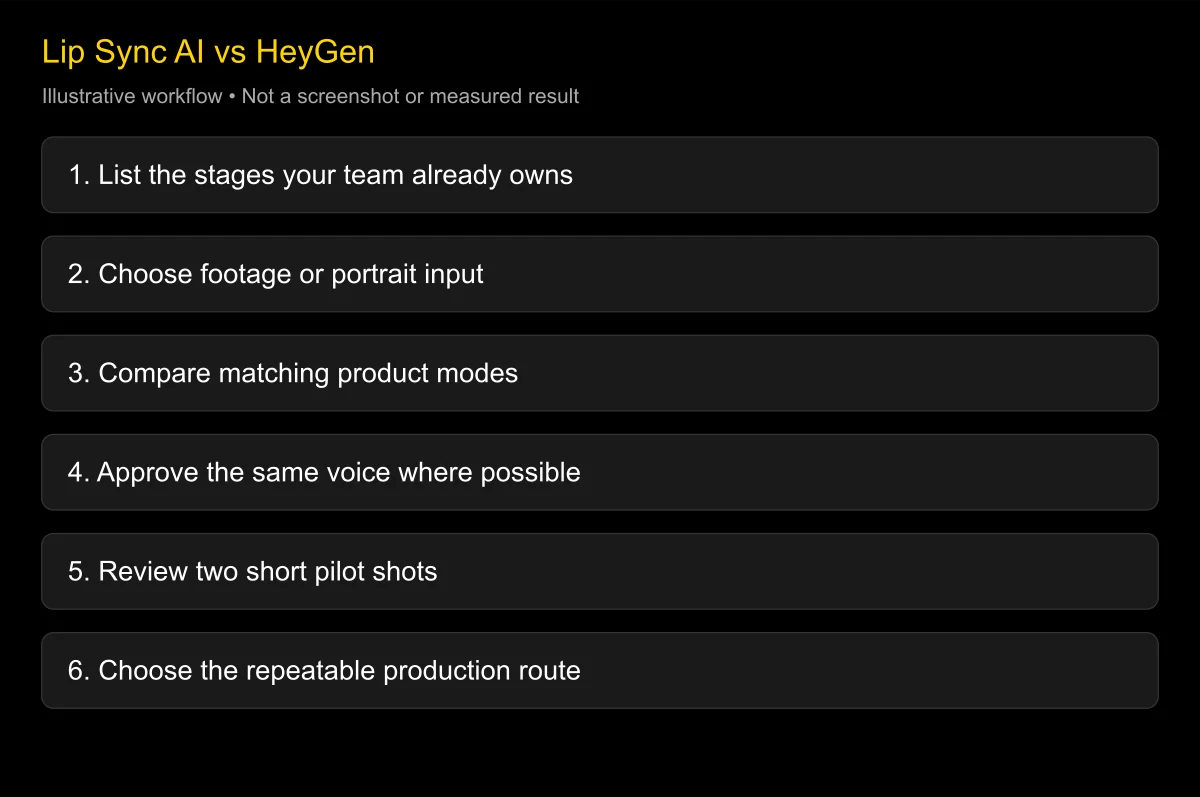
“Lip sync AI vs HeyGen” usually means a choice between a specialist visual-processing tool and a broader video-creation platform. HeyGen itself offers lip-sync features, so these are not opposing technologies. Choose based on which stages you want your team to own: script, translation, voice, visual generation, editing, and release review.
Checked: 2026-10-25. This comparison reviews official capability pages and workflow boundaries. It does not claim a new same-input naturalness contest or an independent quality score for either approach.
If your team already owns approved voices and edited footage, investigate a specialist stage. If the team needs a coordinated route from script to presenter or localized video, investigate a broader platform such as HeyGen.
Define the comparison before choosing a side
A specialist video/audio tool receives footage and a replacement voice track, then generates adapted lip movement. A broader platform may also supply voices, scripts, avatars, translation, templates, and collaboration. The value of that extra work depends on what you already have.
The boundaries are changing. Sync’s documentation describes multiple lip-sync models and additional dubbing capabilities, and its single-image guide describes sync-3 making a talking video from a still. It would be inaccurate to describe every specialist as footage-only.
Likewise, HeyGen’s lip-sync page includes existing-video replacement audio as well as photo avatars. It would be inaccurate to imply that HeyGen only makes stock presenters or cannot work with filmed material.
Compare inputs, outputs, and responsibilities
| Dimension | Specialist route, such as Sync | HeyGen route | What to confirm |
|---|---|---|---|
| Input | Often footage plus approved audio; model-dependent image support | Footage, portrait, script, or avatar workflow | Exact feature and model |
| Voice | Bring an approved track or use available voice features | Investigate integrated voice and cloning options | Voice rights and pronunciation |
| Translation | Keep your process or use supported dubbing functions | Investigate integrated localization | Exact target-language feature coverage |
| Output | Adapted video for your existing edit | Presenter or localized video within a broader workflow | Format, crop, watermark, and plan |
| Automation | API and production handling may be central | Investigate the relevant API product separately | Endpoint, allowance, concurrency, and terms |
| Billing | Usage and required access tier may both matter | Plan and feature-specific consumption matter | Quote for the actual mode |
The table describes responsibilities rather than quality rankings. A specialist route can still have a browser interface, and a complete platform can still expose an API. Evaluate the actual product path rather than purchasing from a category label.
Disclosure: LipSyncX publishes this article and offers both talking-photo and video dubbing workflows. Our commercial relationship to the category is explicit; competitor links document their features and do not establish independent testing.
Choose HeyGen when the team wants a shared creation route
A small marketing team may have a script and a deadline but no separate voice provider or localization process. In that situation, keeping script, voice, presenter, and export close together can reduce coordination work.
For example, a product manager needs a short onboarding presenter in two languages. The useful pilot is the complete route: prepare the script, choose the voice, generate, ask native reviewers to check it, and export the required crop. Compare how much work the team performs, not only the face in the preview.
Pros to investigate: coordinated creation stages, a broader presenter workflow, and fewer manual file transfers. Cons: specific modes, language coverage, editing options, and export rights may depend on the plan. A feature name on the public page is not a guarantee that it is available in the chosen account.
Conditional verdict: investigate HeyGen when a common workspace solves a real handoff problem. Do a separate footage pilot if preserving an existing actor’s performance is also required.
Choose a specialist when the approved audio already exists
An editor may already work in Adobe Premiere with a finished voiceover and approved translations. Recreating the script and voice inside a different platform can add work without improving the deliverable. A focused footage/audio stage may fit more naturally.
Sync’s official site links a Premiere integration, and its documentation describes API and SDK options. Verify the current integration and exact model on your own timeline. A plugin should be tested for import, export, clip boundaries, and audio alignment rather than assumed to preserve every editing detail.
Pros to investigate: independent control over voice production, the ability to keep existing assets, and a visual stage that can fit an established process. Cons: your team still owns translation approval, versioning, storage, error handling, and final assembly.
Conditional verdict: shortlist a specialist when the team already has reliable upstream stages. The tool should improve the visual step without making the rest of the process harder to maintain.
When does D-ID make more sense?
D-ID’s Studio page describes avatar-led creation from text, audio, and still images. Its Video Translate page describes a different route for existing footage. These give a useful third option when a comparison starts to sound like a forced two-product contest.
For a team already using D-ID to make presenter-led communications, staying with its existing workflow may be more practical than switching platforms for every short update. For a translated filmed interview, evaluate Video Translate separately rather than treating the Studio demonstration as proof.
Pros to investigate: a clear avatar route and a separate documented translation product. Cons: product-specific languages, branding, and output rights need verification. The right plan for a personal experiment may not be the right plan for a client campaign.
Conditional verdict: include D-ID when the deliverable is an avatar-led explanation or when it already fits the organization’s process. A third candidate often clarifies which requirements are truly essential.
Two concrete team scenarios
A team already uses a voice provider and Premiere
Keep the approved narration and edited master. Select a short frontal shot and a difficult turn, then test a specialist visual stage. Save the exact audio version and return the accepted clip to the original timeline.
Review lip closure, timing at cuts, identity, and whether the output dimensions match the edit. Ask the editor to measure actual assembly and correction time. A service that generates quickly but forces repeated manual alignment may not save production time.
Compare the same footage and voice in HeyGen if the relevant feature supports that input. That comparison answers whether a broader platform improves this specific task. It should not be described as a universal contest between all avatars and all specialist models.
A marketing team wants a finished presenter from a script
Start with the script and the intended publishing crop. Compare an integrated creation route with a photo-led route using the same approved wording. If each product generates its own voice, label the result an end-to-end workflow comparison.
Have a reviewer listen to the audio before judging the face. One unusually expressive voice can make a visual result feel better even if the mouth timing is weaker. Keep separate notes for pronunciation, expression, identity, and export handling.
After a short pilot, choose the process the team can repeat. That may be the platform with more built-in stages, or a simpler photo/audio tool. The deciding evidence is the accepted deliverable and the work required to produce it.
Can you use both approaches together?
Yes, where supported formats and terms permit it. A team can use one service to prepare a licensed voice, another to adapt filmed footage, and an editor for captions, graphics, and the final mix. Keep a record of which service created each asset.
Approve the text before the voice and the voice before the face. If the translated phrase changes, give the audio a new version and invalidate any downstream visual job that uses the old track. This prevents a common release error: new captions with an old spoken sentence.
For automation, maintain a stable project ID, speaker ID, language, audio version, and provider job ID. Check an existing job before retrying after a network failure. Avoid accidental duplicate paid submissions.
For a first visual dubbing pilot, open the video dubbing workspace with an approved source and replacement recording. If the project starts with a still image instead, follow the photo-and-audio tutorial.
Compare total costs with a matching pilot
A subscription price and a per-second rate are different quantities. Add the required access plan, visual usage, voice generation, translation, rerenders, storage, and review. Check whether a quote refers to a simple avatar mode or the actual footage-processing mode you need.
A useful pilot might contain two ten-second clips: one easy shot and one realistic difficult shot. This is a suggested evaluation design, not a provider allowance. Record the quote, actual charge, and number of accepted outputs for each candidate.
Do not convert credits across vendors as if they were the same currency. Do not use a successful render as a proxy for an accepted render. If a technically completed job has unusable identity changes, it belongs in the cost of rejected attempts.
For changing rates and rounding, use the cost-per-video guide and the current product quote. Keep the date and plan with the result so a later buyer can understand the conditions.
What can a feature comparison not prove?
It cannot prove which product looks most natural on your face or footage. It cannot prove that a listed language handles your dialect or technical terminology. It cannot prove an enterprise retention commitment from a consumer marketing page.
It also cannot prove commercial rights from a watermark-free preview. Source image, voice, music, tool output, and destination rules are separate checks. For sensitive projects, confirm the exact terms and agreement before uploading the material.
Use the first-party model comparison example to compare real outputs. Keep the files, settings, and defect notes. If no same-input test exists, describe the finding as a workflow recommendation rather than a measured quality verdict.
FAQ
Is lip sync AI better than HeyGen?
That question mixes a technology category with a product. Compare a specific specialist model and a specific HeyGen workflow using the same source and approved audio where possible.
Can HeyGen dub existing footage?
Its official lip-sync page describes using footage with replacement audio or a script. Verify the required mode, plan, and target-language workflow in the actual account.
Does Sync require an existing video?
Not for every documented model. Sync’s June 2026 article describes sync-3 generating a talking video from a still; do not extend that claim to every older model.
Should I switch if I already use a voice service?
Only if the pilot shows a useful improvement in the whole process. Keeping an approved voice pipeline may be more practical than rebuilding it, but the visual result still needs review.
Can I compare default demos?
You can use them to understand available workflows, but they use different material and are not a fair quality benchmark. Preserve identical inputs for a stronger comparison.
Assign the work before buying the tool
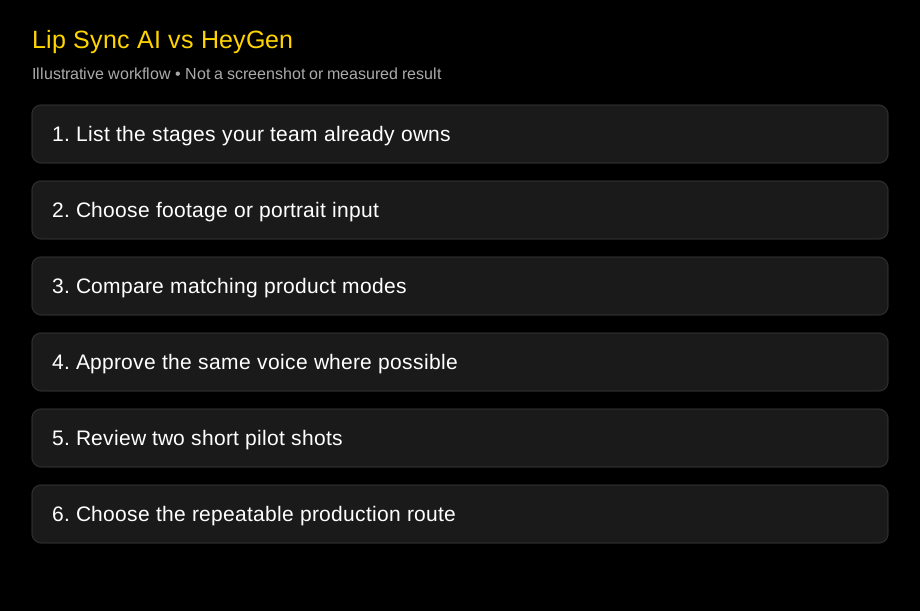
Write down which stages your team already owns, then test the missing stage with a short authorized source. Start with video dubbing for footage or a talking photo for a still, and compare the result with the matching HeyGen route.
Changelog
- 2026-10-25: Checked official HeyGen, Sync, and D-ID feature descriptions. Added specialist and integrated team scenarios, model-specific image support, coexistence architecture, and explicit limits on untested quality conclusions.