
Do Unused AI Lip Sync Credits Expire? Rollover Rules
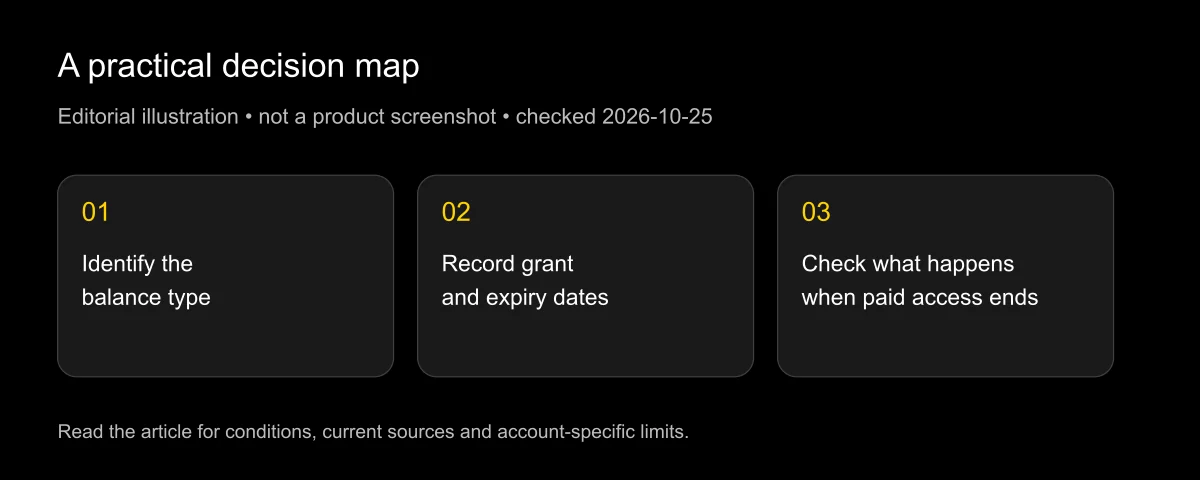
Yes, unused AI lip sync credits or minutes can expire, even when a provider offers rollover. The relevant rule depends on the balance type: monthly grants, annual allocations, top-ups, free generations and legacy usage billing are different systems. Cancellation can end a balance that otherwise appears to have no expiry date.
Checked: 2026-10-25. This guide reviews public policy pages; it does not inspect your private account or promise a refund. LipSyncX publishes the guide and offers related products. That commercial interest is disclosed.
Read “never expires” together with the cancellation clause. A balance that survives only while you keep paying is not the same as permanently owned credit.
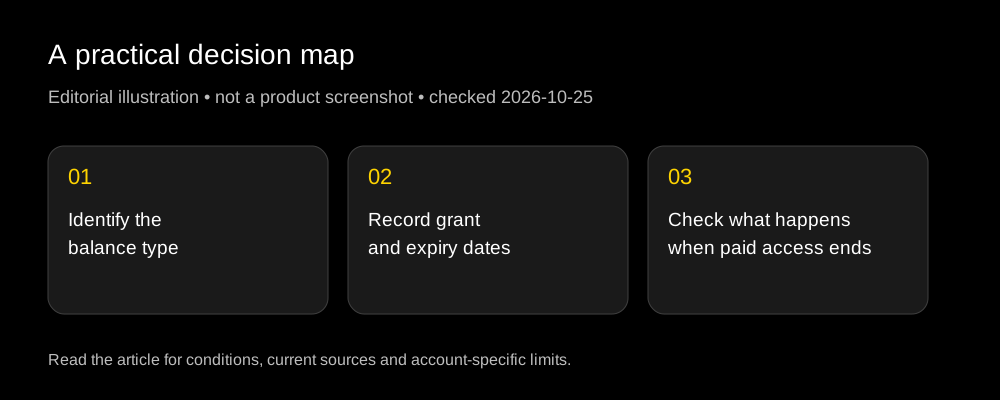
Which balances expire, and when?
| Provider and balance | Public rule reviewed | What to verify in your account |
|---|---|---|
| HeyGen monthly plan credits | One extra billing cycle while paid | Expiry dates and transition to Free |
| HeyGen annual allocations | Accumulate within the annual subscription period | Annual renewal date and remaining term |
| Sync credit-plan monthly grant | Usable through the end of the next billing period | Exact organization billing family |
| Sync credit-plan top-up | No expiry while subscribed; forfeited when subscription ends | Paid-plan end date and refill settings |
| Sync free allowance | Unused generations do not roll over | Next allowance reset |
| D-ID Studio unused minutes | Monthly renewal; unused minutes become void | Product and plan-specific renewal date |
| Sync legacy metered usage | No prepaid credit balance in this system | Pending usage invoice rather than credit expiry |
Sources: HeyGen credit help, Sync credit billing, Sync trial documentation, D-ID Studio pricing FAQ and Sync legacy billing.
Do not assume the table covers API dollars, negotiated enterprise terms or an older promotional pack. If the balance label differs, look up that specific product before spending or canceling.
How should I read a one-cycle rollover?
Think in billing periods, not a permanent bank. Suppose a hypothetical plan grants credits on October 17 and the monthly cycle ends November 16. A one-additional-period rule means that grant can remain usable in the following billing cycle, then expire under the plan's rules.
The dates here illustrate the idea; they are not an account statement for any provider. A calendar-month reset, a monthly anniversary and an annual renewal can be three different dates.
Separate each grant in a worksheet. Record quantity, grant date, expiry date and remaining amount. A single total balance can hide that part of the total expires sooner than the rest.
When the provider spends soonest-to-expire credits first, that helps preserve later grants. It does not extend the old grant's deadline. Read the ledger if your remaining total looks surprising.
What is different about annual plans?
An annual commitment can change the usable window without making every credit permanent. HeyGen's public help distinguishes monthly rollover from annual allocations that accumulate within the annual subscription period.
For budgeting, divide expected useful output by the full committed cost. A lower advertised monthly equivalent is attractive only if the annual term and actual usage fit your needs.
Consider a hypothetical seasonal team that renders heavily for two months and barely uses the tool for ten. An annual allowance might accommodate that pattern if the terms allow accumulation, but the full annual bill still needs comparison with shorter subscriptions or prepaid APIs.
Do not infer that an annual plan grants every future credit on day one. Monthly allocation and annual access are separate features. Confirm when the credits arrive before promising a large batch to a client.
Why are top-ups especially easy to misunderstand?
A top-up may have a different purchase price and lifespan from the monthly pool. It may also depend on an active subscription.
Sync's credit-billing page states that top-up balances remain available while subscribed, but all remaining credits are forfeited when the subscription ends. The practical consequence is straightforward: buying a top-up does not by itself preserve it after cancellation.
An automatic refill adds another question. Before ending a project, inspect the threshold and recharge amount so an unexpected low balance does not trigger a purchase you no longer need. A successful refill also does not necessarily extend the underlying plan.
For HeyGen, do not apply Business top-up rules to Creator or Pro, or regular web-credit rules to the standalone API. The account's exact product label matters more than the generic word “credits.”
A cancellation checklist
Complete these steps before the paid period ends:
- Identify every balance: recurring grant, rollover, top-up, promotion and API funding.
- Record each applicable expiry and the date the plan returns to Free.
- Turn off unwanted automatic refills or review their current settings.
- Download approved outputs and any files you need to retain.
- Finish only necessary, permitted work; do not render junk solely to reduce a balance.
- Save cancellation confirmation and check for outstanding usage invoices.
Cancellation and account deletion are also different actions. Ending renewal does not establish that source photos, voice templates or generated files were immediately erased. Read the photo-retention guide when that matters to your project.
If you are choosing a replacement, use the no-subscription guide and the 2026 generator overview. Check the balance terms of the replacement before moving money into another pool.
How do I avoid buying too much?
Forecast billable output, not your total source library. A ninety-minute interview may need only a twenty-second correction, while a short campaign can require many language variants and revisions.
Use a small representative job to establish your actual debit, then plan one-attempt and revision scenarios. The ten-second credit worksheet helps separate documented arithmetic from measured account usage.
Keep headroom for a useful revision, but do not call the maximum theoretical video count your expected value. Unused allowance and rushed exports can erase a headline discount.
For a new purchase, open current pricing beside your production calendar. Match the smallest practical allowance to the time you can actually complete and approve the work.
FAQ
Do unused credits expire?
Often yes. Monthly rollover typically extends a defined window rather than creating a permanent balance. The provider, plan family and credit type determine the exact answer.
Are top-up credits permanent?
Not necessarily. Some remain valid only while a paid subscription is active. Check both expiration and cancellation language before funding an account.
Will canceling stop all charges immediately?
Do not assume that. Your paid access can continue through the period end, and previously accumulated metered usage can still be invoiced according to the applicable terms.
Should I spend every credit before canceling?
Use credits for planned work you need and have permission to create. Unnecessary rendering adds no value. Prioritize retaining approved files and understanding the final account state.
Does a no-subscription API solve expiration?
It removes a recurring-access commitment only if its offer says so. Prepaid balance expiry, refunds and account-closure rules still require separate review.
Put the renewal date beside the project deadline
Before buying or changing a plan, record the balance type, usable window and cancellation consequence. Then compare the project with the current lip sync offer using the amount of work you can realistically approve.
Update record: 2026-10-25: reviewed official rollover, cancellation and minute-renewal rules; separated legacy usage invoices from credit balances. Rules may change, and enterprise or legacy contracts can differ.